매일 사용하는 도구와 문서를 연결하세요. PDF를 Google Drive, Dropbox, Box 또는 OneDrive로 자동 전송하고, Salesforce, Zoho CRM, HubSpot, PipeDrive와 제출 기반 문서를 동기화하여 워크플로를 체계적이고 자동화되며 완벽하게 정렬된 상태로 유지하세요.
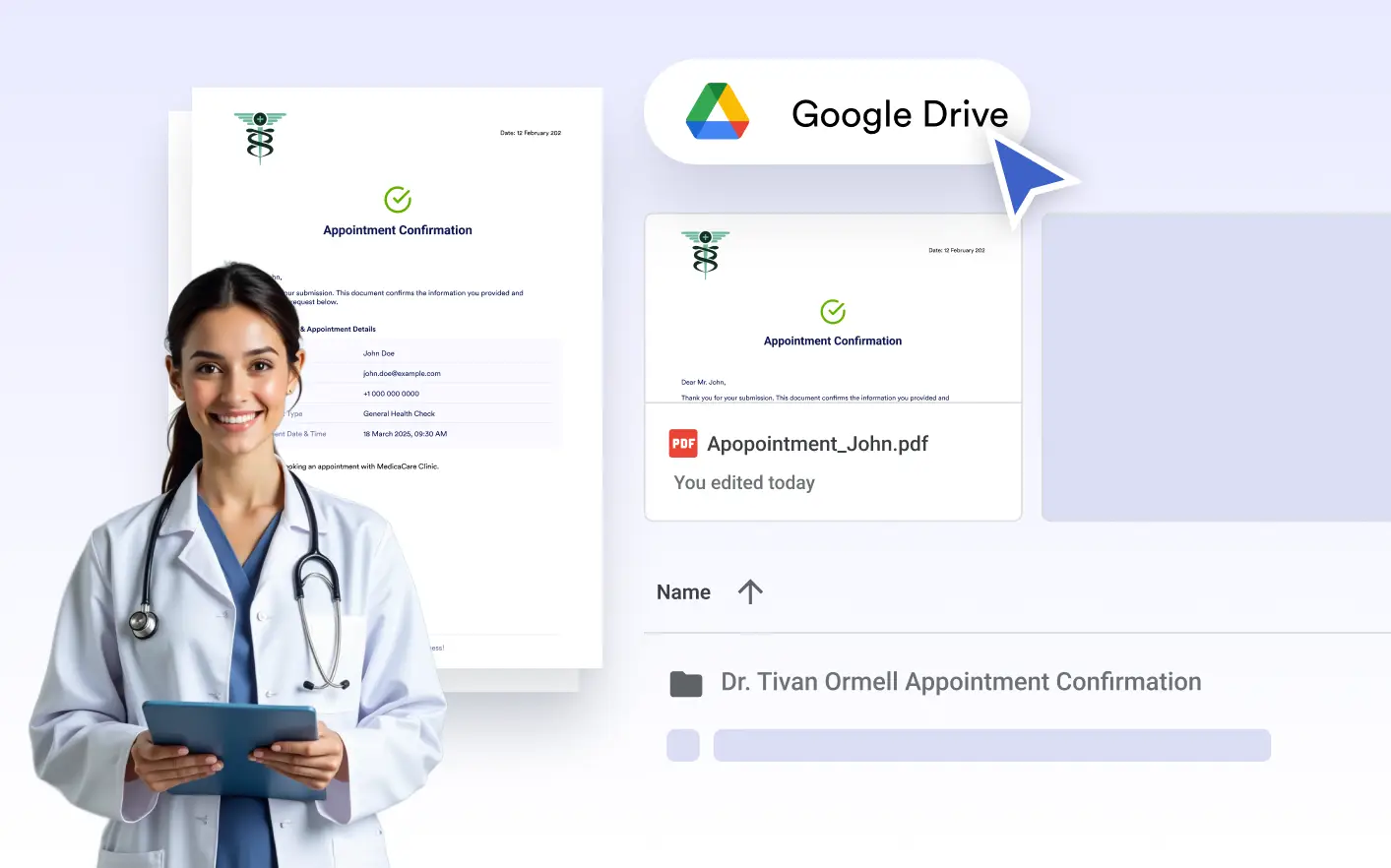
Automatically send your generated PDFs to Google Drive to keep documents organized, accessible, and securely stored, without any manual uploads or extra steps.
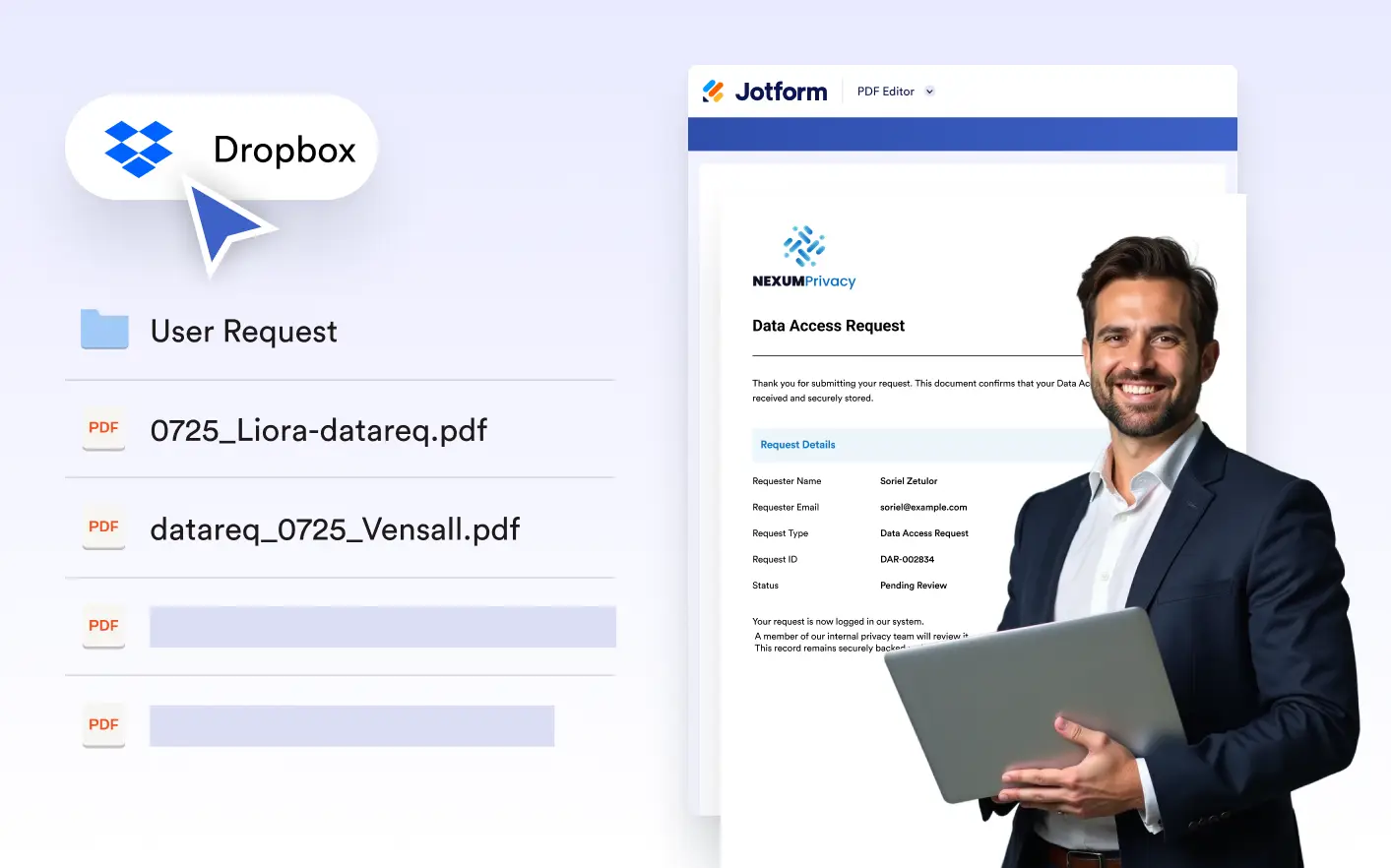
Automatically store your generated PDFs in Dropbox for secure, organized, and effortless access - keeping every submission-based document exactly where your team needs it without manual uploads.
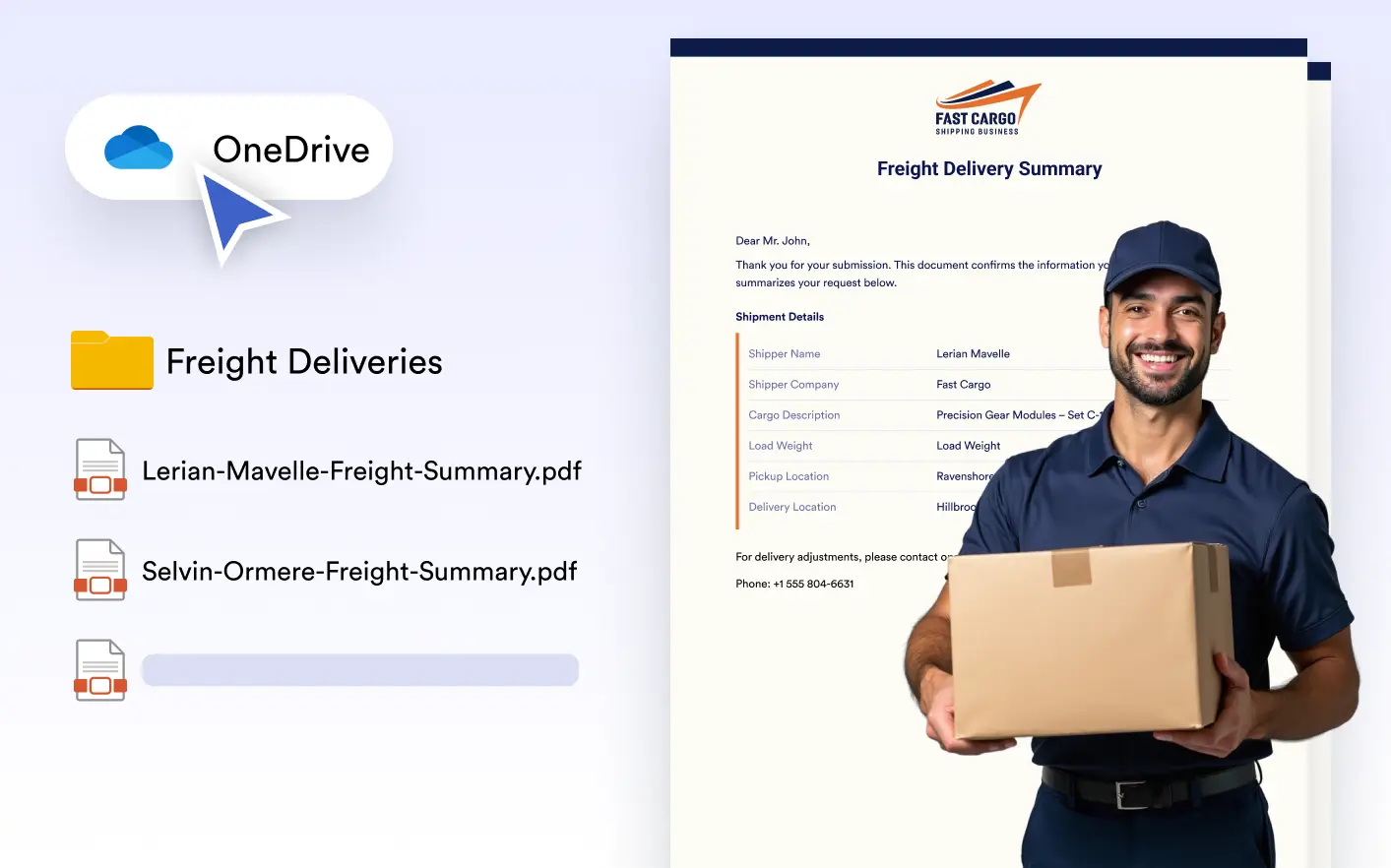
Automatically store your generated PDFs in OneDrive for secure, organized access across your Microsoft ecosystem - no manual uploads required and always ready for your team.
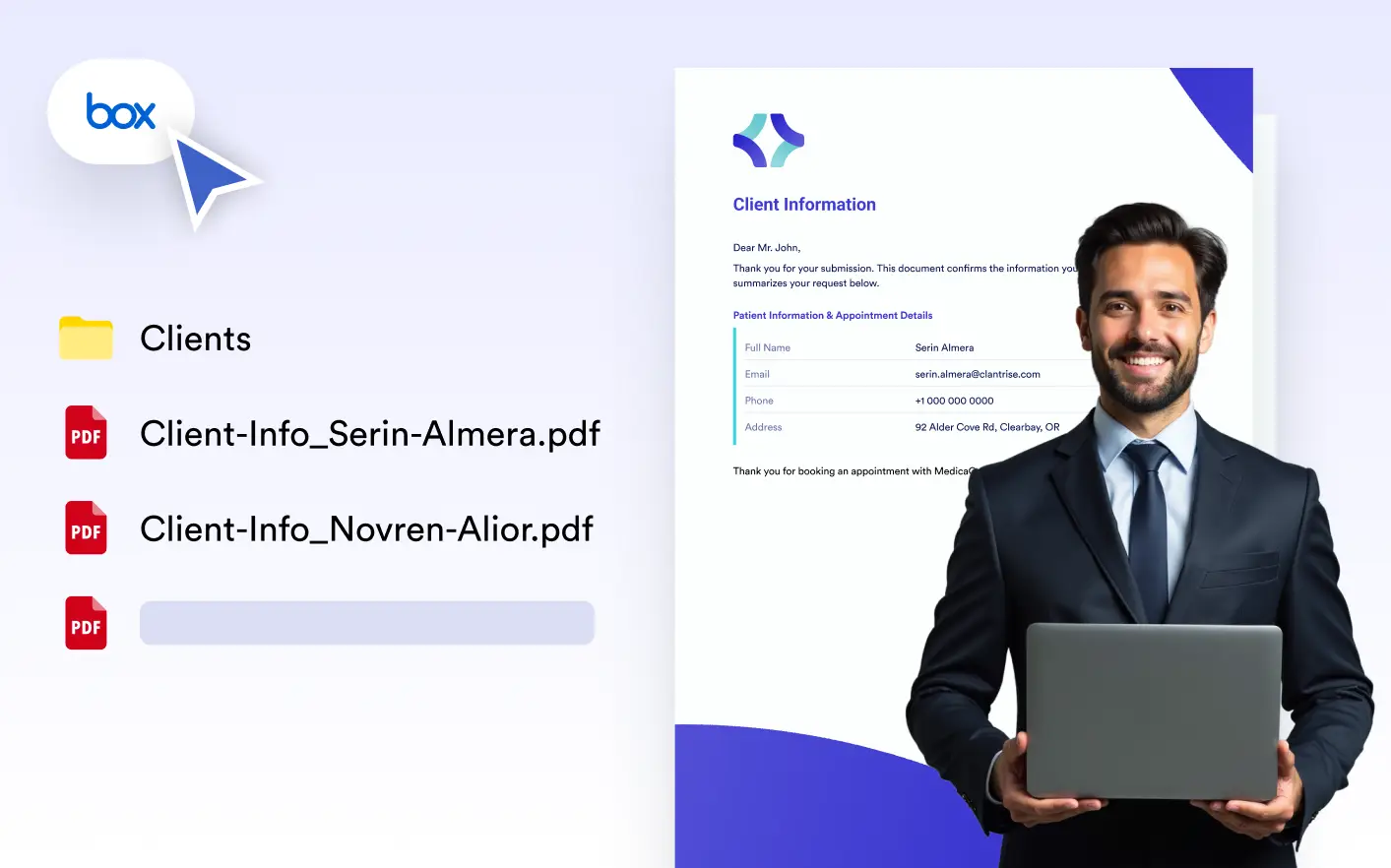
Automatically store submission-based PDFs in Box for secure, compliant, and centralized document management, keeping all files organized and accessible across your organization.
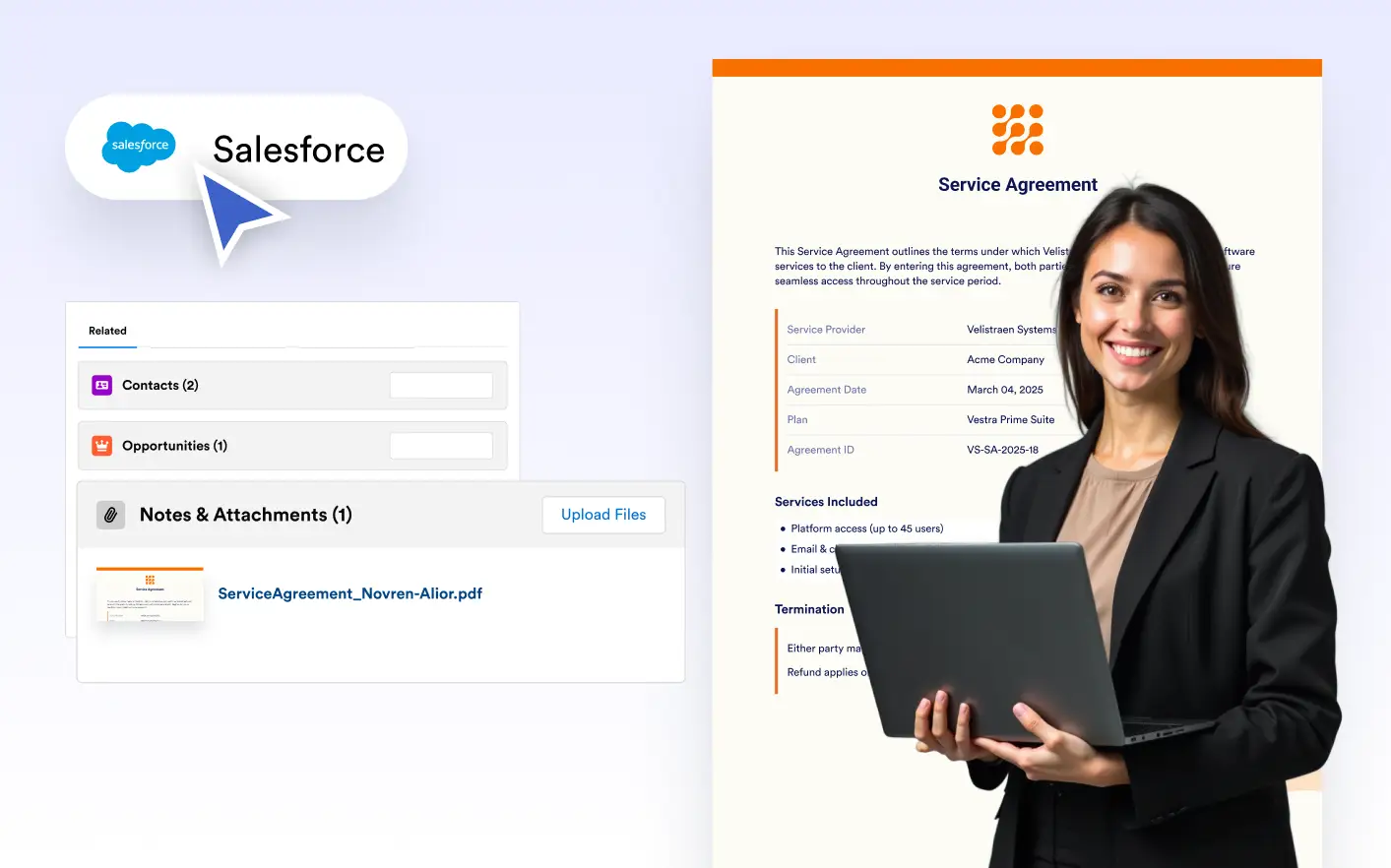
Automatically attach generated PDFs to your Salesforce records, ensuring every contract, proposal, or confirmation is stored where your team needs it, without manual uploads.
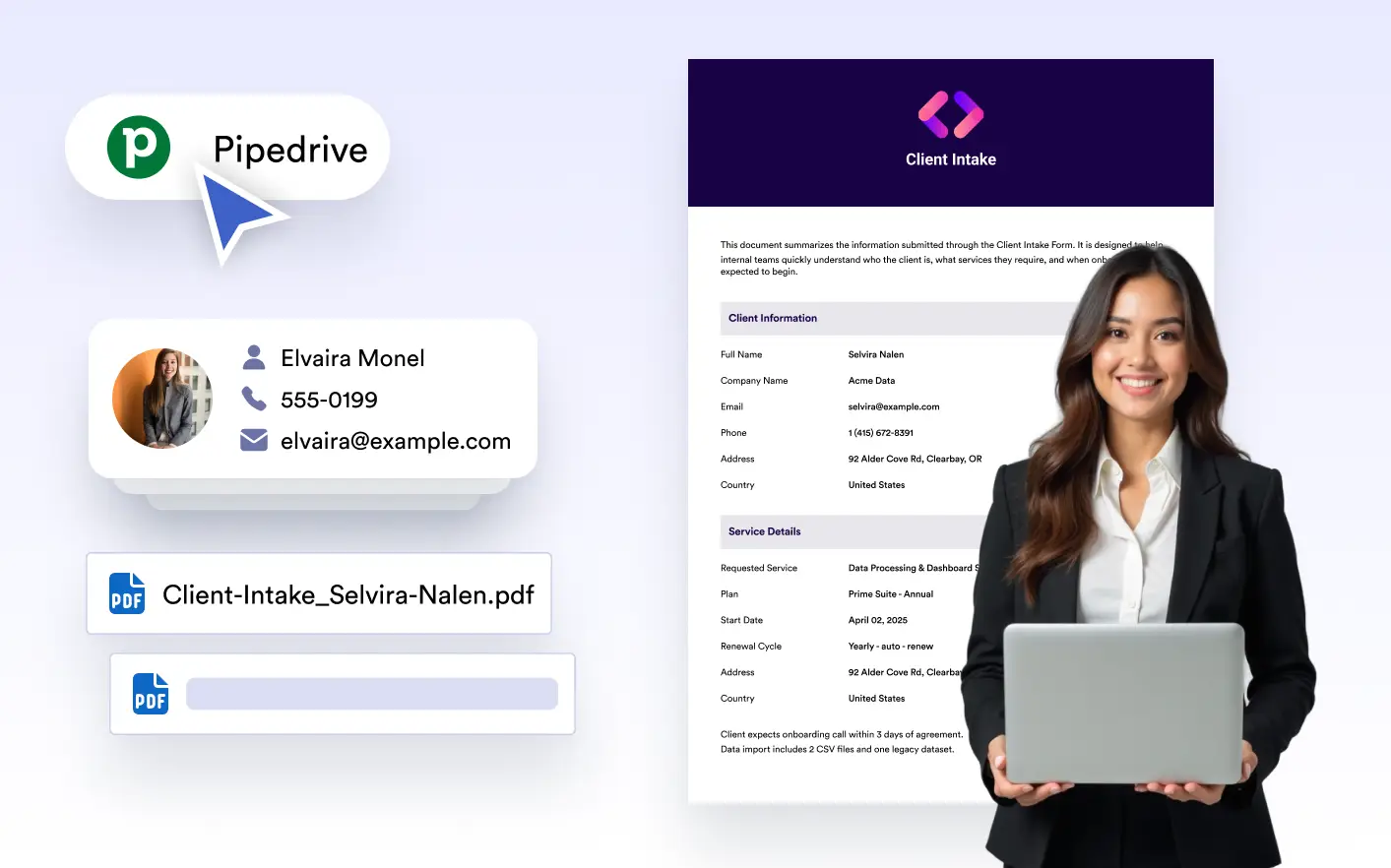
Automatically attach generated PDFs to Pipedrive deals and contacts, ensuring your sales team always has the latest documents organized, accessible, and aligned with every stage of the pipeline.
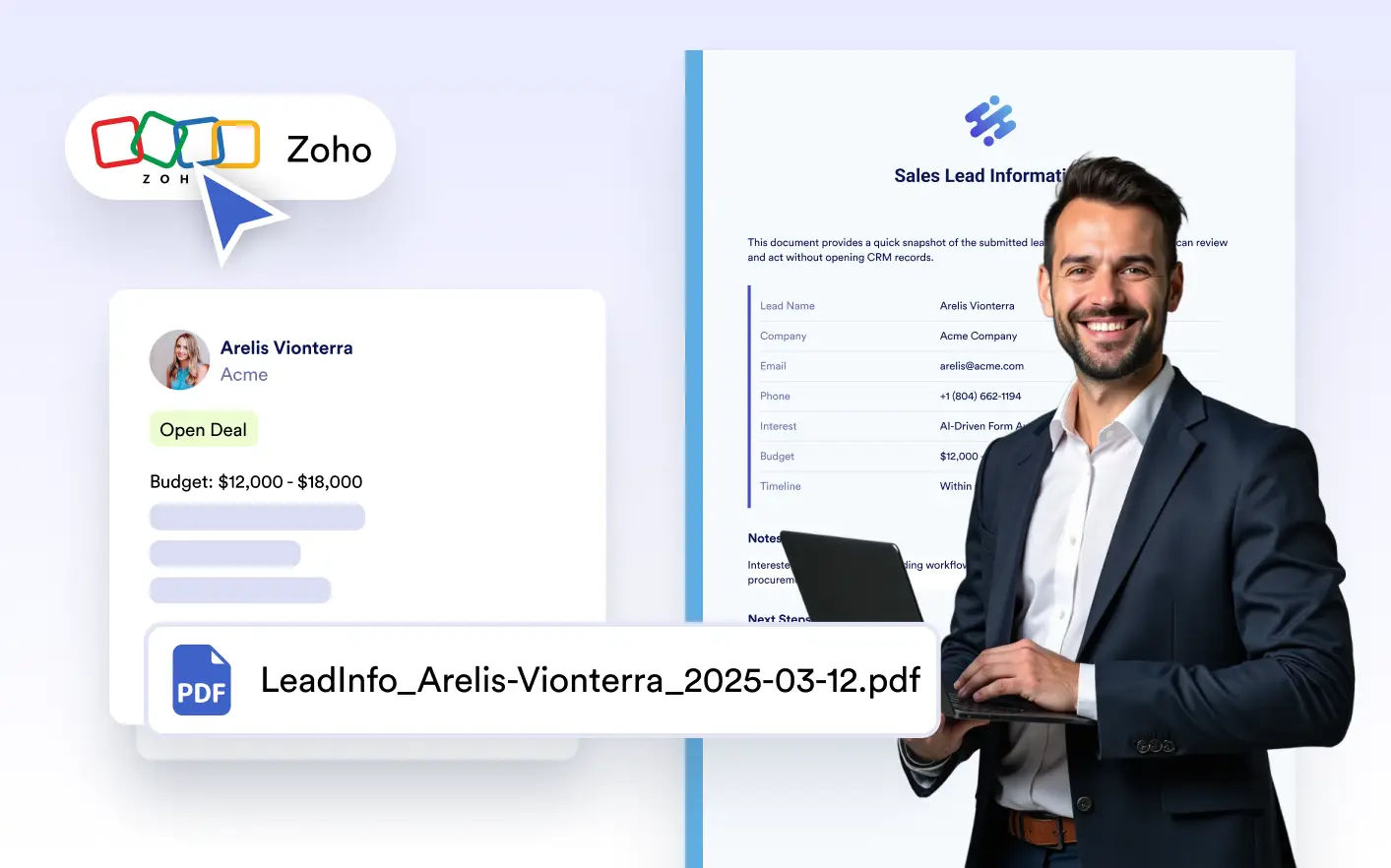
Automatically attach generated PDFs to Zoho CRM records, keeping customer information complete, organized, and instantly accessible without manual uploads or file handling.
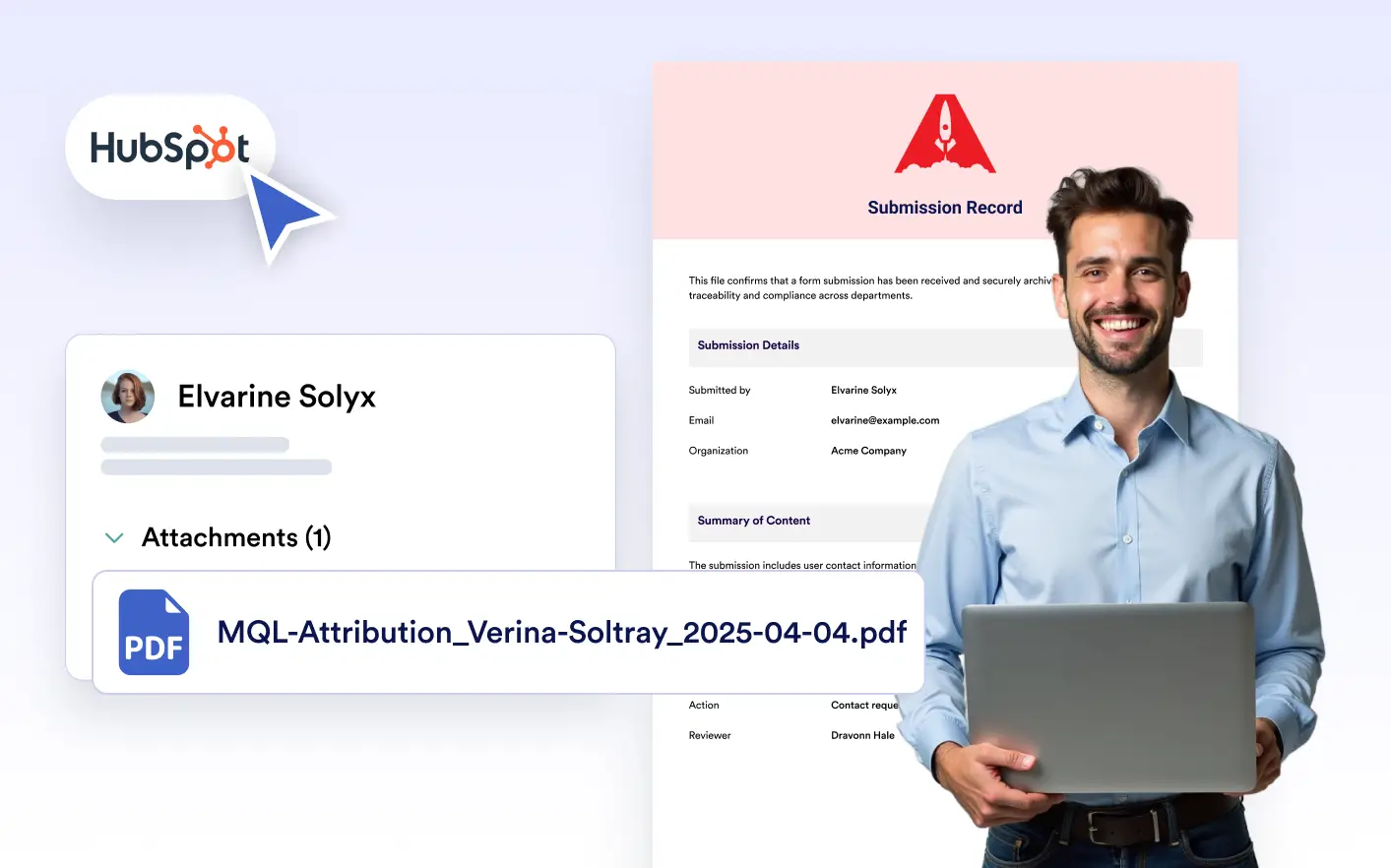
Automatically sync generated PDFs with your HubSpot records, keeping customer information complete, organized, and instantly accessible for marketing and sales teams without manual uploads.
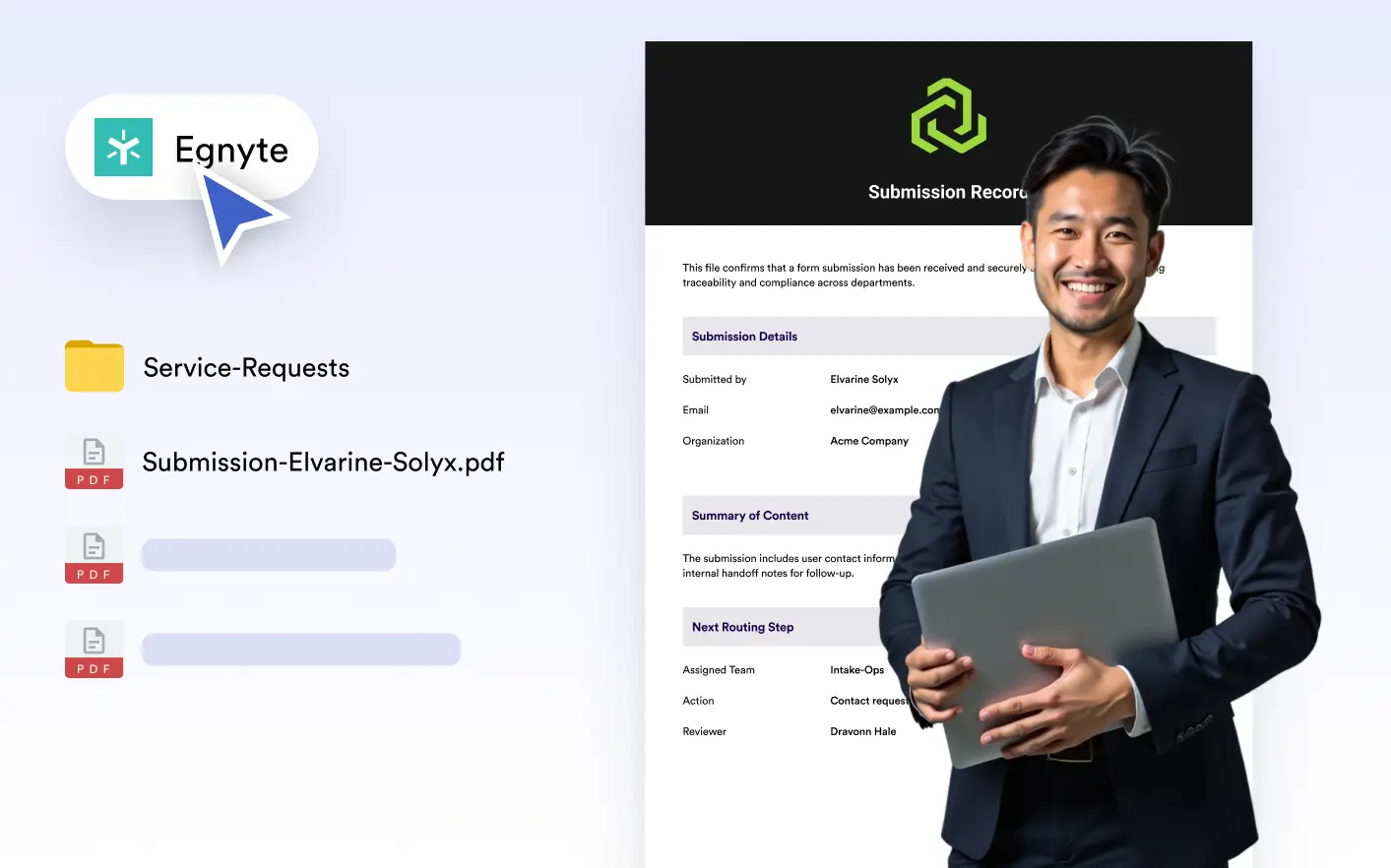
Automatically store generated PDFs in Egnyte to keep documents secure, organized, and easy to access. Send files to selected folders as they’re created and support seamless team collaboration.