ChatGPT
  • 홈
  • 기능
  • 사용 사례
  • 요금제
    • 자주하는 질문
  • 로그인
  • 무료회원가입

Form Structure

Shape the form’s content and flow. Add, remove, and update fields, organize questions, and set up form logic so people see the right questions at the right time.

Jform LogoJform Icon
Jform ChatGPT 앱
기능
Form Structure 분류
Field Types
더 알아보기: Field Types

필드 유형

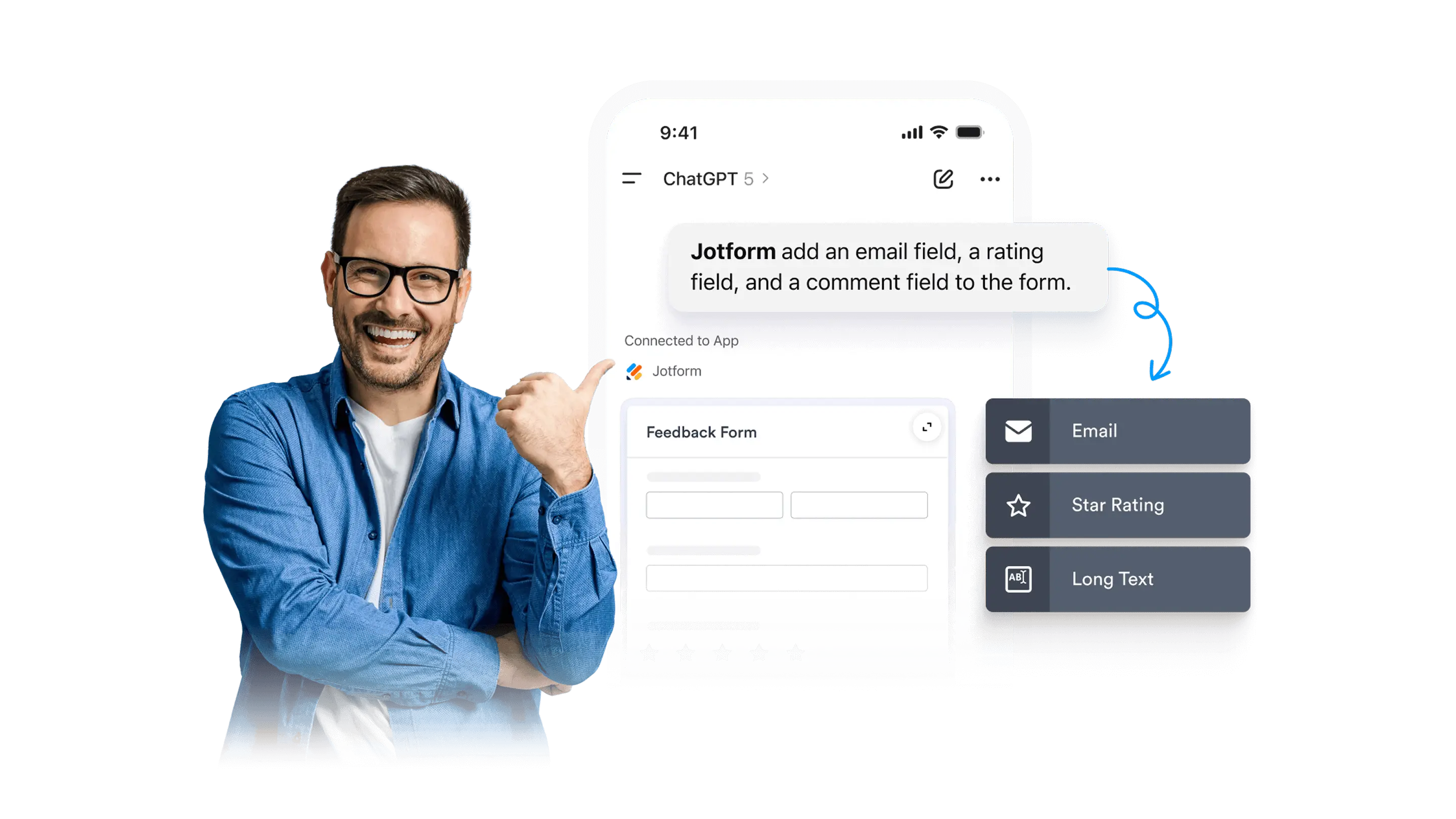
Choose the best form fields by prompting ChatGPT. Add powerful field types or remove what you do not need.

Conditional Logic
더 알아보기: Conditional Logic

조건부 논리

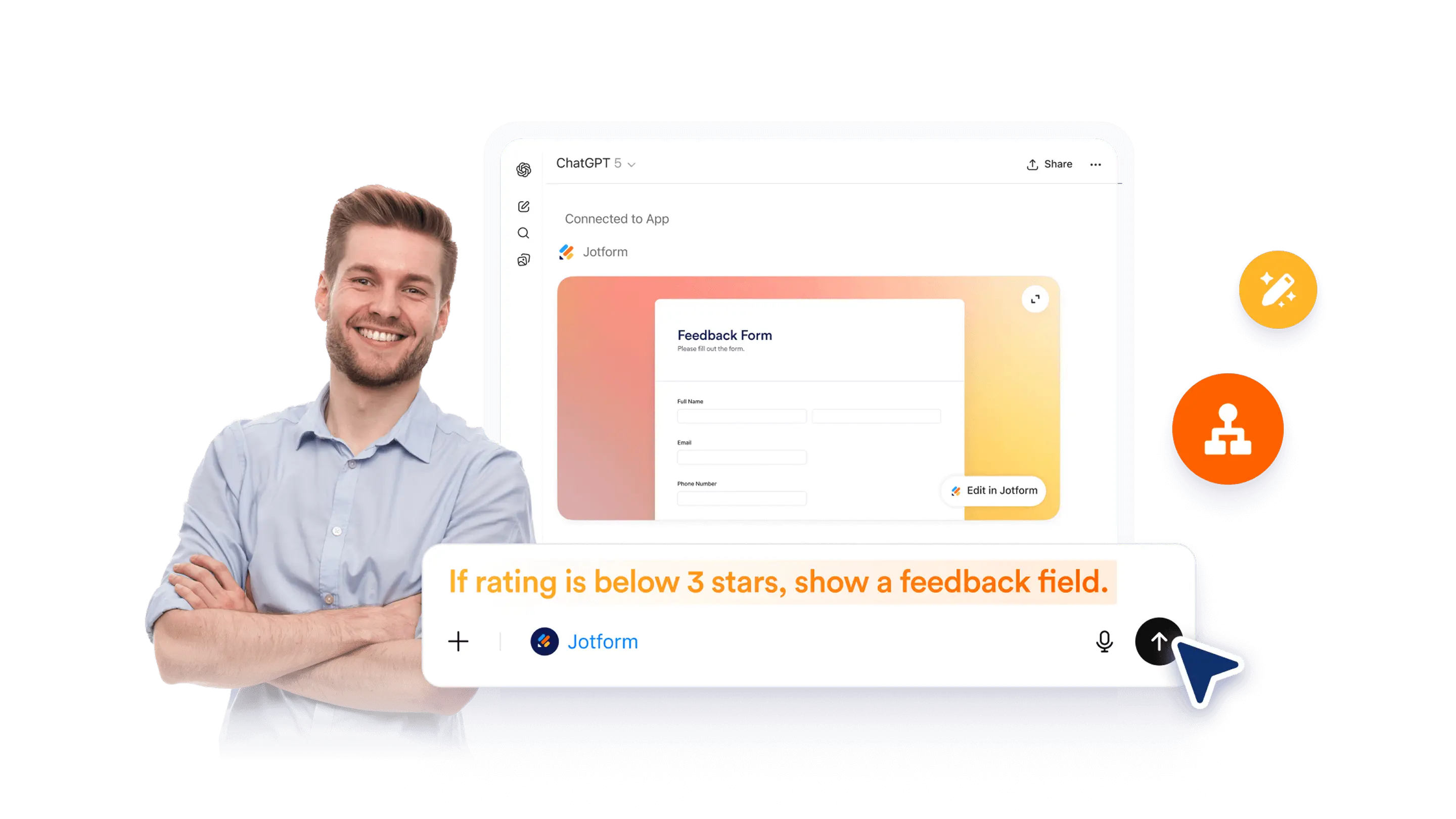
Add conditional questions to your form by describing the rule in ChatGPT. Hide irrelevant fields and guide people through a cleaner form experience.

Form Translation
더 알아보기: Form Translation

양식 번역

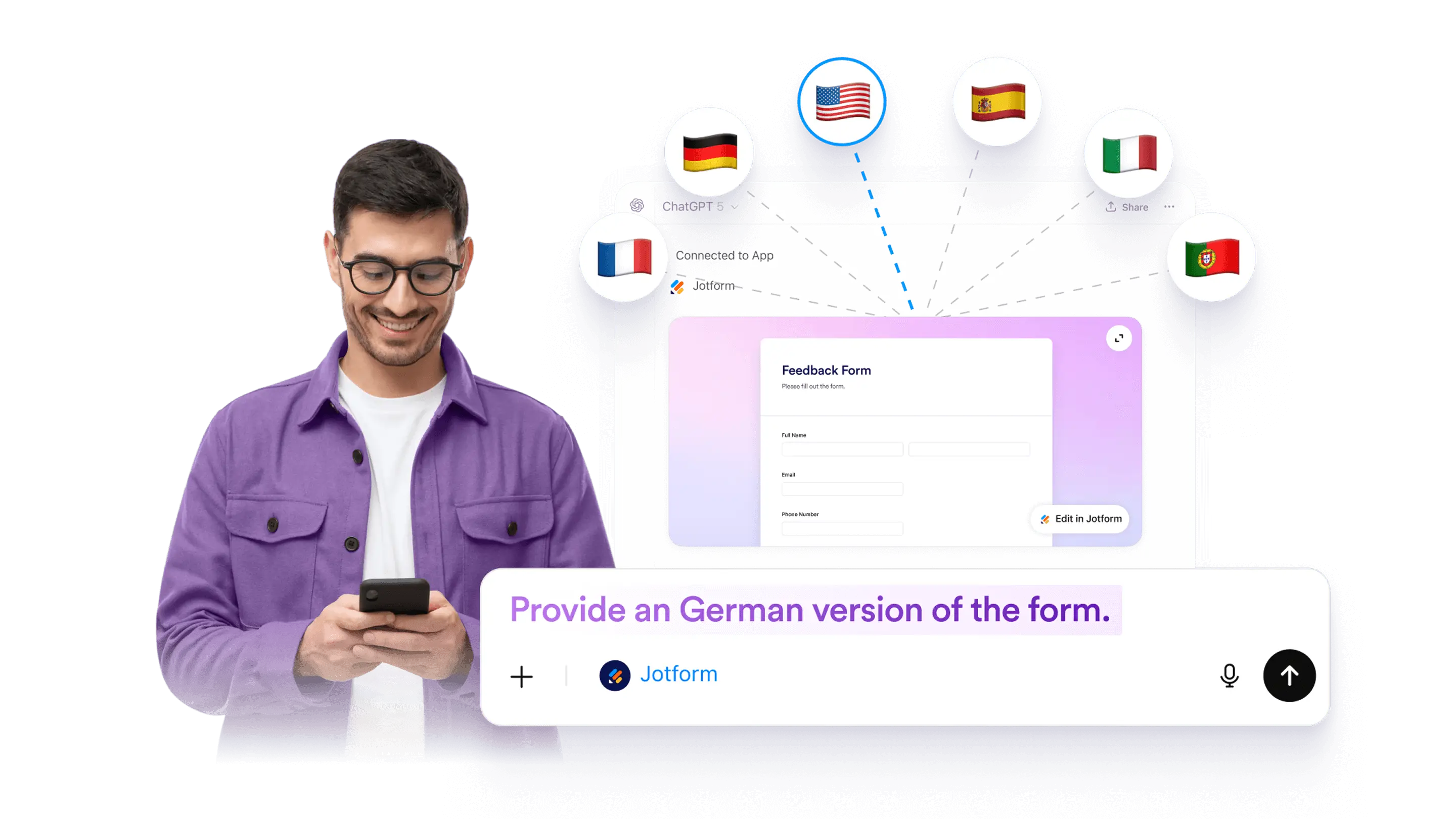
Make a form multilingual by adding translated text for questions, descriptions, and buttons. Use ChatGPT to plan and draft translations, then review and apply them to your form.

File Upload
더 알아보기: File Upload

파일 업로드

Add or update a file upload field in a Jform form using ChatGPT. Collect documents and images as part of submissions, then review uploaded files with each response.

Online Forms with Signature
더 알아보기: Online Forms with Signature

서명 기능이 있는 온라인 양식

Add a signature field to any form in ChatGPT by using a specific prompt. Collect electronic signatures securely and keep the process simple.

Collecting Photos
더 알아보기: Collecting Photos

사진 수집

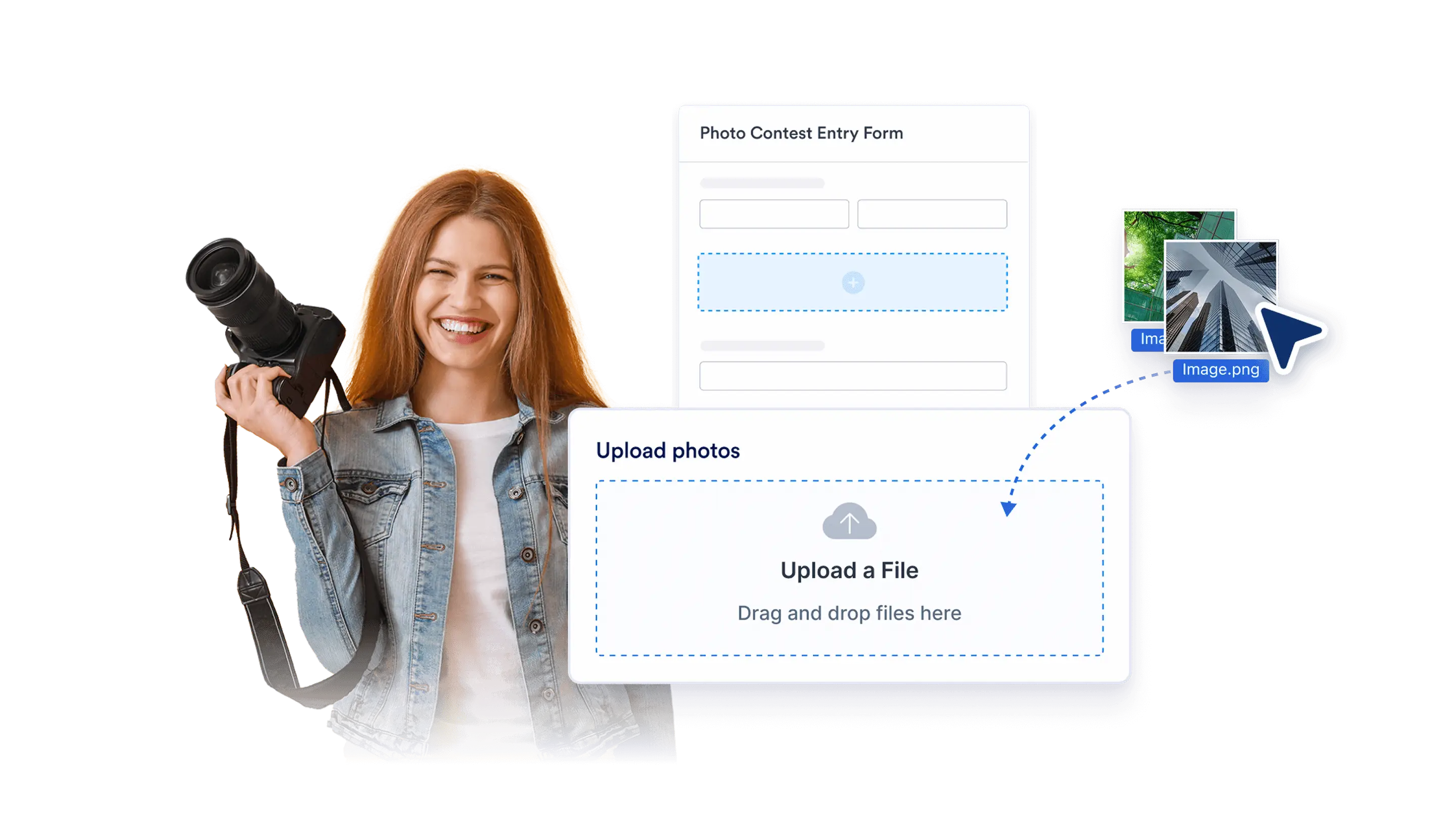
Add a photo field to your form in ChatGPT with a simple prompt. Let people upload or take photos, then collect images from any device without coding.

Hidden Fields
더 알아보기: Hidden Fields

숨겨진 필드들

Hide form fields in ChatGPT so your form stays clean while you still collect helpful details in the background. You can hide fields manually, and some setups may use conditions in Jotform.

Multipage Forms
더 알아보기: Multipage Forms

다중페이지 양식

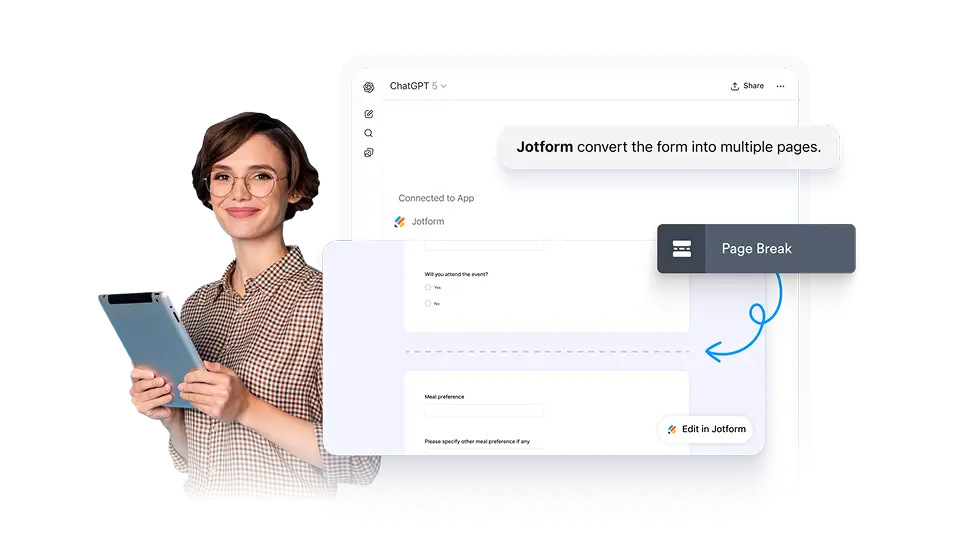
Turn a long form into a multi-page form in ChatGPT by splitting questions into clear sections. This can help reduce drop-off and keep your form easier to complete.

Update Questions and Field Labels
더 알아보기: Update Questions and Field Labels

Update Questions and Field Labels

Rename questions and field labels for a selected form in ChatGPT. Improve clarity, fix wording, and keep your form consistent without rebuilding it.

분류
  • 소개5
  • 기능AI Form Creation5
  • 기능Form Settings & Design10
  • 기능Form Structure9
  • 기능제출자료5
  • 기능양식 관리2

Jform

  • 양식 만들기
  • 나의 작업 공간
  • 요금제
  • Jform 엔터프라이즈
      • 신청 양식
      • 등록 양식
      • 문의 양식
      • 피드백 양식
      • 주문 양식
      • 평가 양식
      • 예약 양식
      • 예약 양식
      • 요청 양식
      • 정부
      • 의료
      • 여름 캠프
      • 식당 및 식료품
      • 교회
      • 동물 보호소
      • 사진 촬영
      • 교육 전문가
      • 중소기업
      • 비영리 단체
      • 창의적 기업
      • 사용자 후기
      • 설문조사 만드는 방법
      • 정보수집 방식
      • 양식 디자인
      • 온라인에서 결제 받기
      • 코딩 없이 앱 만들기
      • QR 코드란 무엇인가요?
      • 웹사이트 만드는 방법
      • 온라인으로 판매하는 방법
      • 업무 평가 가이드
      • 재택근무
      • 모든 비지니스 가이드
    • 사용 사례
    • Jform 양식 빌더
    • Jform 일정 예약
    • Jform 앱
    • Jform AI 에이전트
    • Jform 보드
    • Jform 스토어 빌더
    • Jform 테이블
    • Jform 인박스
    • Jform 모바일 양식
    • Jform 워크플로우
    • Jform 리포트 빌더
    • Jform 스마트 PDF 양식
    • Jform PDF 편집기
    • Jform 서명
    • Jform 팀
    • 조건부 논리
    • 대화 페이지
    • 양식 지정
    • 양식 번역
    • 화이트 라벨링
    • 양식 활성-비활성화
    • 여러 사용자
  • 도구
  • AI 도구
    • Google Forms 대안
    • Microsoft Forms 대안
    • Typeform 대안
    • Tally Forms Alternative
    • Fillout 대안
    • Formstack 대안
    • SurveyMonkey 대안
    • Wufoo 대안
    • 123FormBuilder 대안
    • WPForms 대안
    • Paperform 대안
    • Adobe 서명 대안
    • PandaDoc 대안
    • DocuSign 대안
    • Jform 대안

구매

    • 양식 템플릿
    • 에이전트 템플릿
    • 보드 템플릿
    • 앱 템플릿
    • 워크플로우 템플릿
    • 테이블 템플릿
    • PDF 템플릿
    • 서명 템플릿
  • 양식 테마
  • 양식 위젯
    • 결제 통합
    • 모든 통합
    • Canva를 위한 Jform
  • 웹사이트 위젯

지원

  • 문의하기
  • 사용자 메뉴얼
    • 자주하는 질문
    • 게시판
    • API 및 개발자
    • Jform 상황
    • Jform 북스
  • Jform 아카데미
  • 웹 세미나
  • 팟캐스트
  • 전문 서비스
  • 악용사례 신고
  • 저작권 문제 보고하기
  • Jform 계정 복구

회사

  • 회사 소개
  • AI를 위한 Jform 사실
  • 미디어 자료
  • 뉴스보도
  • 소식지
    • 에이전시 프로그램 NEW
    • 리셀러 프로그램
    • 제휴 프로그램
    • Jform 파트너
  • 블로그
  • 고객 스토리

앱

Jform은 전 세계 35백만 명 이상의 사용자가 신뢰하는 가장 쉬운 온라인 양식 빌더입니다. 20,000+개의 양식 템플릿, 150+개의 통합 기능, 드래그 앤 드롭 기능을 갖추고 있으며, 코딩 없이 전문적인 양식이 필요한 비즈니스를 위해 데이터 수집, 결제, 워크플로우를 간소화하도록 설계되었습니다.

4 Embarcadero Center, Suite 780, San Francisco CA 94111
  • Terms & Conditions
  • Privacy Policy
  • Security
  • Accessibility Statement
  • Anti-Slavery Policy