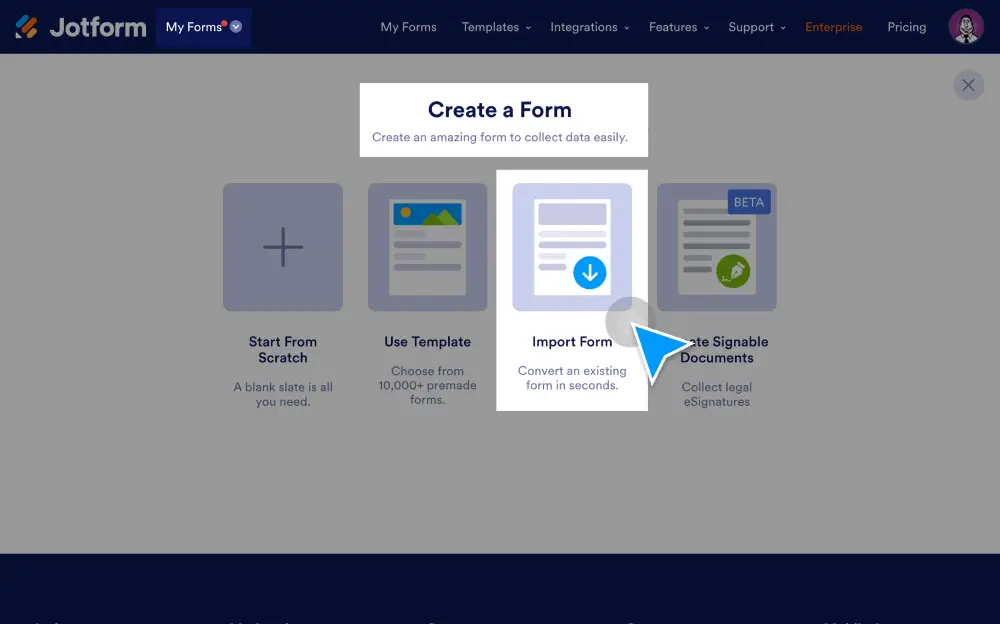
Import forms from an external web page or PDF, or clone existing Jform forms to as you wish. You can also use our import tool to migrate form data from other platforms like Google Forms, Typeform, Formstack, Cognito Forms, Gravity Forms, and Wufoo.
몇 초 만에 양식 가져오기
수동 데이터 입력 없이 기존 양식을 Jform 계정으로 자동 전송하세요.
웹사이트에서 양식 가져오기
다른 웹사이트에서 마음에 드는 양식을 찾으면 해당 웹사이트의 URL을 사용하여 Jform으로 가져오세요.
Jform에서 기존 양식 복제
Jform 양식 빌더에서 몇 번의 클릭만으로 기존 양식을 복제할 수 있습니다.
PDF 양식 가져오기
PDF 양식을 모든 기기에서 잘 작동하는 온라인 양식으로 변환하세요. 제출물은 자동으로 원본 PDF 형식으로 다시 변환될 수 있습니다.
Customize imported forms
Jform’s drag-and-drop Form Builder lets you update your form design to perfectly match your needs and branding — with no coding needed!
Jform으로 폼 옮기기
Bring your existing forms and form data over to Jform in a few easy clicks.
Import from Google Forms
Transfer your Google Forms data to Jform to go beyond the basics and access powerful form features.
Import from Typeform
Typeform 양식을 Jform으로 이전하세요. 사용자에게 한 번에 하나의 질문만 표시하고 싶다면 Jform Cards를 사용할 수 있습니다.
Formstack에서 가져오기
마이그레이션 도구를 사용해 기존 Formstack 양식과 데이터를 Jform 양식으로 전환하세요.
Cognito Forms에서 가져오기
빠른 가져오기 도구를 사용해 Cognito Forms 데이터를 몇 초 만에 Jform으로 이전하세요.