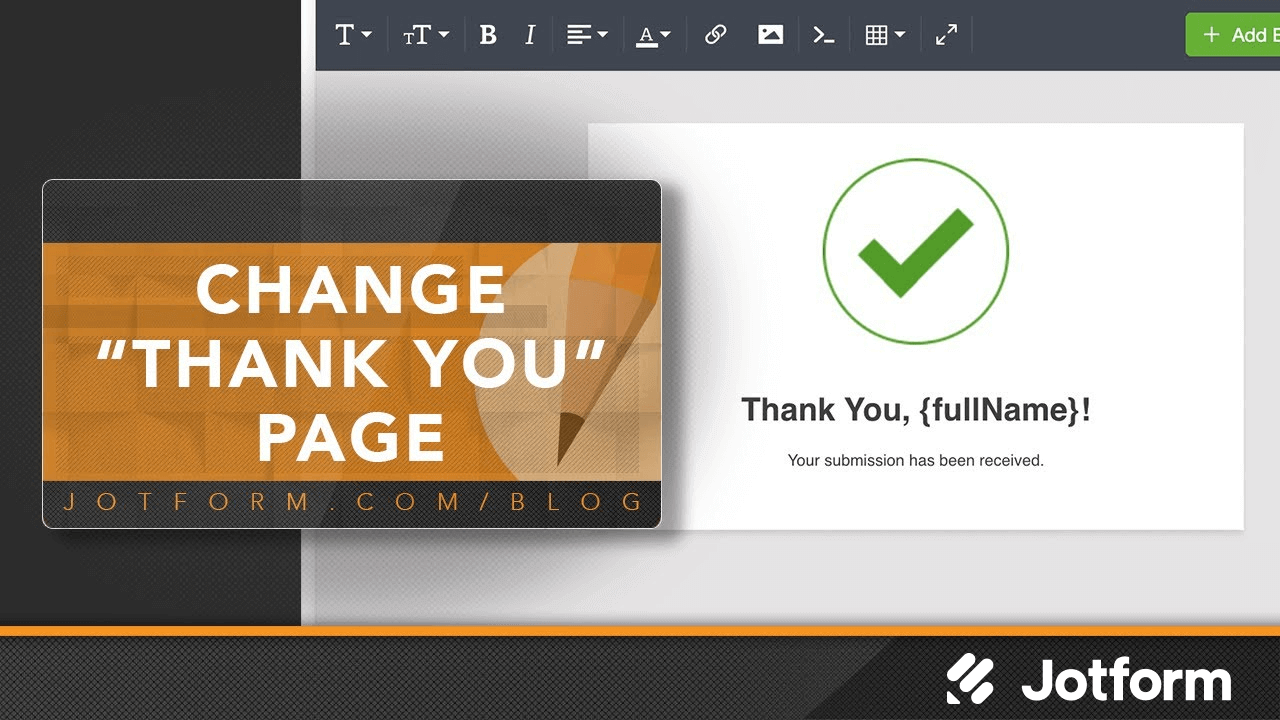
온라인 양식이나 설문 조사의 마지막에 사용자 정의 감사 페이지로 감사의 인사를 전하세요. 감사 페이지의 레이아웃, 버튼, 필드를 개인화하세요. 조건부 논리를 통해 하거나 사용자를 다른 웹사이트로 리디렉션할 수도 있습니다!
Change Your Thank You Page
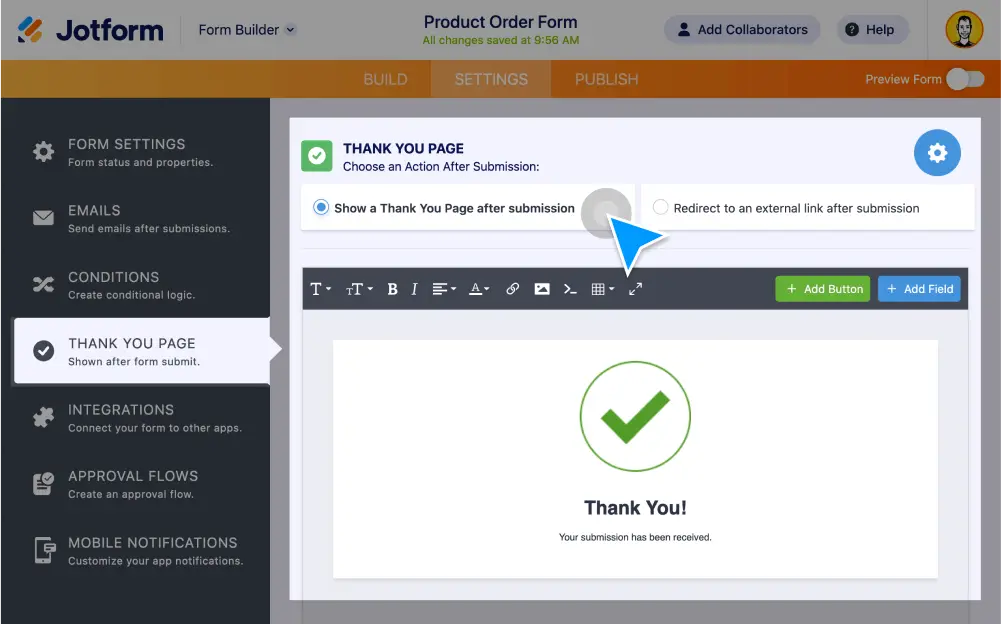
Customize the look and feel of your form’s Thank You page without any coding. Choose from various page layouts, allow users to edit or download submissions, and more.
Create a custom Thank You page in Classic Layout
Change the layout of your Thank You page, include personalized messages, and add buttons that let users resubmit, download, or edit their submissions.
Customize your Thank You page in Card Layout
Edit your card form’s Thank You page in just a few clicks. You can display custom messages, redirect users to another link, or add options for users to resubmit, edit, or download their submissions.
Redirect users to an external link
Send customers or clients to your website, social media accounts, or another page after filling out your form. Enter a URL in your Thank You page to automatically redirect users to another site.
Change your message with conditional logic
Give users a personalized thank you message based on how they filled out your form. Use conditional logic to display a custom message based on user answers — no coding required.