Add Search and Filters
Help people quickly find what they need in your app by adding search and filter widgets with Jform Apps in Claude. Describe the search experience you want, and let users easily explore or narrow results to the most relevant records.
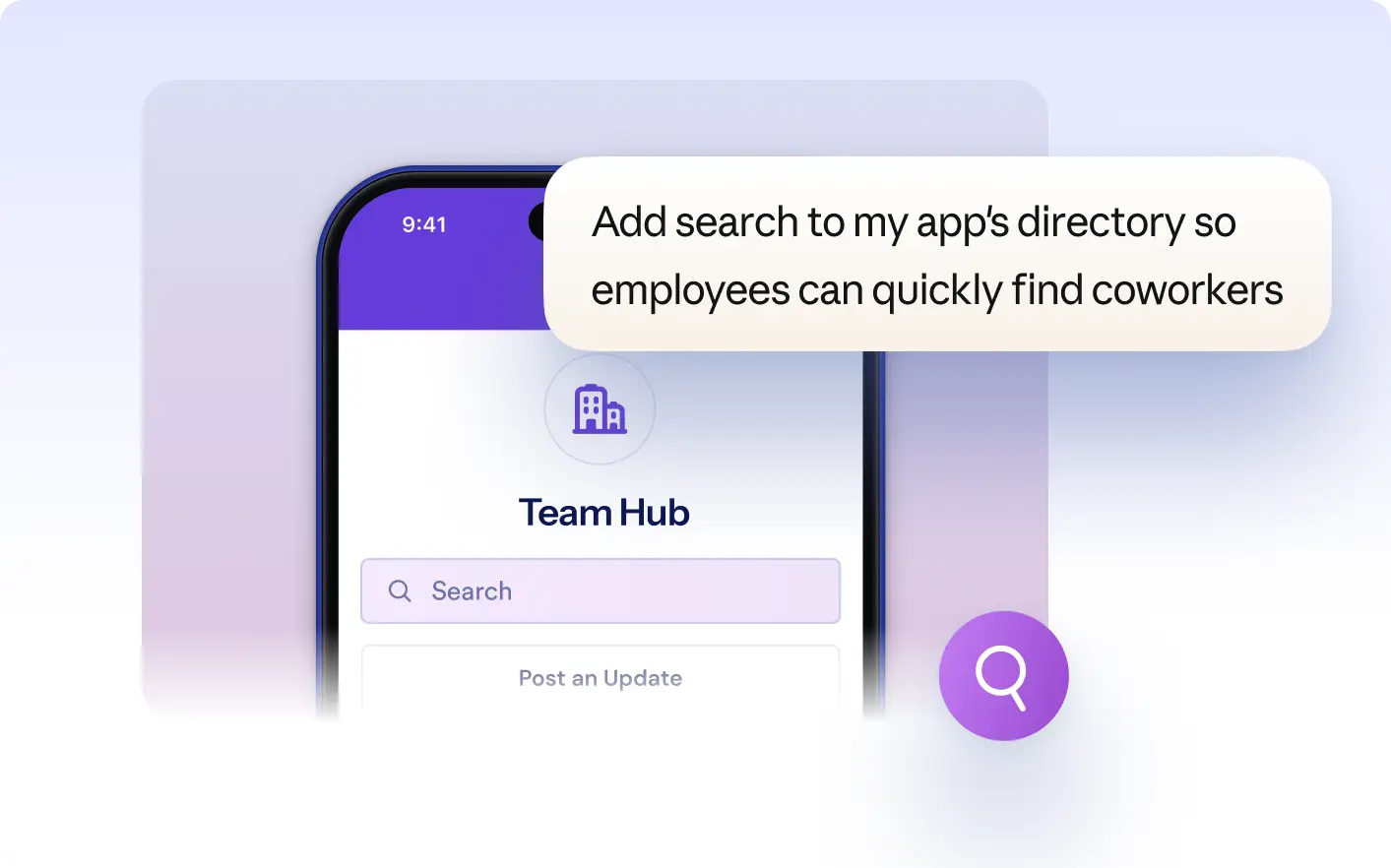
Empower your app users to find records and narrow lists with built-in search and filter widgets. Request custom options in Claude so people can and focus on the most relevant data in your app.
Let Users Search and Filter App Data
Describe the search and filtering options you want for your app directly in Claude. Jform AI App Builder adds search bars or filter controls so your app users can quickly find records, narrow lists, and focus on the information that matters most to them.
Add Search and Filter Widgets
Display a search bar and filter controls above your app’s record list. App users can enter keywords or select filter options to quickly narrow the results and focus on the information they need in your app.
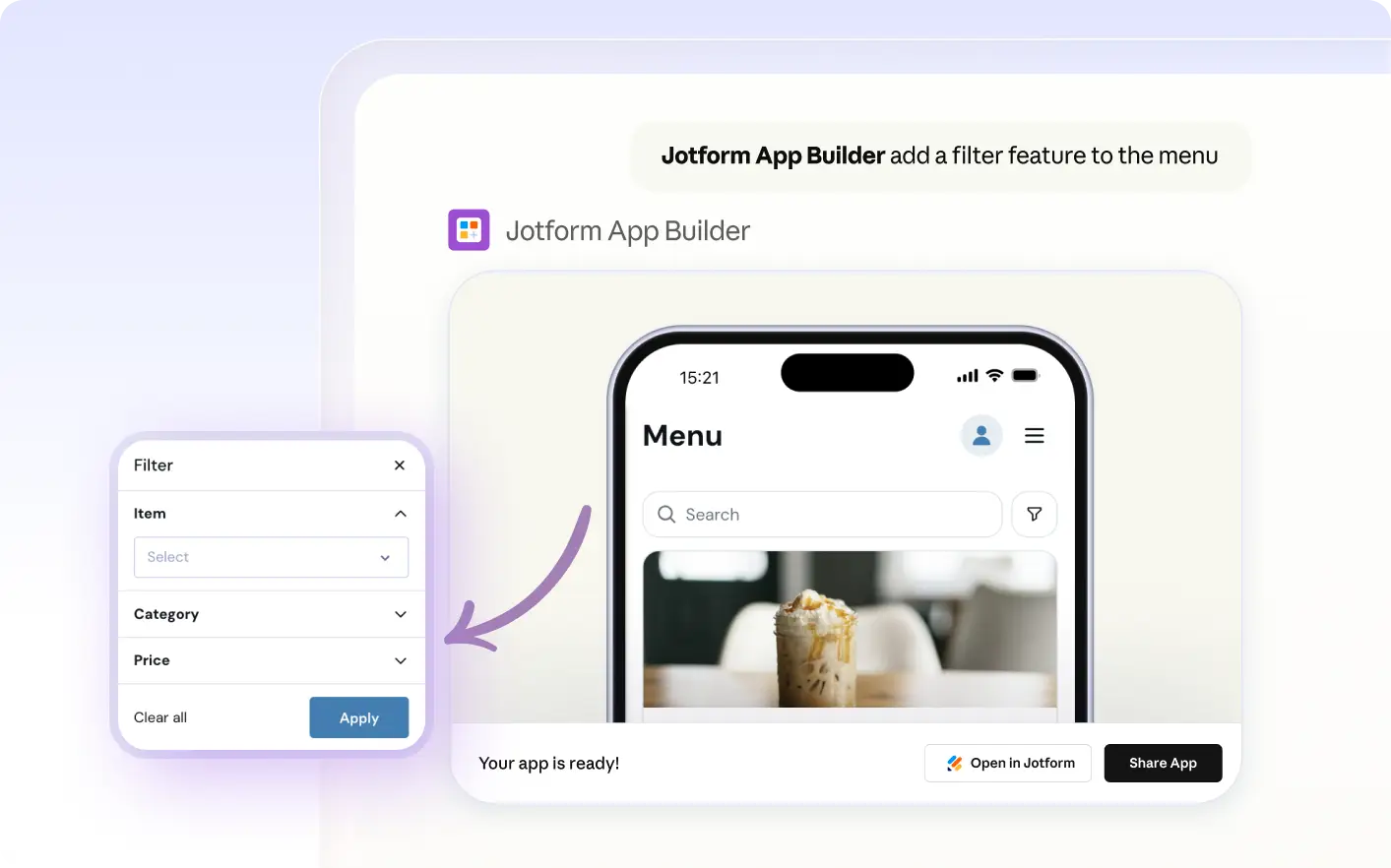
자주 묻는 질문
이 기능에 대해 질문이 있으신가요? 빠른 답변을 위해 아래 FAQ를 살펴보세요.
Describe the type of search or filtering you want directly in Claude. The Jform AI App Builder will add search bars or filter widgets to your app, letting users easily find and narrow down information.
App users can search or filter lists, records, or other displayed data in your app. This can include items from Jform Tables or any dataset you have added to your app’s pages. The specific searchable or filterable fields depend on your app’s content.
Yes, you can specify in Claude which fields should be included in search or filter widgets. Describe the fields you want users to search or filter by, and Jform AI App Builder will update the app to match your request.