Add Dashboard Data
Bring your team’s most important metrics together in one view with Jform Apps in Claude. Describe the data you want to show, and the AI creates a dashboard layout so app users can review and analyze everything in a single place.
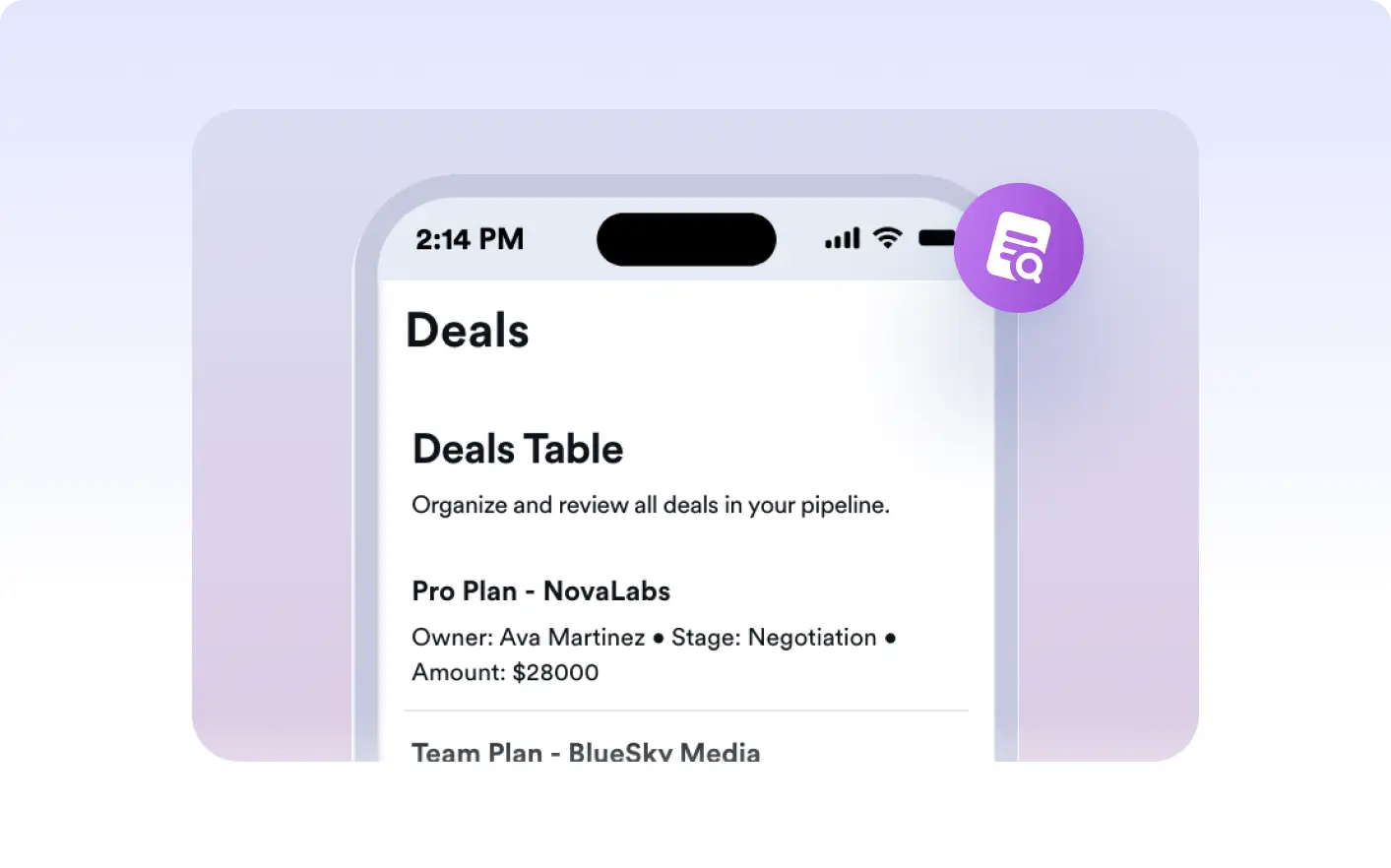
View key metrics and essential data in one place with a custom dashboard. Describe the information you want to display in Claude, and see your dashboard layout update for your app users to review important details at a glance.
Organize Key Metrics in a Custom Dashboard
Describe the data and metrics you want to feature in Claude. Jform AI App Builder arranges your information into a dashboard layout so app users can review everything important in a single, organized view.
Visualize Metrics in a Unified Dashboard
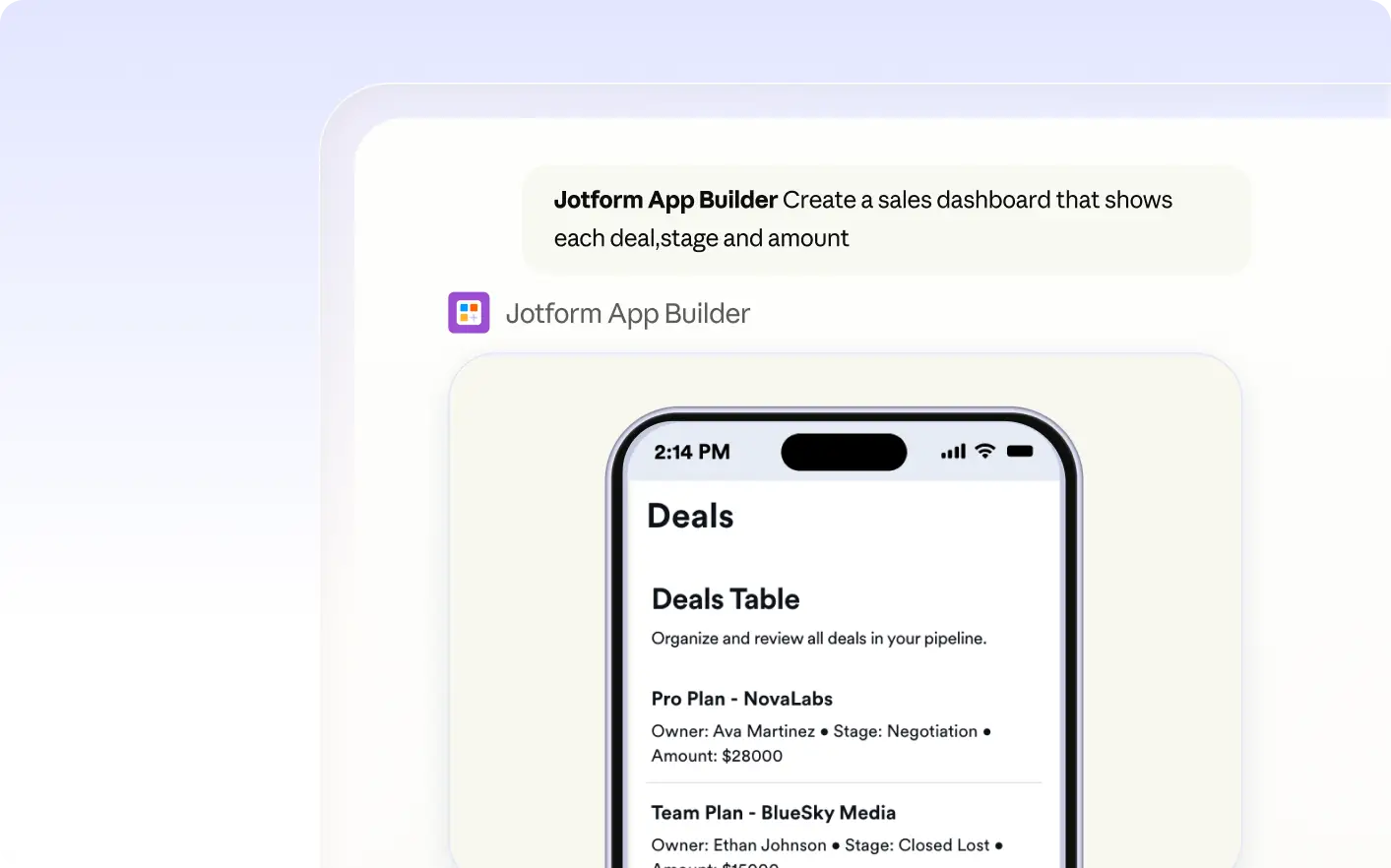
See a dashboard created in Claude, where sales totals, project counts, and survey responses appear together. App users can review and analyze all key data in one organized, easy-to-read view.
자주 묻는 질문
이 기능에 대해 질문이 있으신가요? 빠른 답변을 위해 아래 FAQ를 살펴보세요.
Describe the metrics and data you want to display in your app directly in Claude. The Jform AI App Builder will create a dashboard layout based on your instructions, organizing the information for app users to review in one place.
You can display a variety of data in your dashboard, such as sales figures, project statuses, survey results, or other key metrics you describe. The dashboard layout is based on the information you specify when building your app in Claude.
Yes, you can request changes to your dashboard metrics at any time through Claude. Describe the updates you need, such as adding new data or changing how information is displayed, and the AI will modify your app’s dashboard accordingly.