Create Widgets with AI
Use Jform Apps in Claude to create custom widgets by describing what you want them to display or calculate. Explain your widget idea in conversation and let the AI generate an interactive feature for your app, such as a weather forecast or data summary.
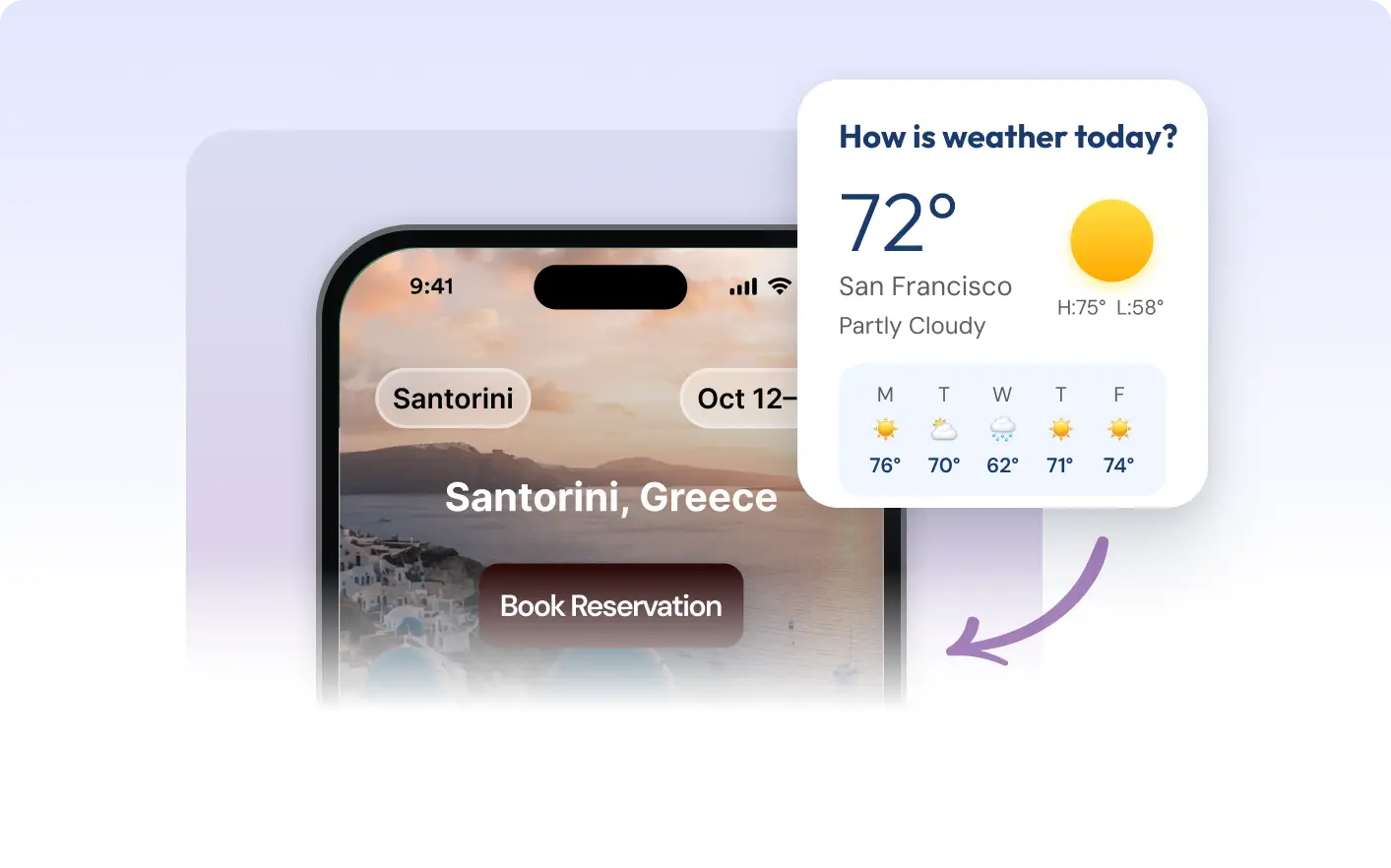
Build interactive widgets for your app by describing what you need in Claude. Request a weather display, custom calculator, or data viewer and let the AI create it. Personalize your app’s experience with that match your goals.
Create Widgets by Describing Your Idea
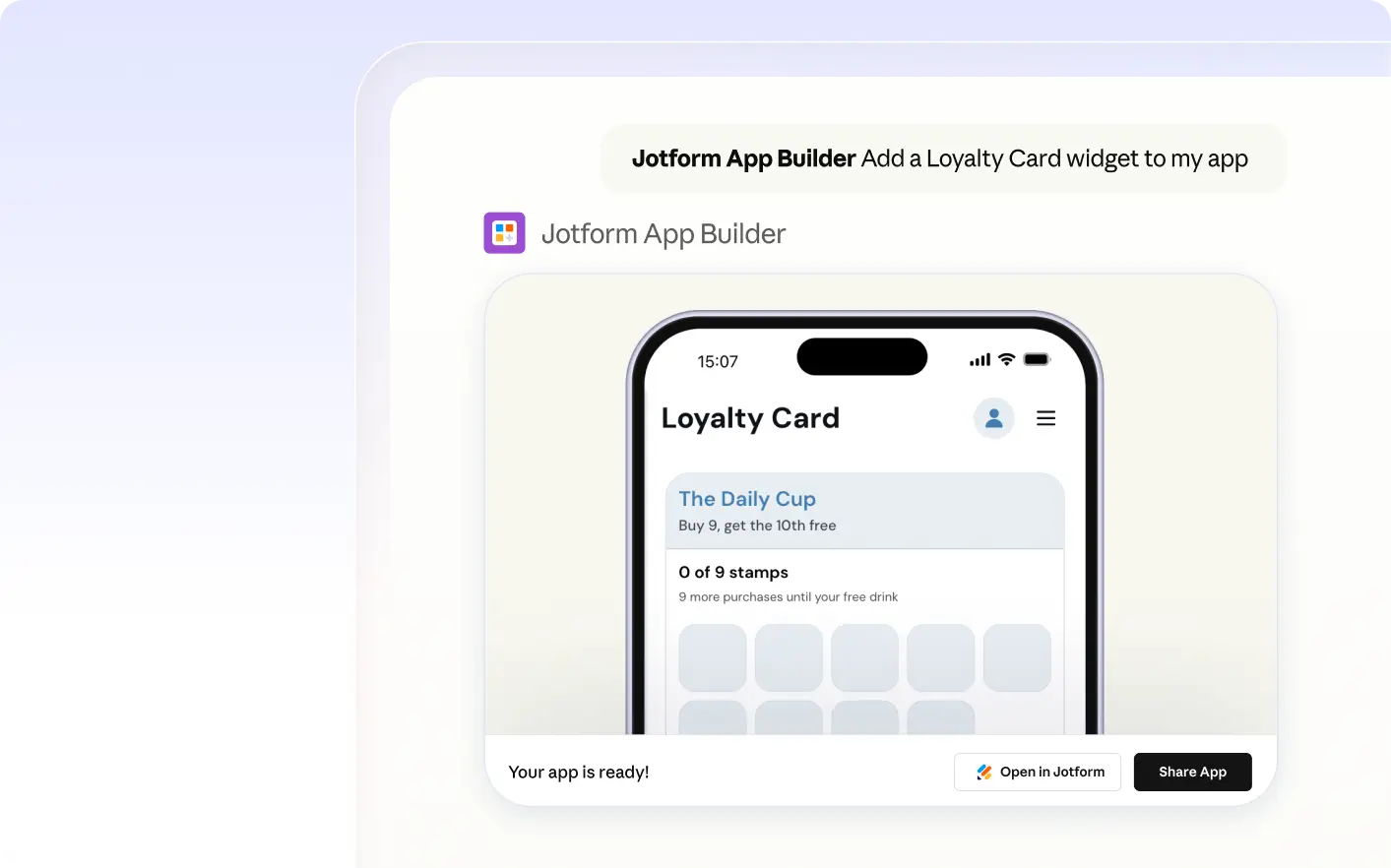
For example, describe the widget you want to add and explain what it should display or calculate. The Jform AI App Builder interprets your request and creates a new custom widget for your app, ready for you to preview and adjust as needed.
Add a Custom Weather Widget
Describe the location and forecast details you want in Claude. The AI creates a weather widget for your app, displaying current conditions so users always see the latest information.
자주 묻는 질문
이 기능에 대해 질문이 있으신가요? 빠른 답변을 위해 아래 FAQ를 살펴보세요.
Describe the widget you want to add directly in Claude, including what it should display or calculate. The Jform AI App Builder will interpret your instructions and generate the widget in your app.
You can request widgets that display information, perform calculations, or offer interactive features. For example, you might ask for a weather display, a custom calculator, or a searchable list. Describe your needs in Claude and the AI will build a widget that fits your app.
Yes, you can update or remove a widget you added through Jform Apps in Claude. Simply describe the changes you want, such as editing the widget’s display or deleting it, and the AI will apply your requested updates to your app.