Create Dynamic Pages
Create dynamic pages in Jform Apps in Claude by describing the record details and edit options you want users to see. As your data changes, the app’s pages update automatically, so your audience always sees the most current information.
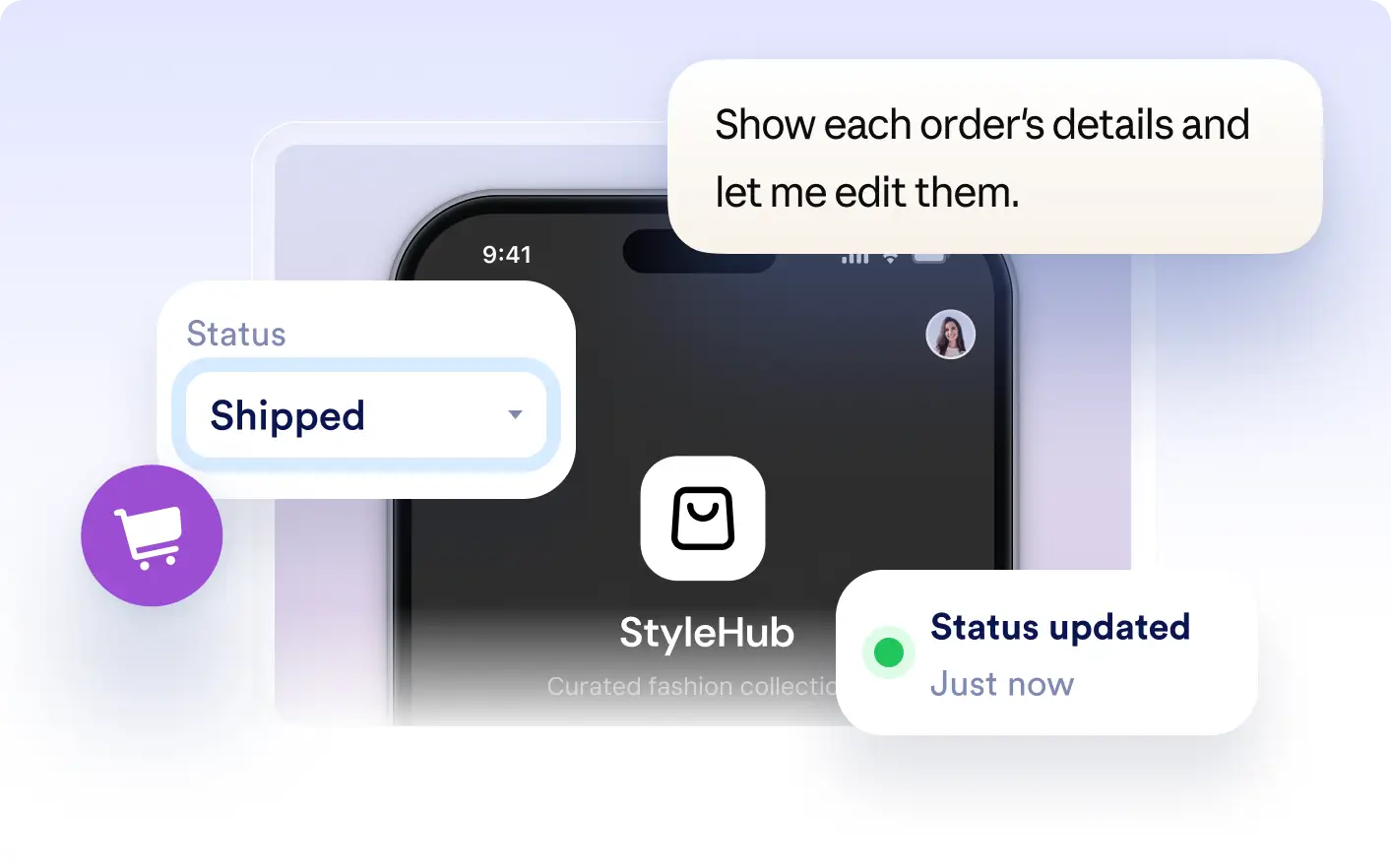
Keep your app up to date with dynamic pages that show record details and support real-time updates. Describe the data and edit options in Claude to let as information changes.
Show Record Details and Edit Screens
Describe the details and edit options you want users to access in your app. Jform Apps in Claude creates dynamic pages that show current records and let users open edit screens, keeping information up to date as your data changes.
Display and Update Records Instantly
Show a dynamic page with a record’s details and an Edit button. When a user updates information, the page refreshes to display the latest data, ensuring everyone sees current content in your app.
자주 묻는 질문
이 기능에 대해 질문이 있으신가요? 빠른 답변을 위해 아래 FAQ를 살펴보세요.
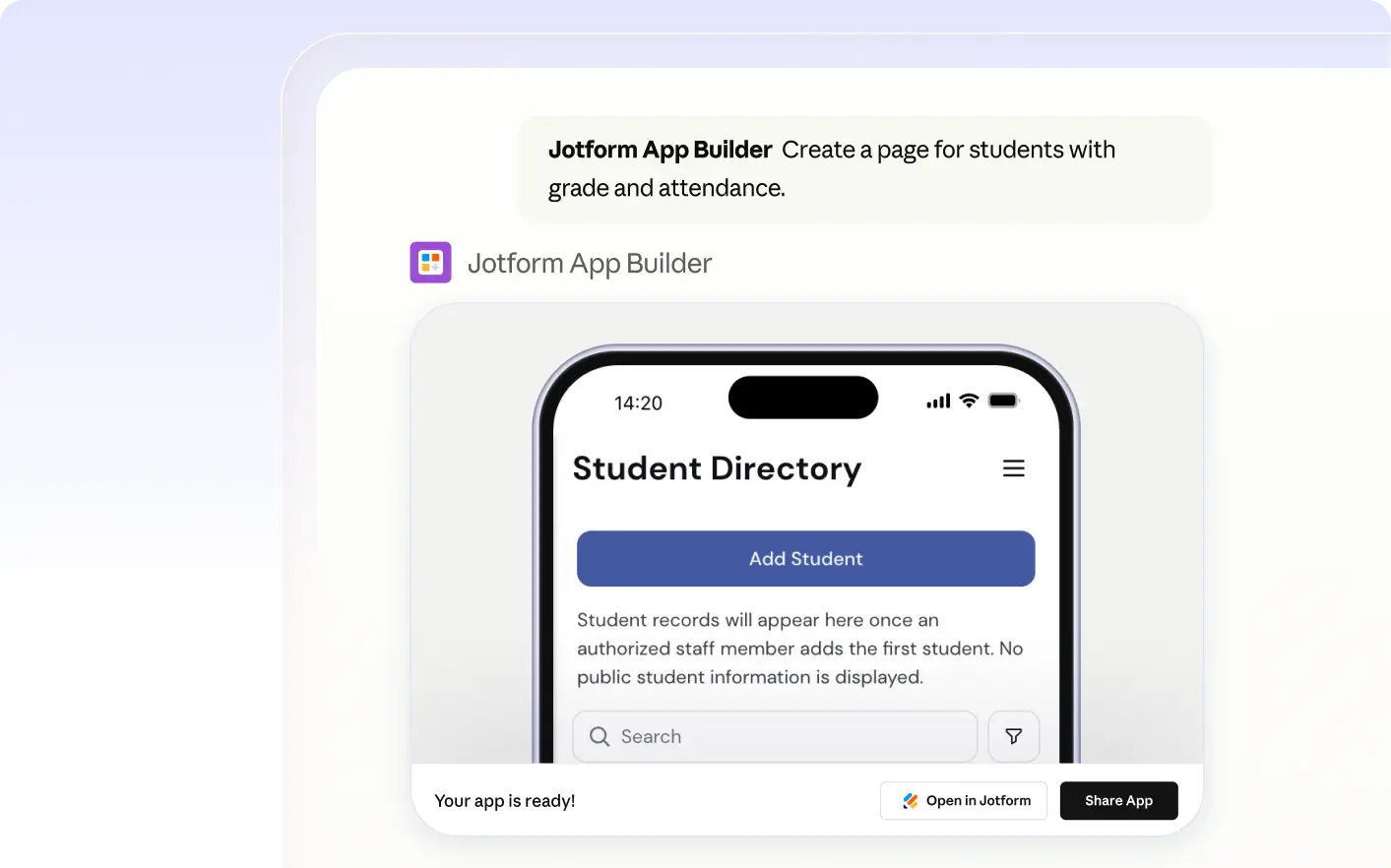
Describe the record details and edit options you want in your app directly in Claude. The Jform AI App Builder will generate a dynamic page that updates as your data changes, so your content stays current.
You can display record details such as form responses, user information, or other structured data you specify. The page updates to show the latest values, so app users always see current information.
App users can open an edit screen from a dynamic page and update record details. When they save changes, the page refreshes to display the updated information, so everyone sees the latest data in the app.