Add App Logo
Add or update your app’s logo by providing an image URL in Claude and requesting the change. Your audience will see the new logo in the app header, making your organization easy to recognize on any device.
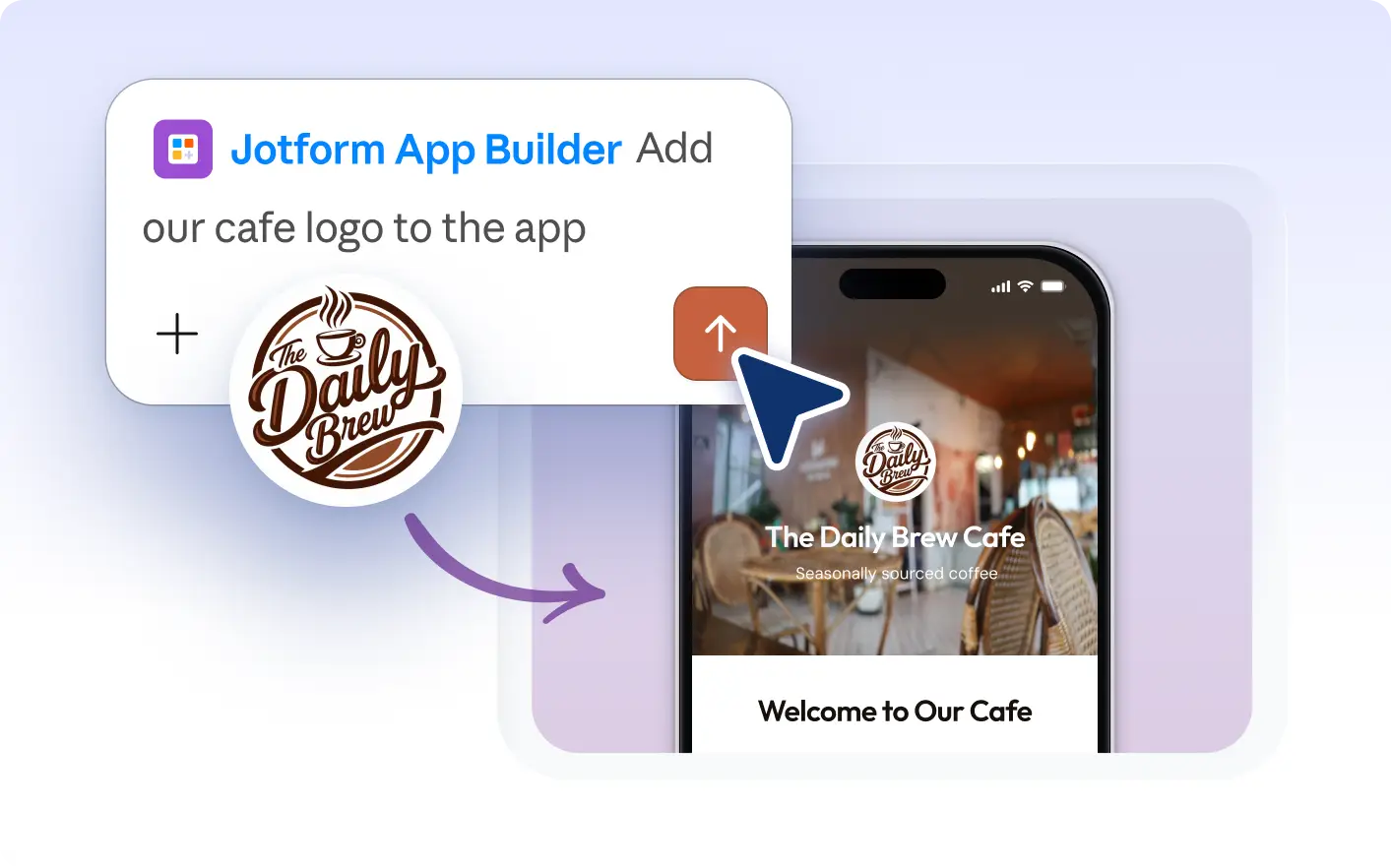
Help app users instantly recognize your brand by adding a custom logo. Share an image URL in Claude and the AI updates your app’s logo, making your organization’s identity clear across every device.
Add or Update Your App Logo in Claude
Add or change your app’s logo by providing an image URL directly in Claude. Tell the AI to use your chosen image as the logo so your app is easily recognized by your audience across all devices.
Showcase Your Organization’s Logo
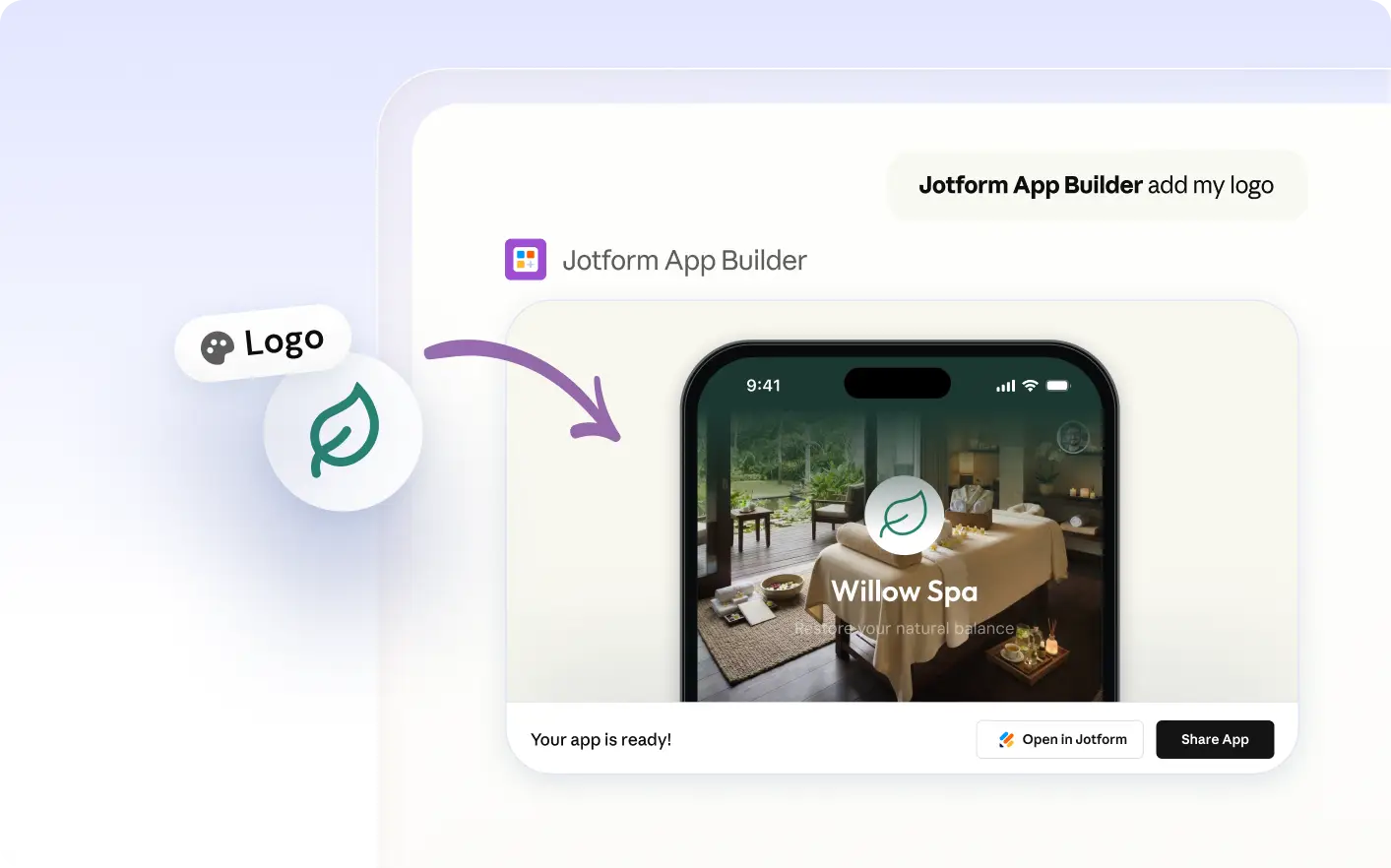
Share an image URL in Claude and the Jform AI App Builder will update your app’s logo. The new logo appears in the header, giving users a clear visual cue of your brand across all devices.
자주 묻는 질문
이 기능에 대해 질문이 있으신가요? 빠른 답변을 위해 아래 FAQ를 살펴보세요.
Provide the image URL for your logo in Claude and ask the Jform AI App Builder to set it as your app’s logo. The AI will update your app so the new logo appears for your users.
Yes, you can update your app’s logo at any time. Provide a new image URL in Claude and ask the Jform AI App Builder to use it as your logo. The app will display the updated logo to your users.
Your app’s logo appears in the app header, making it visible to all users when they open your app on their devices. This helps reinforce your organization’s branding across every device where the app is accessed.