웹사이트 디자인 적용
Bring your brand’s look to your app by sharing your website URL in Claude. Request the Jform AI App Builder to match your site’s colors, fonts, and layouts, so your app feels familiar to your users and maintains a consistent visual identity.
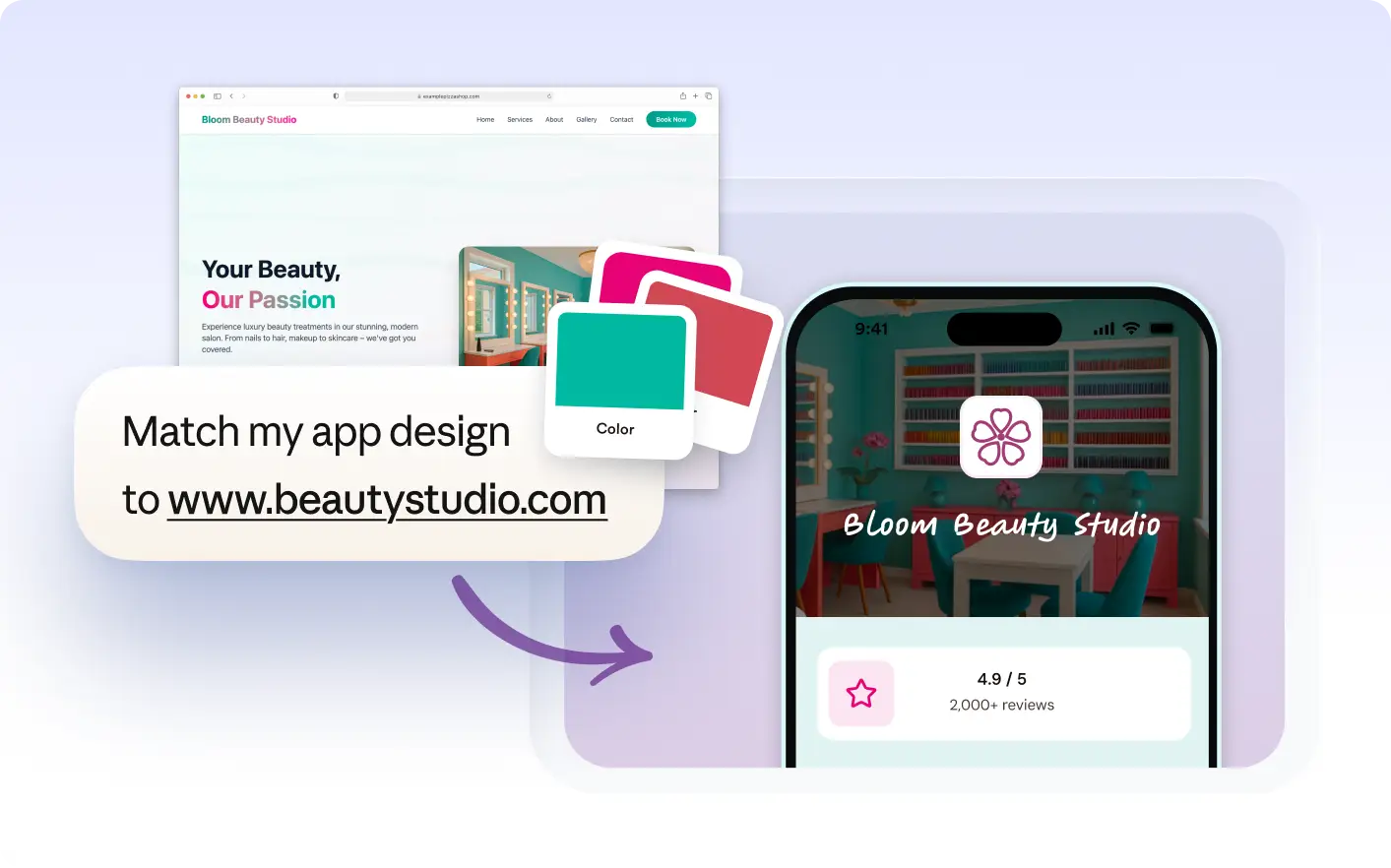
Create a cohesive brand experience by having your app reflect your website’s design. Share your site URL in Claude to match fonts, colors, and layouts, making your app instantly recognizable to your audience.
Use Your Website as a Design Reference
Share your website URL in Claude and ask the Jform AI App Builder to match your app’s colors, fonts, buttons, and layouts. This creates a familiar look for your app users and helps maintain a consistent brand experience across platforms.
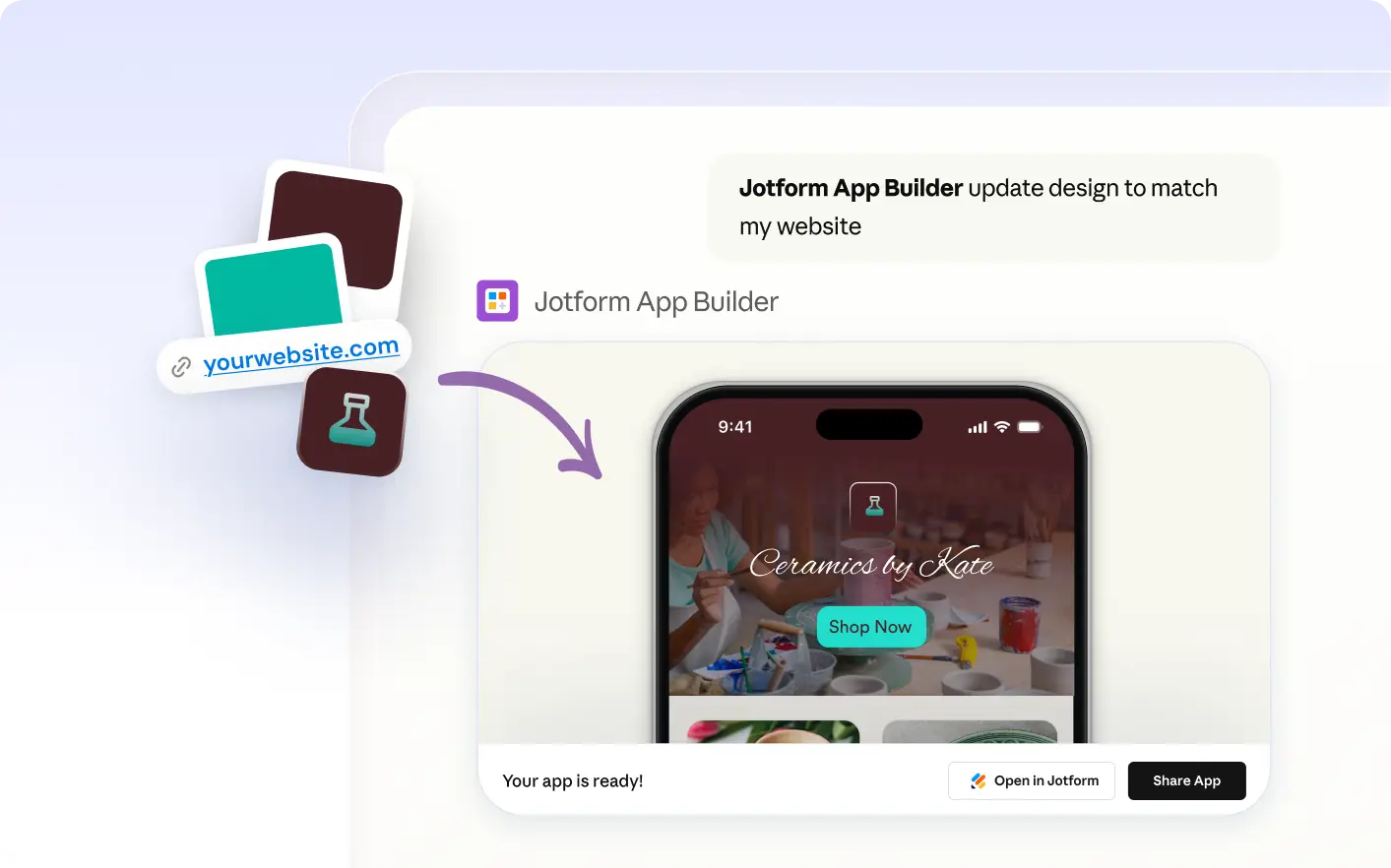
Preview an App Styled Like Your Website
See your app transform with your website’s colors, fonts, and button styles. Review the updated look directly in Claude, then request changes until your app’s appearance matches your brand’s visual identity.
자주 묻는 질문
이 기능에 대해 질문이 있으신가요? 빠른 답변을 위해 아래 FAQ를 살펴보세요.
Share your website URL in Claude and ask the Jform AI App Builder to use its colors, fonts, buttons, and layouts as a reference. The AI will apply these design elements to your app, helping you create a consistent look that matches your website’s style.
You can use your website’s colors, fonts, button styles, and page layouts as references. Share the website URL in Claude, and the Jform AI App Builder will apply these visual elements to your app’s design.
Yes, you can preview how your app looks with your website’s design in Claude. If you want to adjust colors, fonts, or layouts, describe the changes you want and the AI will update your app’s appearance accordingly.