변경 사항 실행 취소 또는 다시 실행
Easily revise your app as you build with Jform Apps in Claude. Ask the AI to undo a recent change or redo a previous edit, so you can experiment with layouts, styles, and content while keeping full control over your progress.
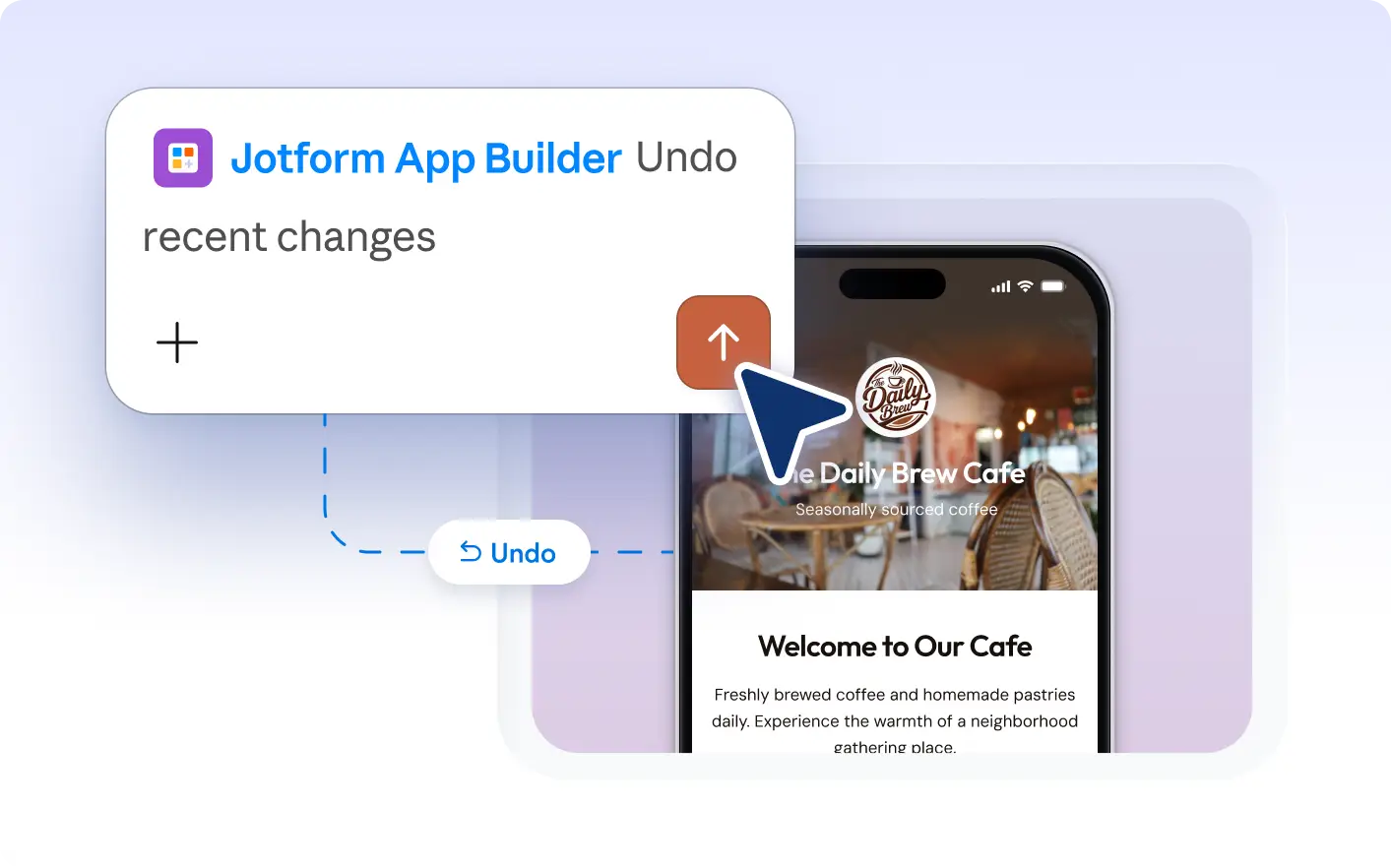
Stay in control of your app edits with quick undo and redo in Jform Apps in Claude. Instantly reverse unwanted changes or —from content tweaks to layout adjustments—so you can experiment confidently and always keep your preferred design.
Undo and Redo App Changes in Claude
Ask Jform Apps in Claude to undo an edit or bring back a previous change as you build your app. Quickly revise content, design, or layout to compare options and keep your creative process flexible and in control.
See Undo and Redo in Action
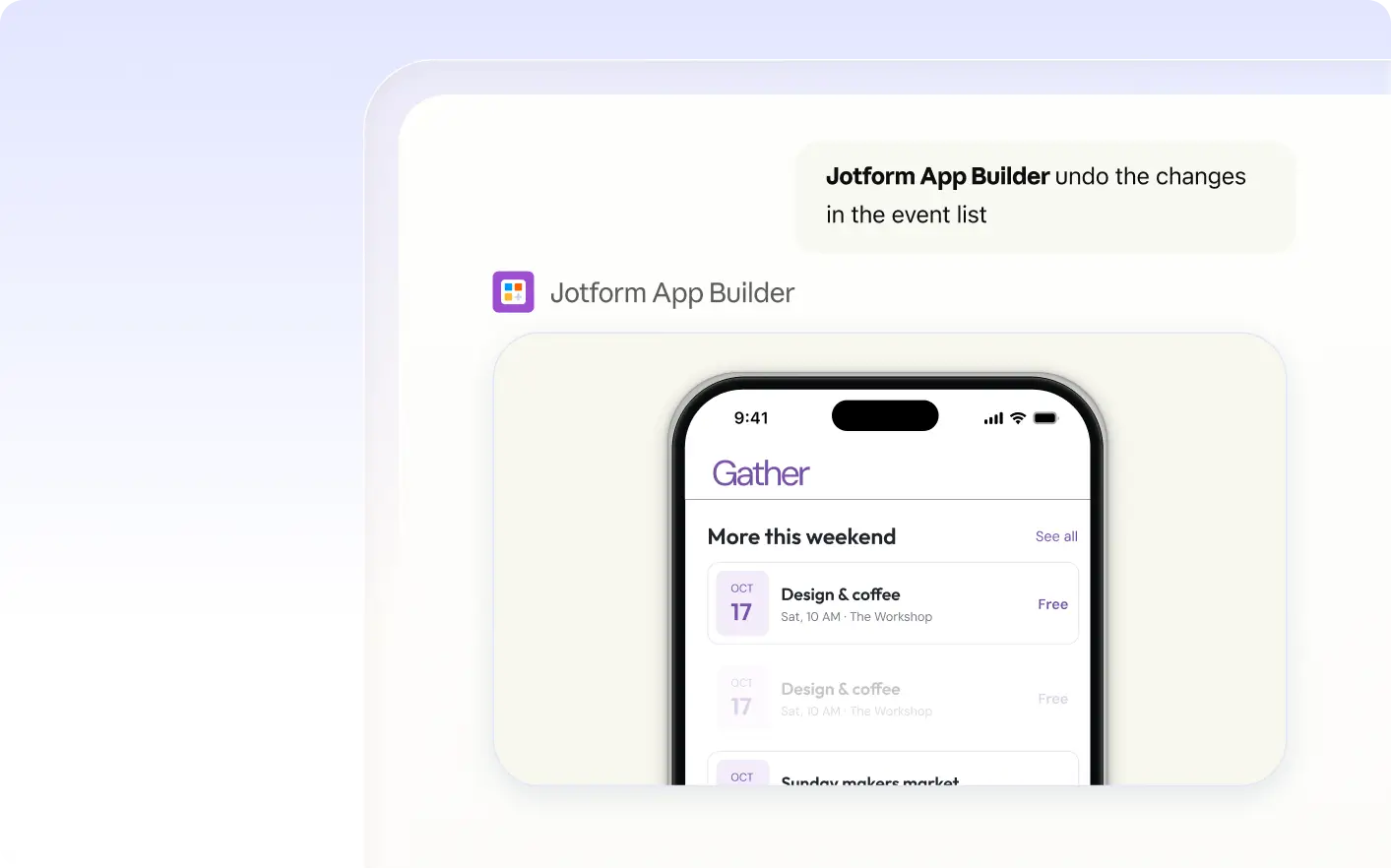
Watch as a creator requests to undo a recent layout change in Claude. The app returns to the previous version, allowing the creator to review the update and redo the change if they want to compare both layouts.
자주 묻는 질문
이 기능에 대해 질문이 있으신가요? 빠른 답변을 위해 아래 FAQ를 살펴보세요.
Ask Jform Apps in Claude to undo your most recent edit. Simply describe which change you want to reverse, and the AI will update your app to restore the previous version.
You can undo or redo changes to your app’s content, layout, and styling. This includes edits like adding or removing elements, updating text, changing colors, and adjusting sections as you build your app in Claude.
Yes, you can ask Jform Apps in Claude to redo a change after you have undone it. This lets you compare different versions of your app and easily restore previous edits as you refine your design.