Delete and Duplicate Elements
Quickly duplicate or delete any app element in Jform Apps in Claude to keep your layout organized. Describe which section, button, or page you want to copy or remove, then review the updated app structure to ensure everything fits your needs.
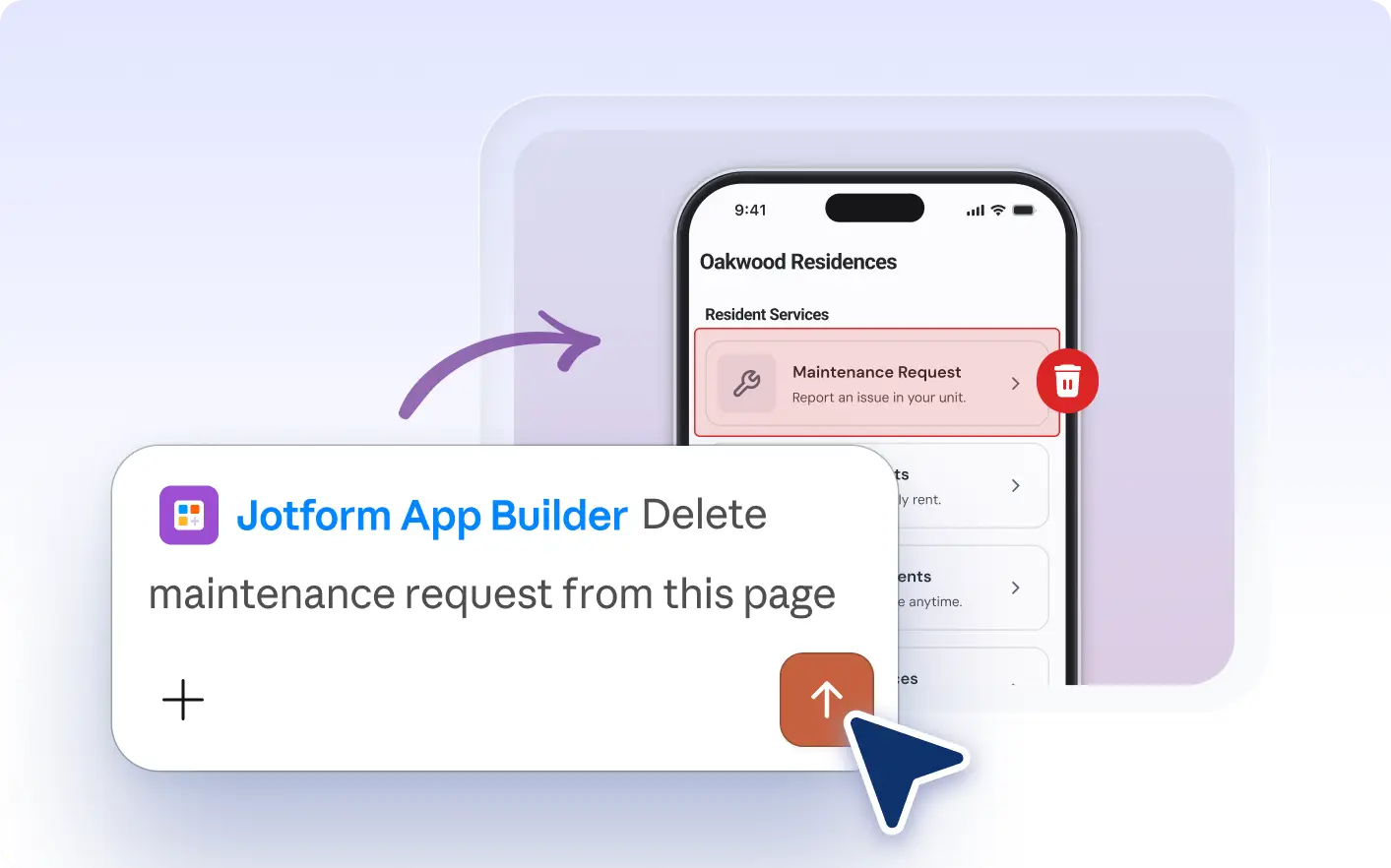
Quickly reuse helpful elements or remove unnecessary content with Jform Apps in Claude. Just describe which , button, or form to duplicate or delete, then review your app’s updated structure in the conversation.
Duplicate or Delete App Elements in Claude
Describe the element you want to duplicate or remove in Claude. Specify which section, button, or page to update, and the Jform AI App Builder will adjust your app’s layout so you can review the changes before continuing.
Duplicate or Delete Elements Instantly
Watch as a feedback form is copied to another page or an outdated banner is removed in your app. Instantly see the updated layout, helping you adjust your app’s structure and keep content organized for your audience.
자주 묻는 질문
이 기능에 대해 질문이 있으신가요? 빠른 답변을 위해 아래 FAQ를 살펴보세요.
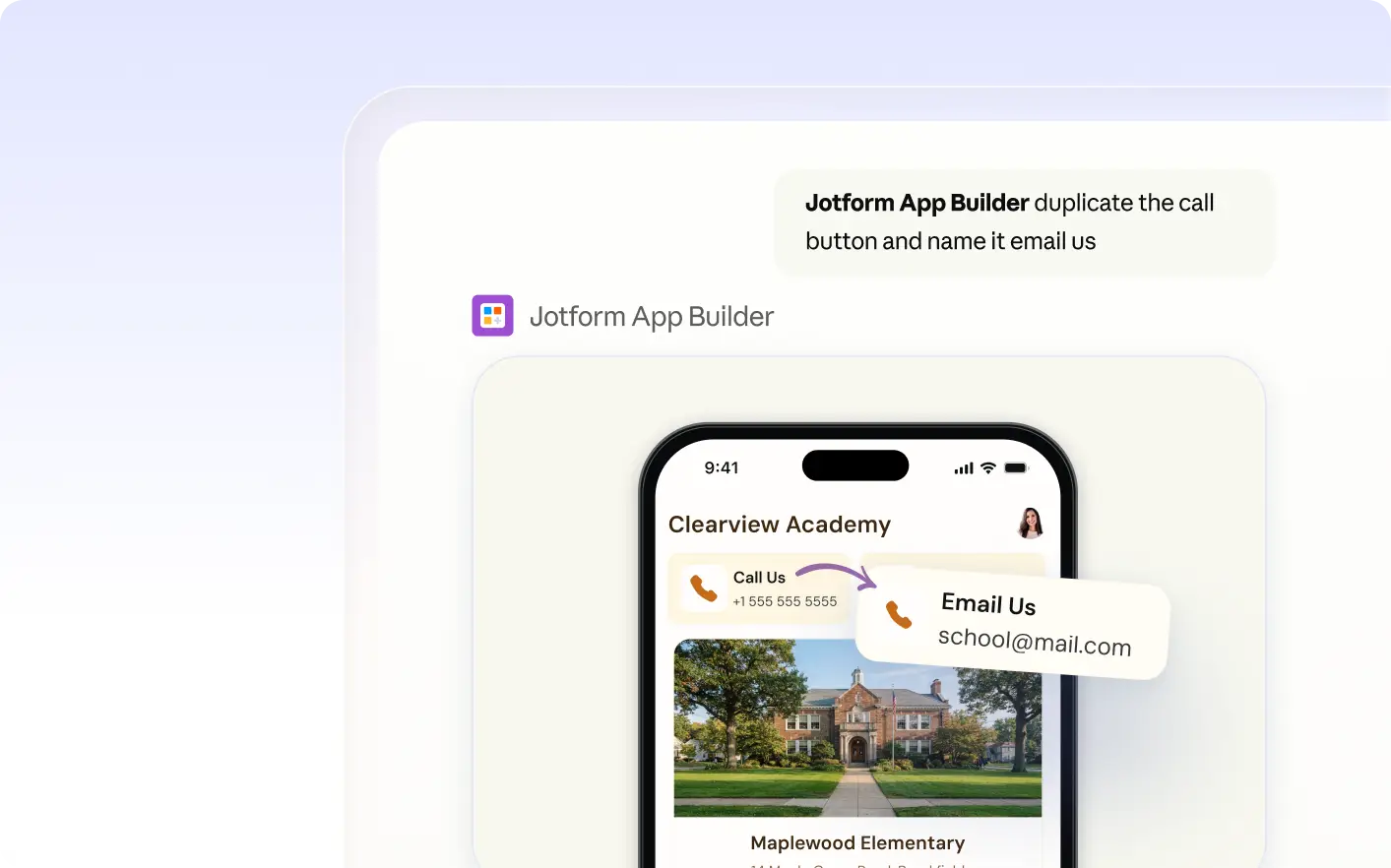
Describe which element you want to copy in Claude, such as a section, button, or form. The Jform AI App Builder will create a duplicate of that element in your app, letting you reuse useful content or layouts.
Describe the element you want to remove, such as a section, button, or page, in your message to Jform Apps in Claude. The AI will update your app by deleting the specified content, and you can then review the new layout.
Yes, after you duplicate or delete elements in Jform Apps in Claude, you can immediately review the updated app layout in the conversation. This lets you see how your changes affect the app and request further adjustments as needed.