Create Apps From Documents
Upload a PDF or other document in Claude and describe how you want to use its content. Jform AI App Builder analyzes the file to create an app, such as a resource hub or onboarding guide, helping you organize information for your team or audience.
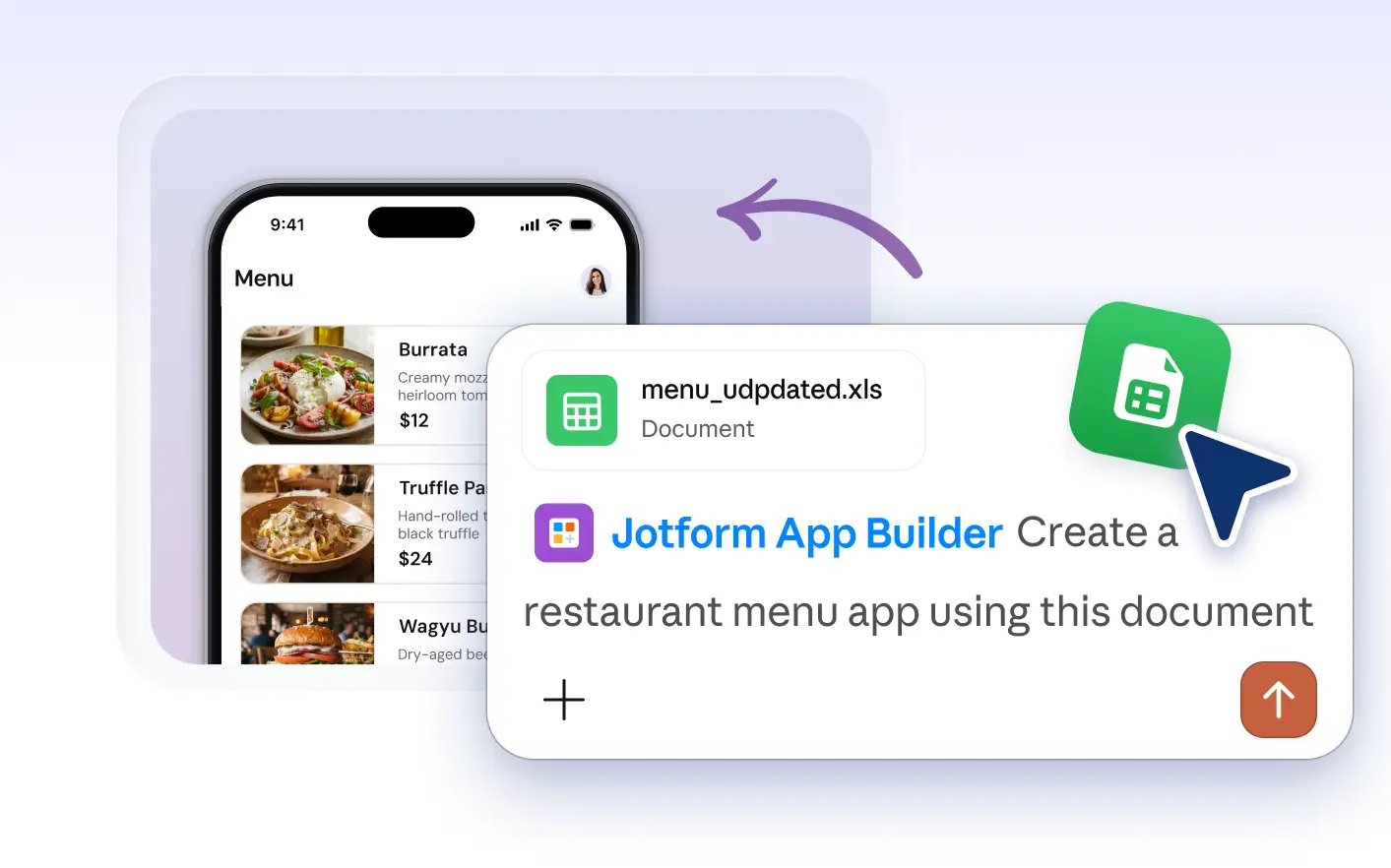
Jump-start your app with a document upload in Claude. The AI reads your PDF or guide, then builds an app using its . Quickly turn resources into a custom app your team can use anywhere.
Start With a Document to Build Your App
Upload a PDF or other document in Claude and describe your goals for the app. Jform AI App Builder reviews the content and transforms it into a custom app, such as a resource hub or onboarding guide tailored to your needs.
Turn an Onboarding Guide Into an Employee App
For example, upload your onboarding guide in Claude and ask Jform Apps to create an employee resource app. Organize forms, policies, and links by topic so your team can find what they need from any device.
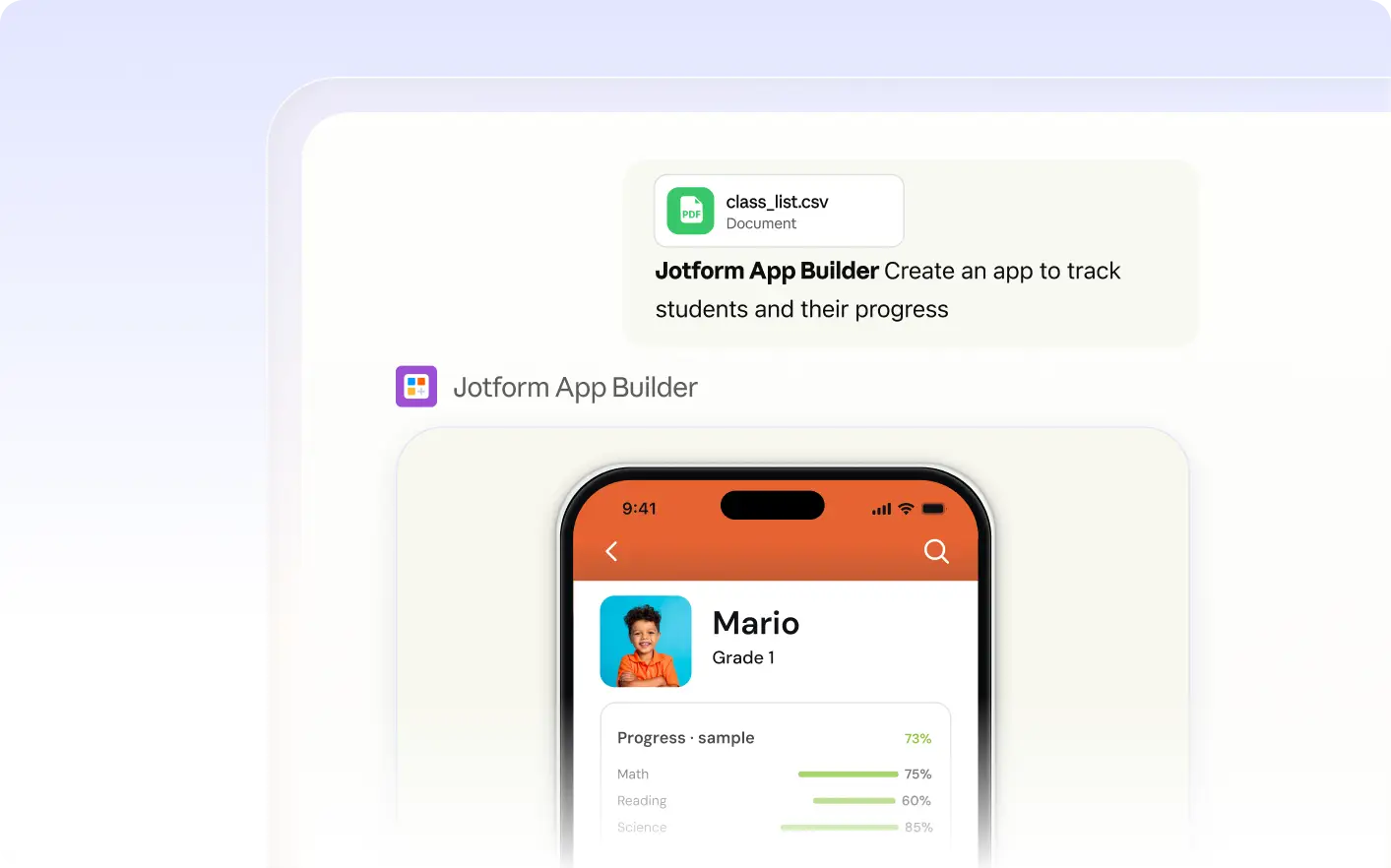
자주 묻는 질문
이 기능에 대해 질문이 있으신가요? 빠른 답변을 위해 아래 FAQ를 살펴보세요.
You can upload PDFs and other supported document formats to Jform Apps in Claude. The AI reviews the file’s content and uses it as the foundation for building your app. For best results, use clear, well-organized documents.
After uploading your document in Claude, describe your goals or specify which sections to include. The Jform AI App Builder uses your instructions to organize content, add forms, and structure the app based on your needs.
Yes, after you upload a document and request an app in Claude, you can preview the resulting app directly in the conversation. This lets you review the structure and content before sharing it with others or making further changes.