Create Apps From Images
Upload an image and describe your app idea in Jform Apps in Claude. The AI uses your visual and instructions to create an app with a layout and content that reflect your goals and style, ready for preview and further updates.
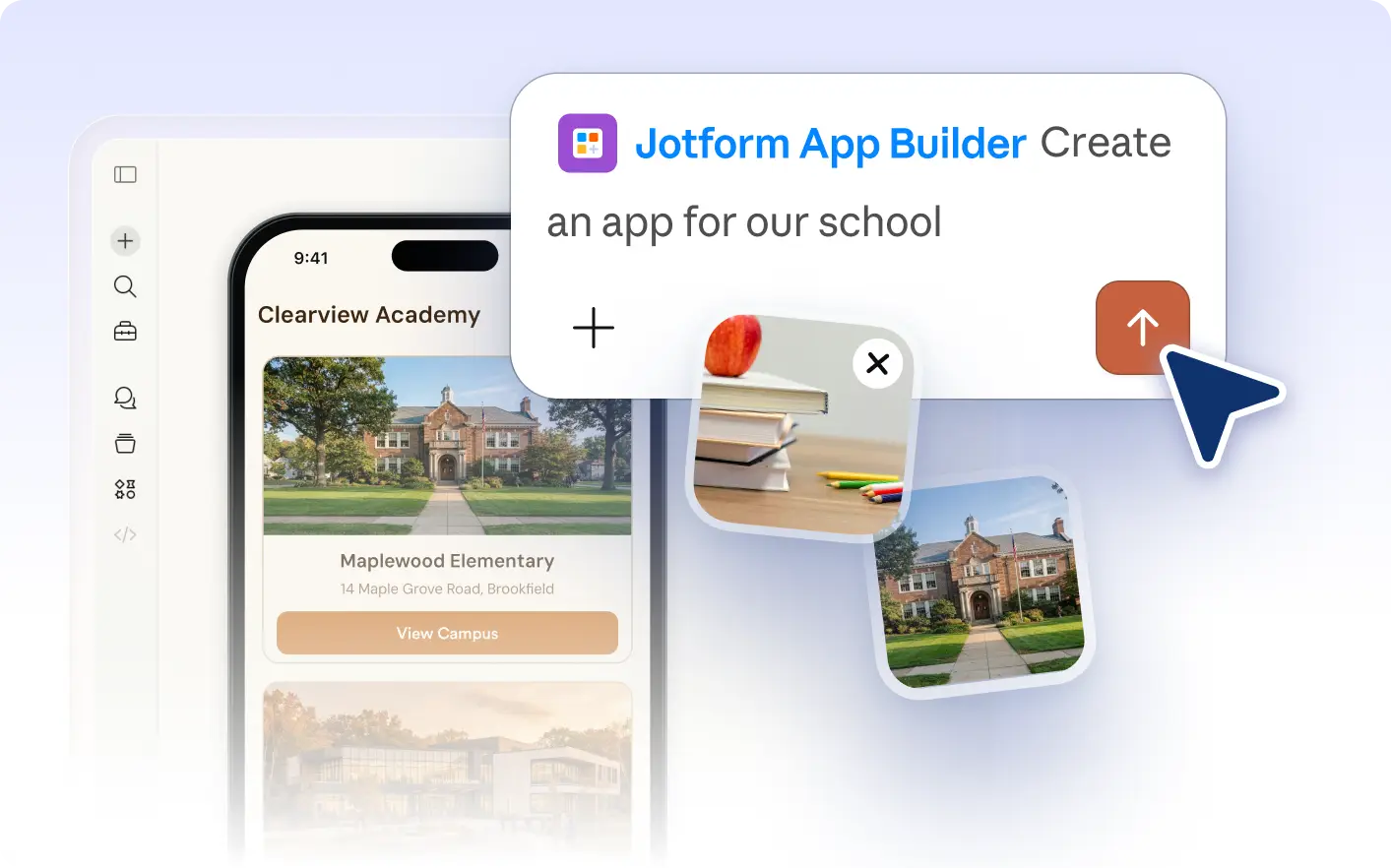
Jumpstart your app with visual inspiration by uploading an image and explaining your needs in Claude. The AI uses your image and instructions to shape the layout, structure, and content of your new app, making it match your vision.
Design Your App From an Image
Share an image and describe your app requirements in Jform Apps in Claude. The AI interprets your uploaded visual and instructions to create an app layout, structure, and content that reflect your needs and style.
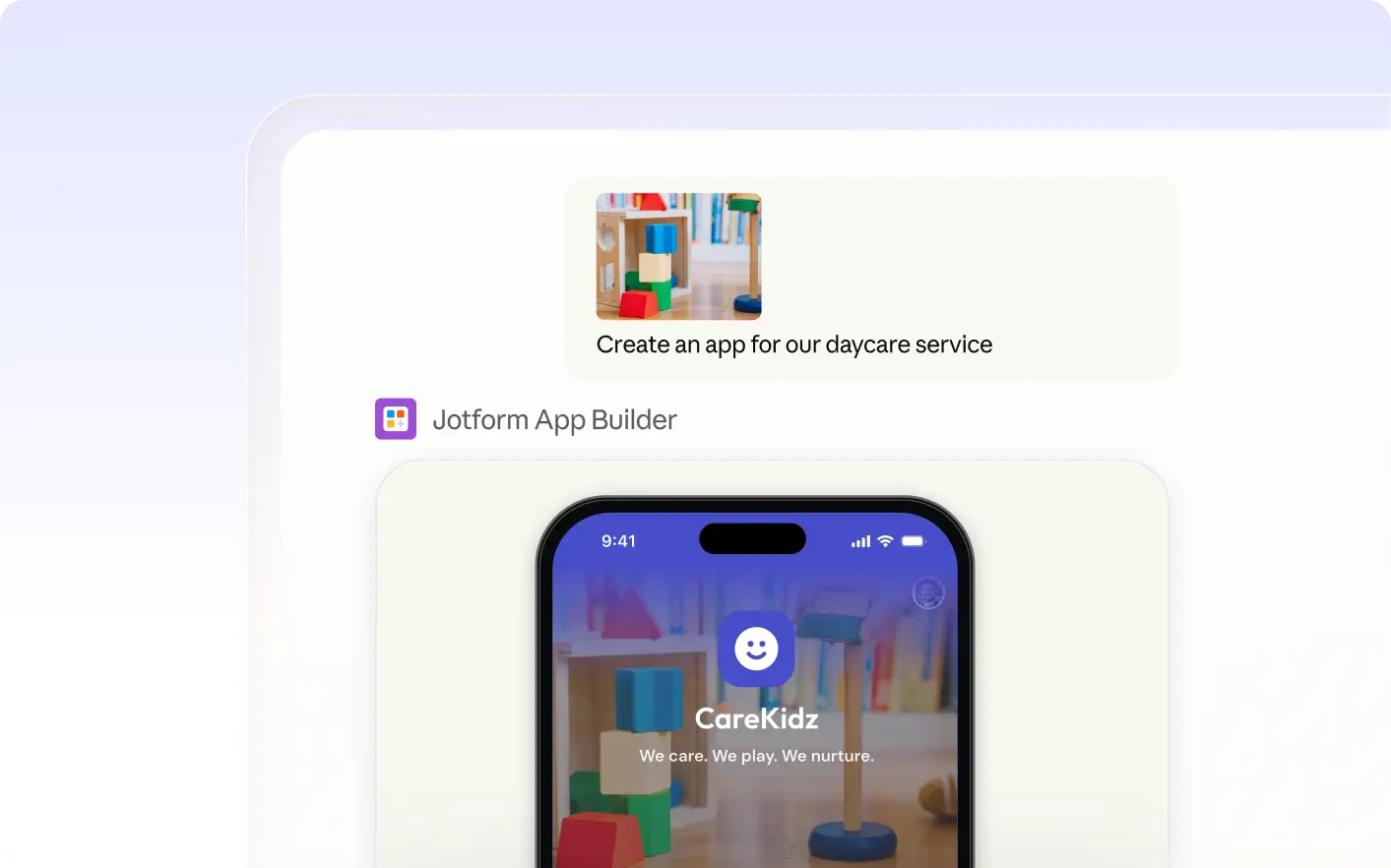
Preview App Design Inspired by Your Image
See how your uploaded image shapes the app’s layout, color palette, and style. Jform Apps in Claude uses your visual and description to build a design that matches your requirements and vision.
자주 묻는 질문
이 기능에 대해 질문이 있으신가요? 빠른 답변을 위해 아래 FAQ를 살펴보세요.
Upload your chosen image and describe the app you want to build in Jform Apps in Claude. The AI will use your visual and instructions to create an initial app layout and structure for you to review.
The AI reviews the uploaded image for layout, structure, and visual style. It uses these elements, along with your instructions, to guide the design and organization of your app in Jform Apps in Claude.
Yes, you can request changes in Claude after uploading your image. Describe the updates you want, and Jform AI App Builder will adjust the app’s layout, content, or style based on your new instructions.