Preview Apps
Preview your app as you build it with Jform Apps in ChatGPT. Review its layout, design, and content directly in the conversation, then request changes to refine the experience for your users.
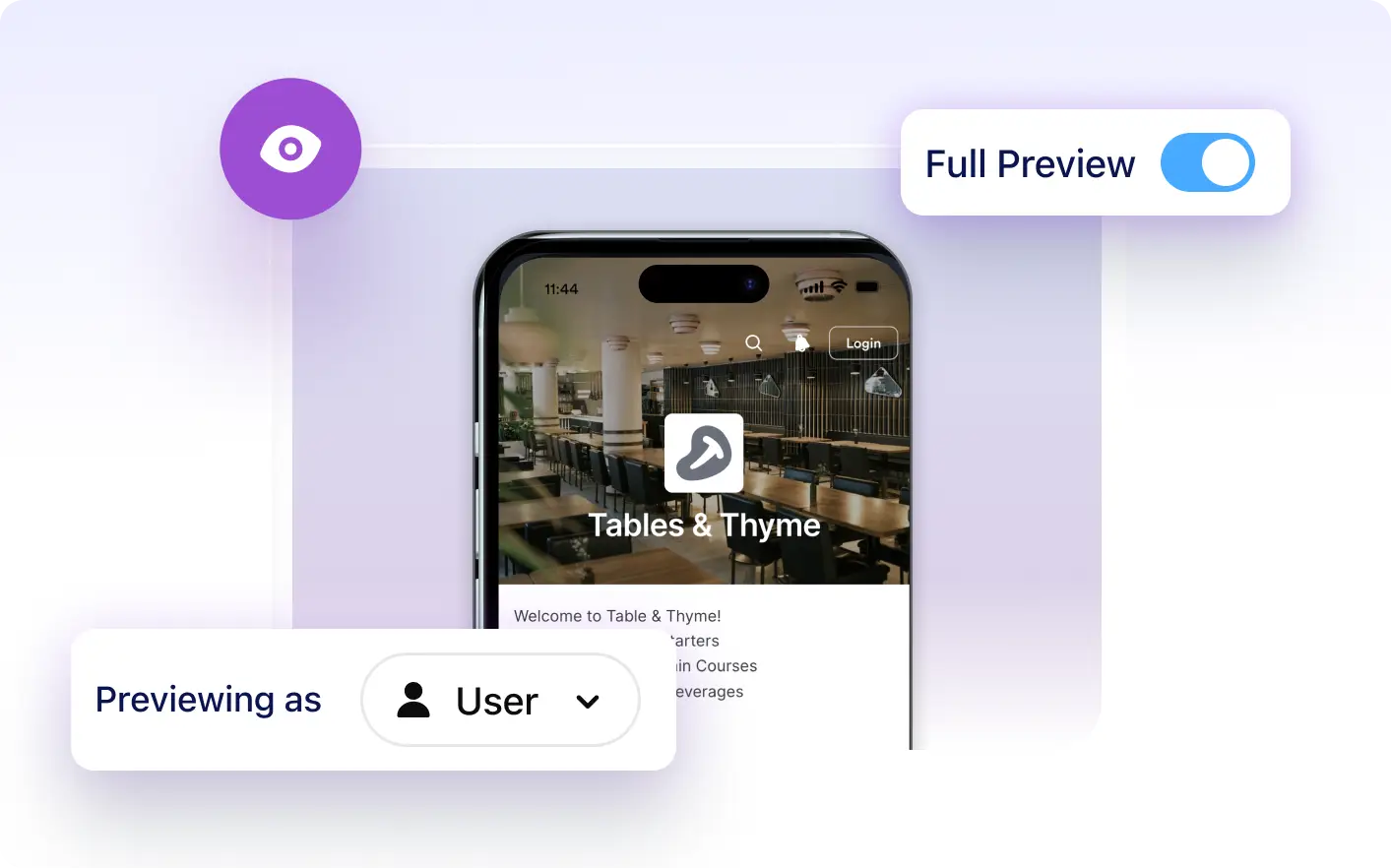
See your app take shape without leaving the conversation. Jform Apps in ChatGPT lets you preview your progress, review design choices, and request adjustments as you build and customize your app.
Preview Apps Directly in ChatGPT
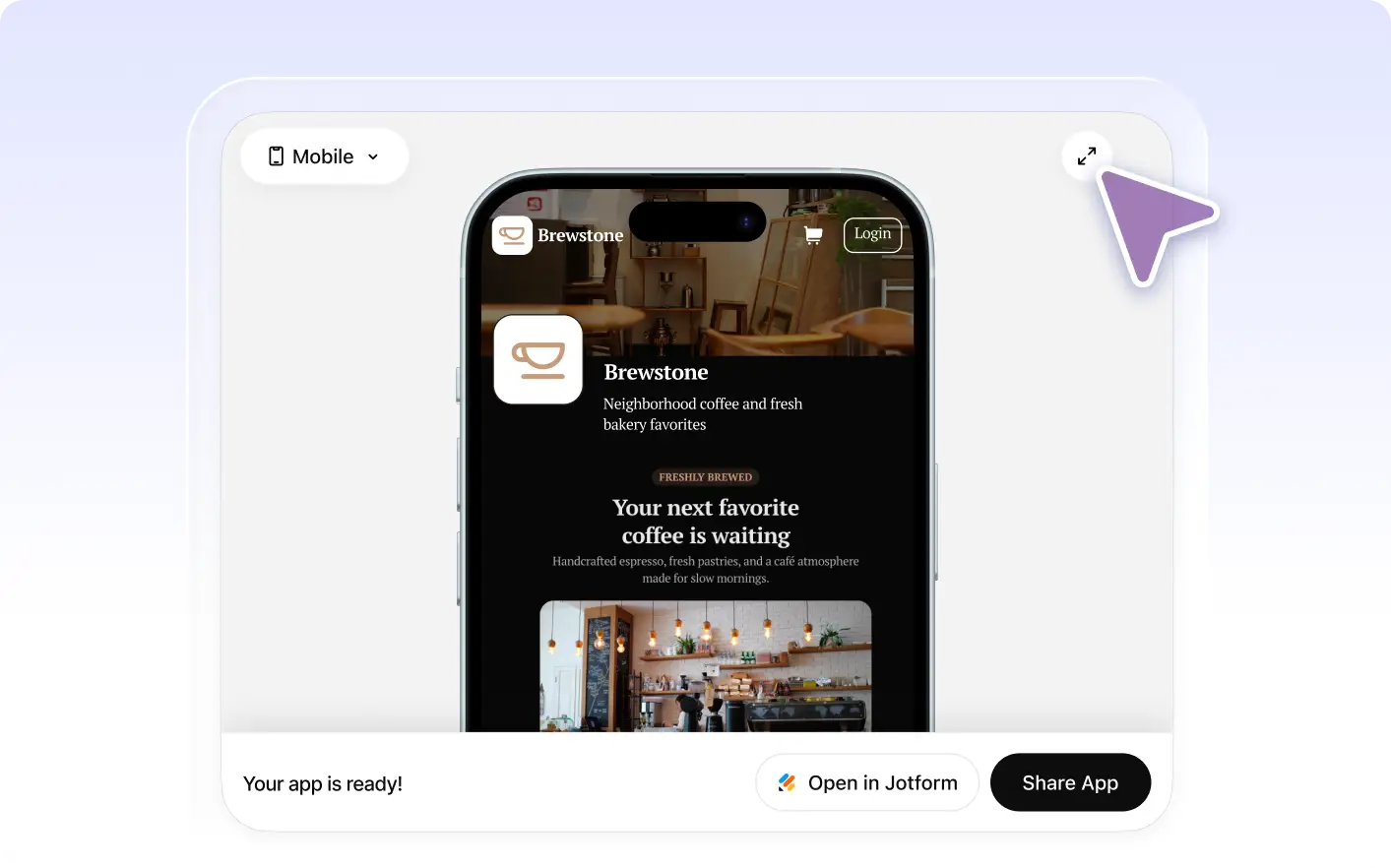
Describe your app requirements in ChatGPT, then preview the resulting app in the conversation. Review its appearance and content, tell the AI what to change, and check the updated result.
Review Your App’s Pages, Design, and Content
Preview an employee portal or event app directly in ChatGPT to review its pages, colors, and content. Ask for adjustments as you build to create an app that fits your audience and purpose.
자주 묻는 질문
이 기능에 대해 질문이 있으신가요? 빠른 답변을 위해 아래 FAQ를 살펴보세요.
Yes, you can. The Jform Apps in ChatGPT feature allows you to preview your app in real-time as it's being developed. This means you can see the changes and updates as they happen, helping you to make immediate adjustments if needed.
The real-time app preview feature in ChatGPT allows you to view your app as it's being built. As you provide instructions for your app's design and content, the AI responds by crafting your app and displaying a live preview. This allows you to see the changes in real-time, ensuring your app aligns with your vision before it's finalized.
The real-time preview feature in ChatGPT allows you to see your app's development progress instantly. It ensures that your app is being built according to your specifications, and allows for immediate adjustments if needed. This feature saves time and enhances the accuracy of your app development process.