Display List Data
Display list data in your app with Jform Apps in ChatGPT. Specify the list you want to show, including data from Jform Tables, and let it update automatically as items are added or removed.
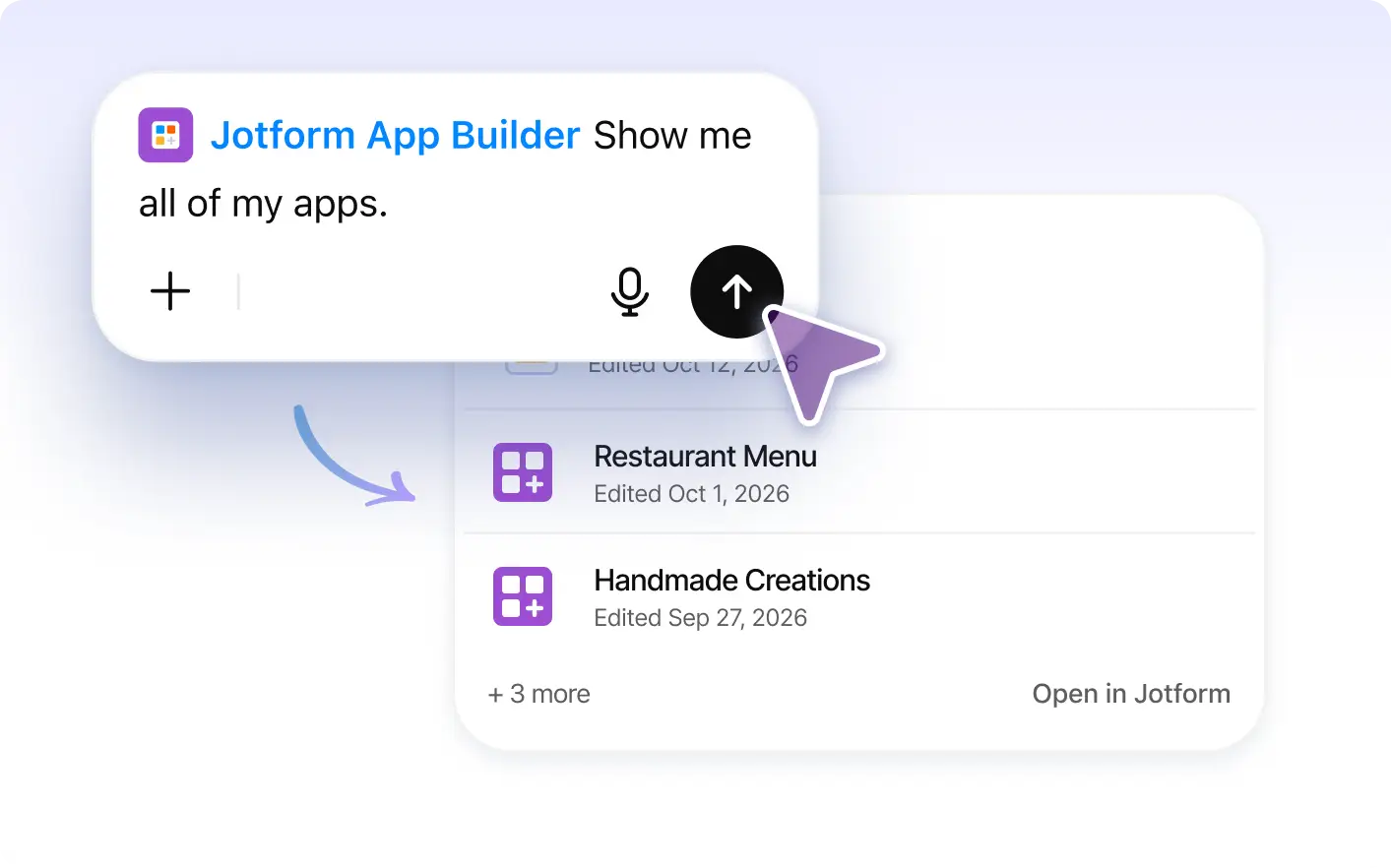
Easily display list data in your app with Jform Apps in ChatGPT. Simply select the list you want to display and it will update automatically as items are added or removed. You can also display data from Tables, ensuring your app always shows the latest data.
Display Your List Data in Your App
Keep app users informed with automatically updated lists. Use Jform Apps in ChatGPT to display list data or Jform Tables data, so additions and removals are reflected in your shared app.
Display List and Jform Tables Data in Apps
Tell Jform Apps in ChatGPT which list or Jform Tables data you want to display. The app shows your selected data and updates the list as items are added or removed, reducing manual upkeep.
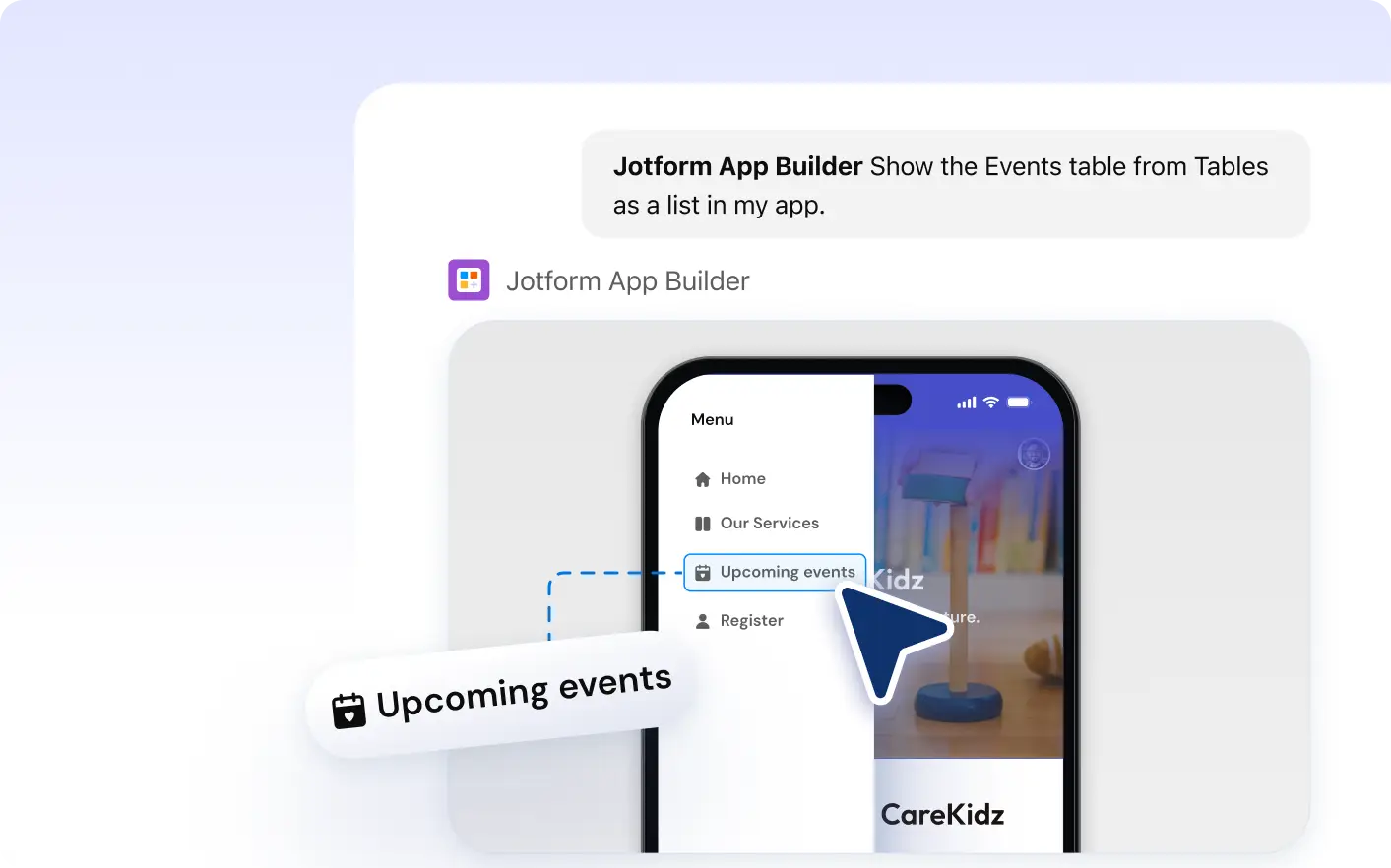
자주 묻는 질문
이 기능에 대해 질문이 있으신가요? 빠른 답변을 위해 아래 FAQ를 살펴보세요.
To display list data in your Jform app, simply select the list you want to display when configuring your app in ChatGPT. The selected list data will automatically update in your app as items are added or removed.
Yes, with Jform Apps in ChatGPT, you can display data from Jform Tables in your app. This ensures that your app users always have access to the most up-to-date information.
Yes, the app updates in real-time when items are added or removed from the list data. This ensures your app always displays the most current data.