Add Search and Filters
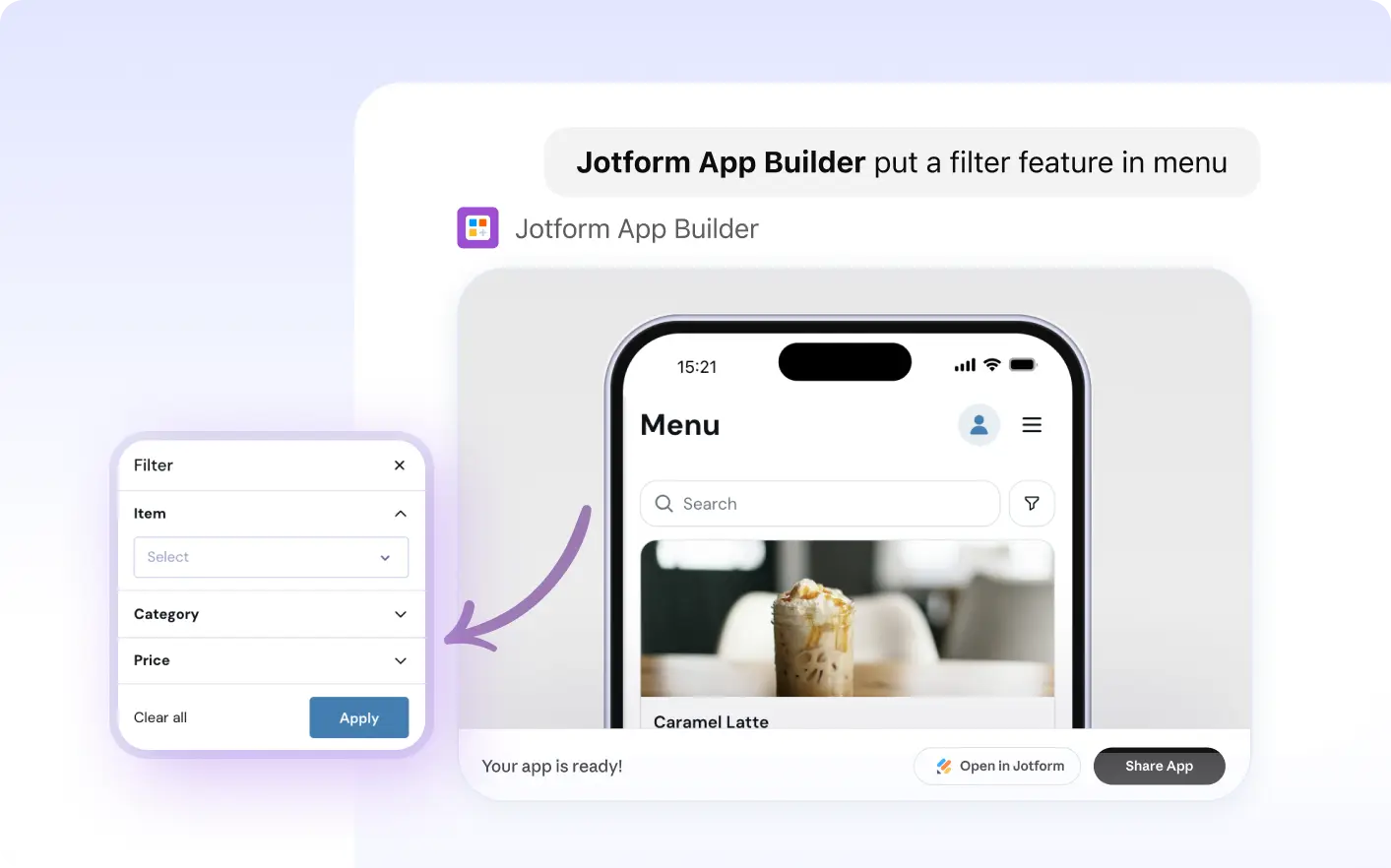
Add search and filter widgets with Jform Apps in ChatGPT. Describe how users should find records and narrow results, and the AI adds tools to help them explore data in your app.

Use Jform Apps in ChatGPT to add search and filter widgets, making it easier to locate records, refine results, and explore your app’s data.
Add App Search and Filters
Help app users find the information they need. Use Jform Apps in ChatGPT to add search and filter widgets, making it easier to locate records, refine results, and explore your app’s data.
Streamline Navigation with Search and Filters
Improve your app's usability by integrating search and filter widgets. Users can swiftly locate records, refine results, and explore data, making information access more efficient and user-friendly. With the power of Jform Apps in ChatGPT, you can easily add these features to enhance your app's functionality and user experience.
자주 묻는 질문
이 기능에 대해 질문이 있으신가요? 빠른 답변을 위해 아래 FAQ를 살펴보세요.
To add search and filters to your app, simply describe your requirements in a conversation with ChatGPT. For example, you can say 'Add a search bar to the top of my app' or 'Include filters for my product list.' Jform AI App Builder will interpret your instructions and add the requested features to your app.
Absolutely! By describing your requirements in ChatGPT, you can customize the search and filter widgets in your app easily.
Search and filter widgets enhance user experience by providing quick access to relevant records. This reduces time spent scrolling through data and improves overall navigation within the app.