Add Dashboard Data
Create app dashboards with Jform Apps in ChatGPT. Describe the metrics and data you want to display, and the AI builds a layout to help users review information in one place.
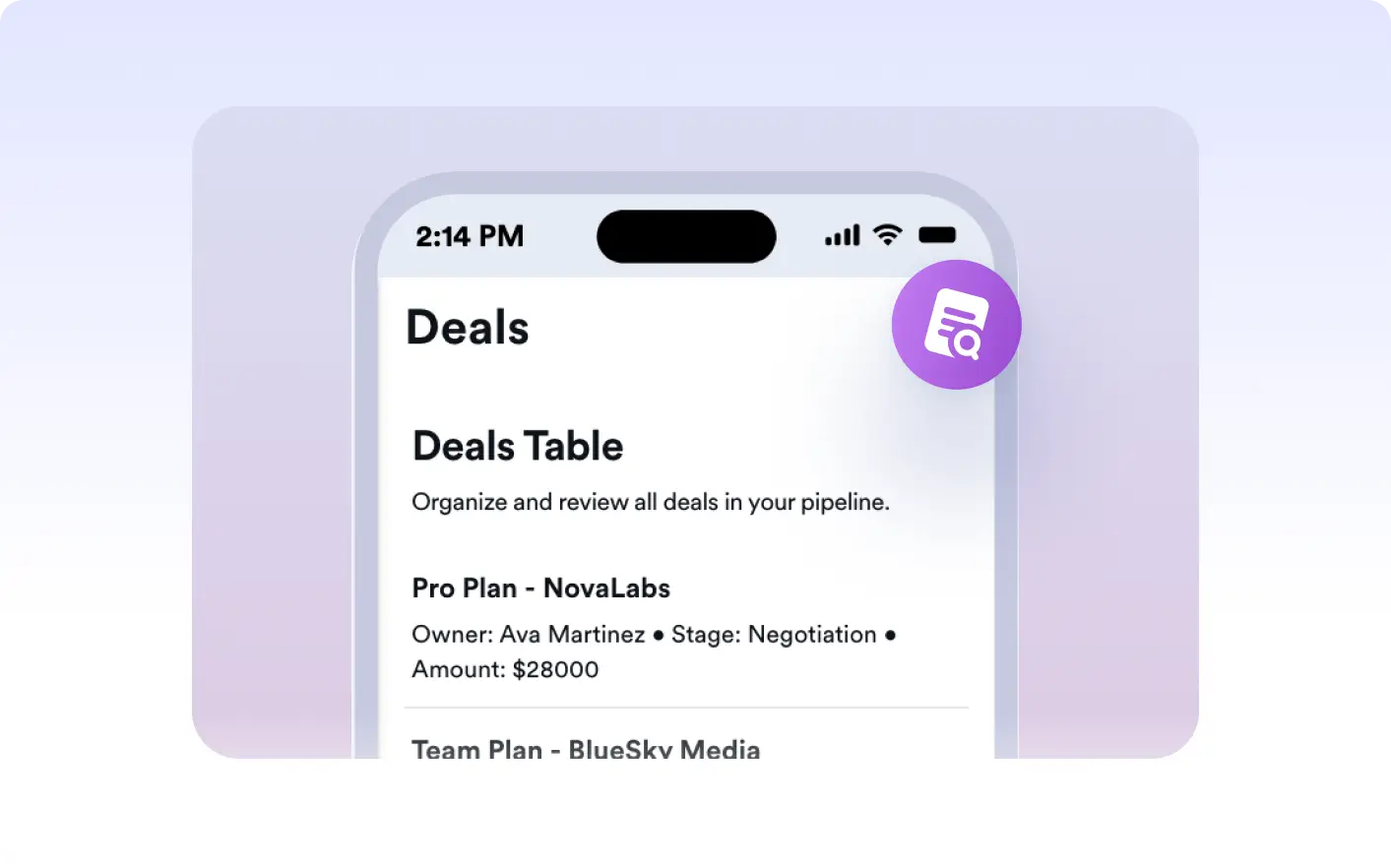
in ChatGPT, and watch as your data is organized and displayed in a user friendly format. This feature is perfect for tracking performance and making data driven decisions.
Turn Your Data Into an App Dashboard
Make your data easier to understand with an organized dashboard. Use Jform Apps in ChatGPT to bring metrics and visual summaries together, helping app users review performance and track progress.
Describe the Metrics Dashboard Should Show
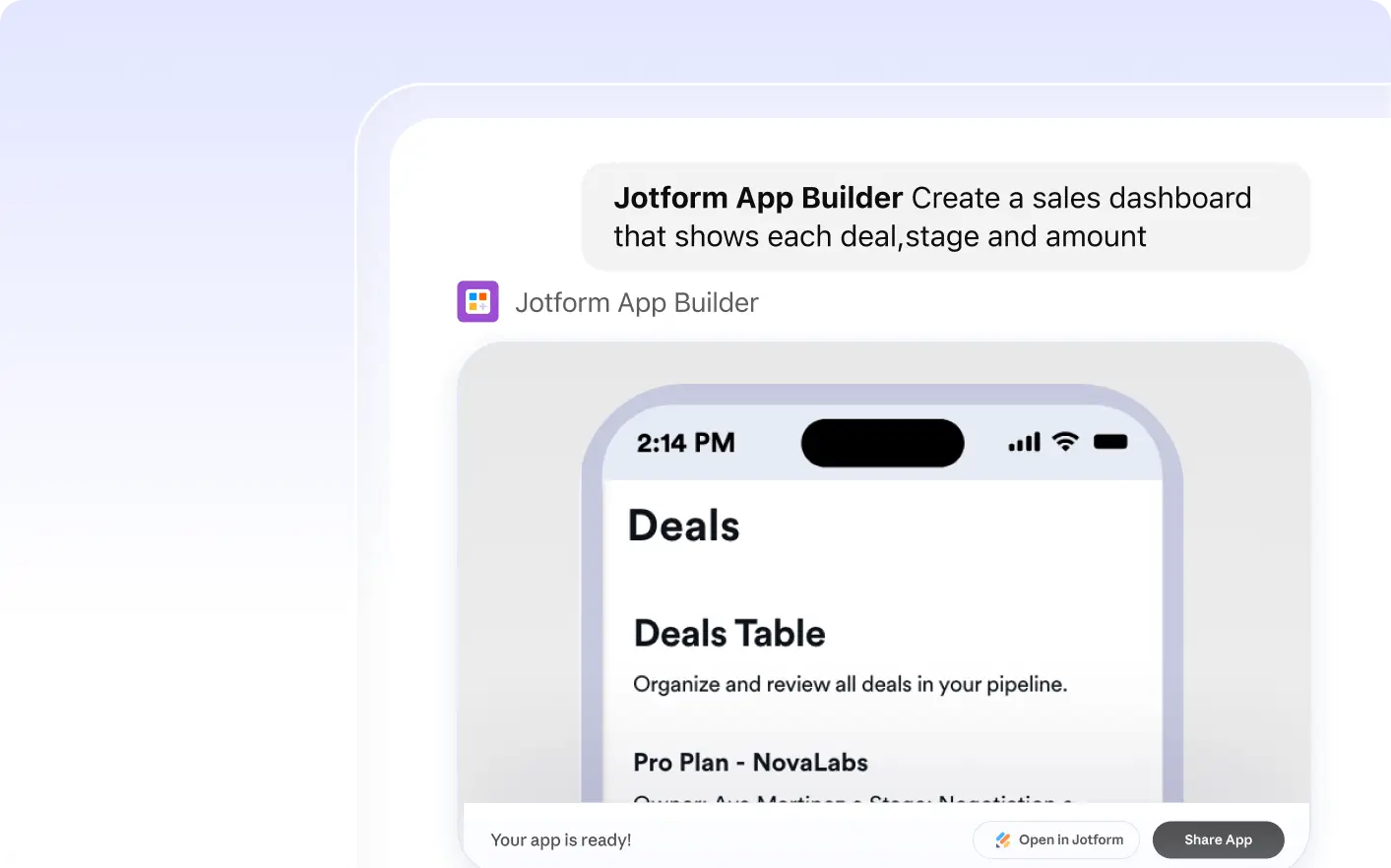
Tell Jform Apps in ChatGPT what your dashboard should show and how to organize it. Jform AI App Builder creates a layout for your metrics and data, which you can preview in the conversation.
자주 묻는 질문
이 기능에 대해 질문이 있으신가요? 빠른 답변을 위해 아래 FAQ를 살펴보세요.
You can display a variety of data types in your app's dashboard, including metrics, organized data, and other relevant information that can be represented visually. However, the specific data types depend on the information available in your app.
To add dashboard data to your app, simply describe the data and layout you want in a conversational prompt in ChatGPT. For example, you could say 'Add Sales Overview data as a dashboard'.
Yes, you can customize your dashboard layout. Simply describe the changes you want to make in your conversation with ChatGPT, and the Jform AI App Builder will adjust the layout accordingly.