Create Apps From Images
Upload an image to Jform Apps in ChatGPT and describe the app you need. AI uses your image and instructions to create an interactive app with a polished layout and structure for your idea.
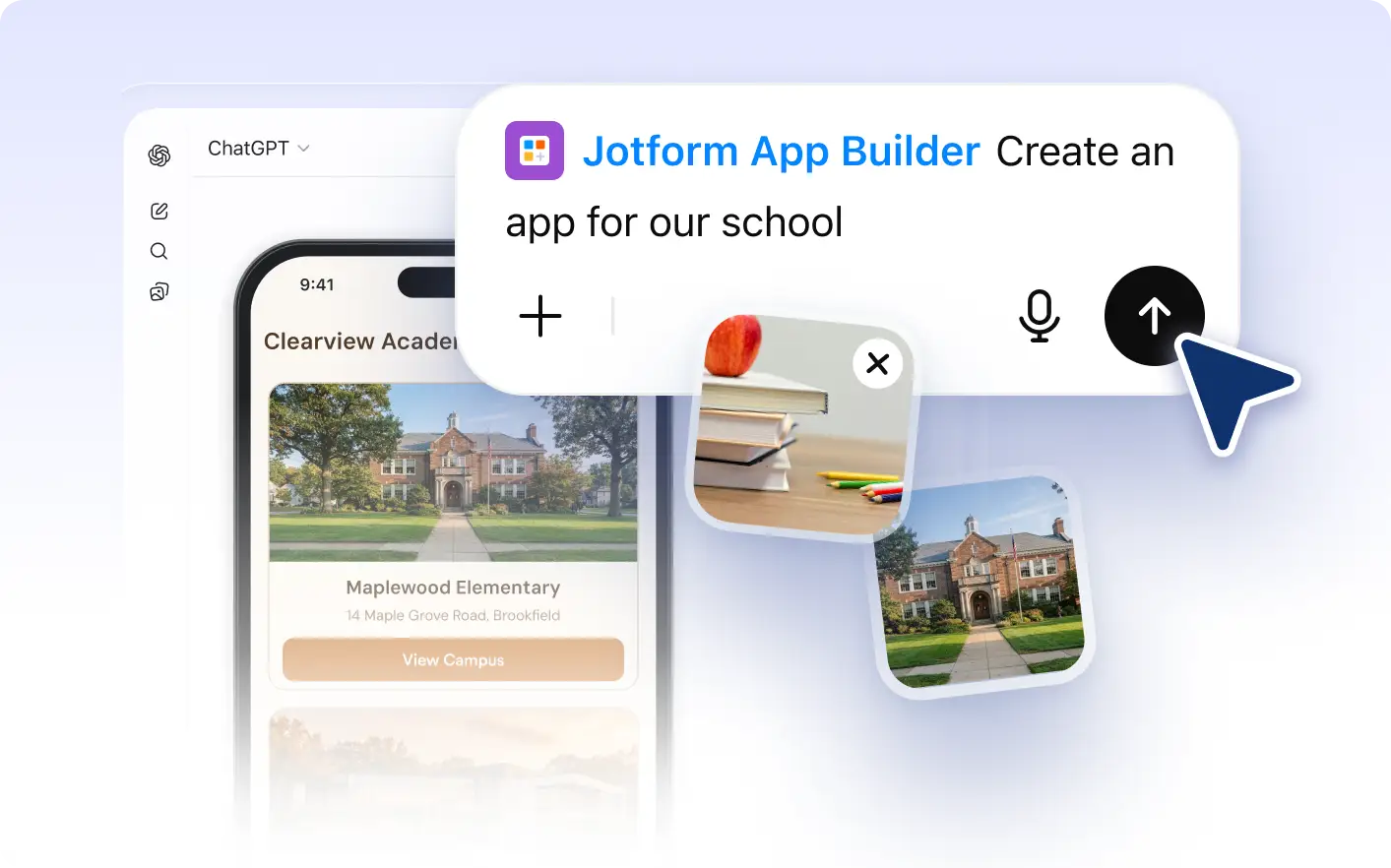
Transform your into interactive apps with Jform Apps in ChatGPT. Simply upload an image and describe the app you need. The AI will interpret your visuals and create a complete app with a polished layout and structure.
Turn Your Image into an App
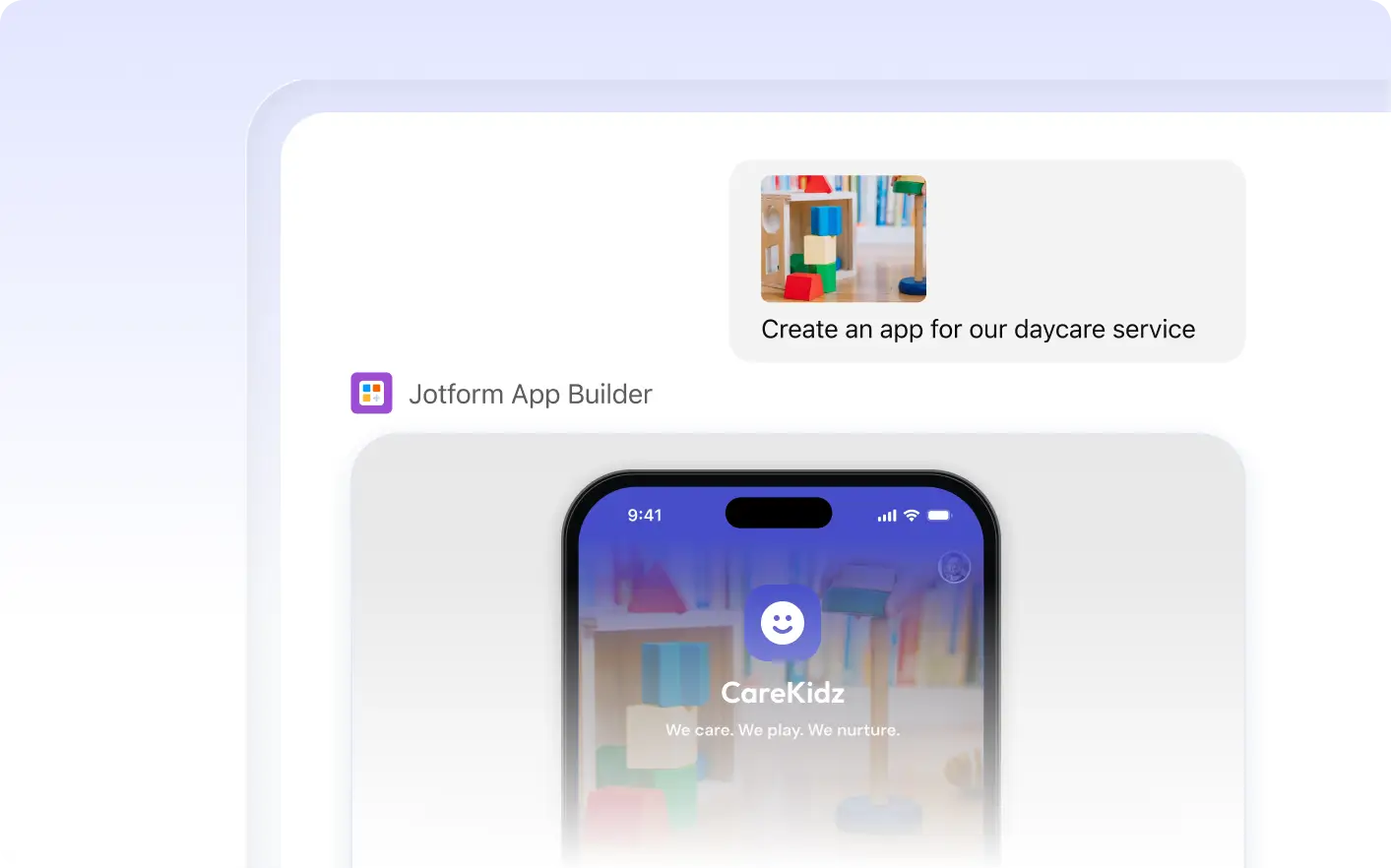
Give Jform Apps in ChatGPT an image, add context, and describe your app. AI interprets your visual reference alongside your instructions to create a functional app based on your needs.
Build an App Using an Image and a Description
Start with an image that represents your app idea. Upload it to Jform Apps in ChatGPT and explain what you need so AI can create an app layout and structure guided by your reference.
자주 묻는 질문
이 기능에 대해 질문이 있으신가요? 빠른 답변을 위해 아래 FAQ를 살펴보세요.
You can create an app by uploading an image in ChatGPT. Include context and describe the app you need. The Jform AI App Builder will interpret your visuals and instructions to create a complete app with a polished layout and structure.
You can use any image that clearly represents the layout, structure, or content you want in your app. This could be a sketch, a screenshot, a professionally designed mockup, or any other visual that conveys your app concept.
Absolutely! After your app is created from an image, you can continue to modify and customize it according to your requirements directly in ChatGPT.