Create and Assign Signer Roles
The Jform Sign Claude App simplifies your document signing process by allowing you to create and assign signer roles. You can define roles for each individual involved in the signing process, ensuring clear responsibilities and an organized workflow. Streamline your signing process with Jform Sign Claude App today.
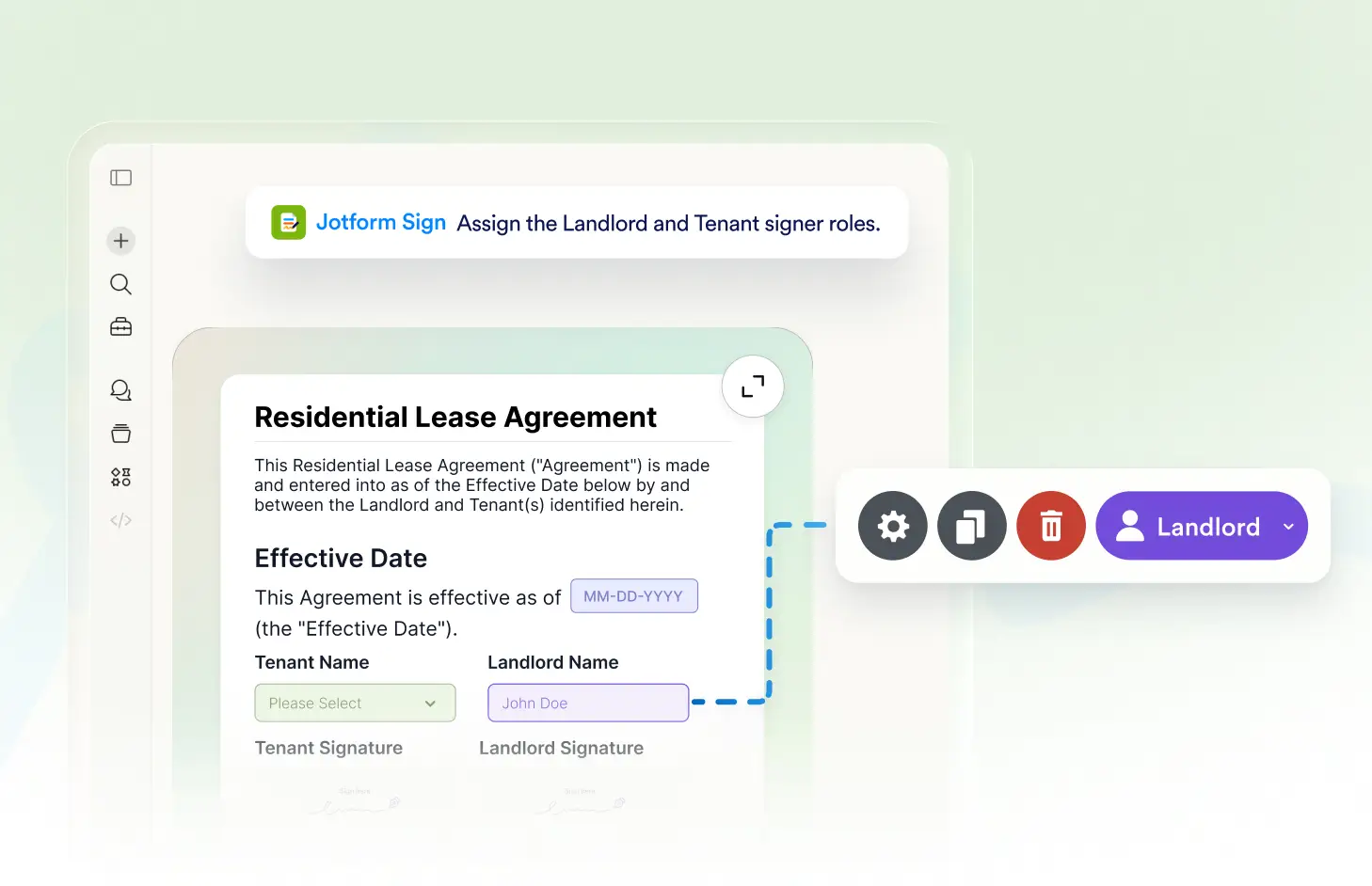
The Jform Sign Claude App empowers users to create and assign signer roles for their documents. This feature allows for efficient management of signing workflows, ensuring that the right people are signing the correct parts of a document. It's a simple, streamlined way to handle multiple signers.
Streamline Your Document Signing Process
Efficiently manage your document signing process with the Jform Sign Claude App. Create and assign signer roles to ensure your documents are signed by the right people in the right order. Simplify your workflow and keep your signing process organized.
Create Signer Roles Easily
With the Jform Sign Claude App, you can effortlessly create and assign signer roles. This helps you manage your document signing workflow more efficiently by assigning responsibilities to the right individuals.
자주 묻는 질문
이 기능에 대해 질문이 있으신가요? 빠른 답변을 위해 아래 FAQ를 살펴보세요.
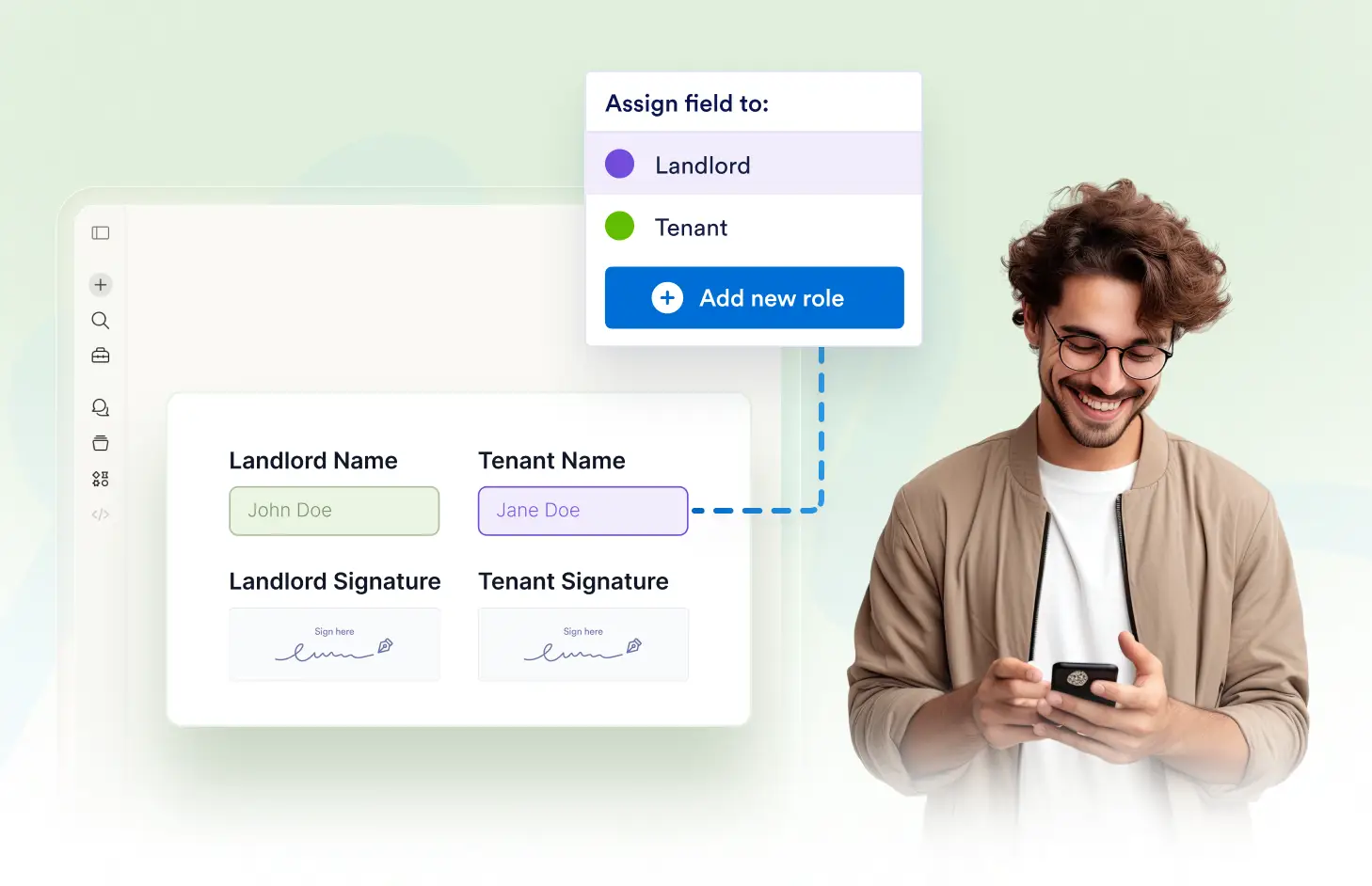
With the Jform Sign Claude App, you can easily assign signer roles. Simply describe the roles you need in natural language, and the app will create and assign them accordingly.
No, each signer is assigned a unique role for clarity and organization. This ensures each signer knows exactly what they are responsible for in the document.
No, once a document is sent, the assigned roles cannot be modified. You need to ensure that the roles are correctly assigned before sending the document for signing.