문서 업로드
Turn your existing files into signable documents with the Jform Sign Claude App. Simply upload a PDF, DOCX file, or image, and it's instantly transformed into a document ready for e-signatures. It's the efficient way to leverage your existing resources and streamline your signing process.
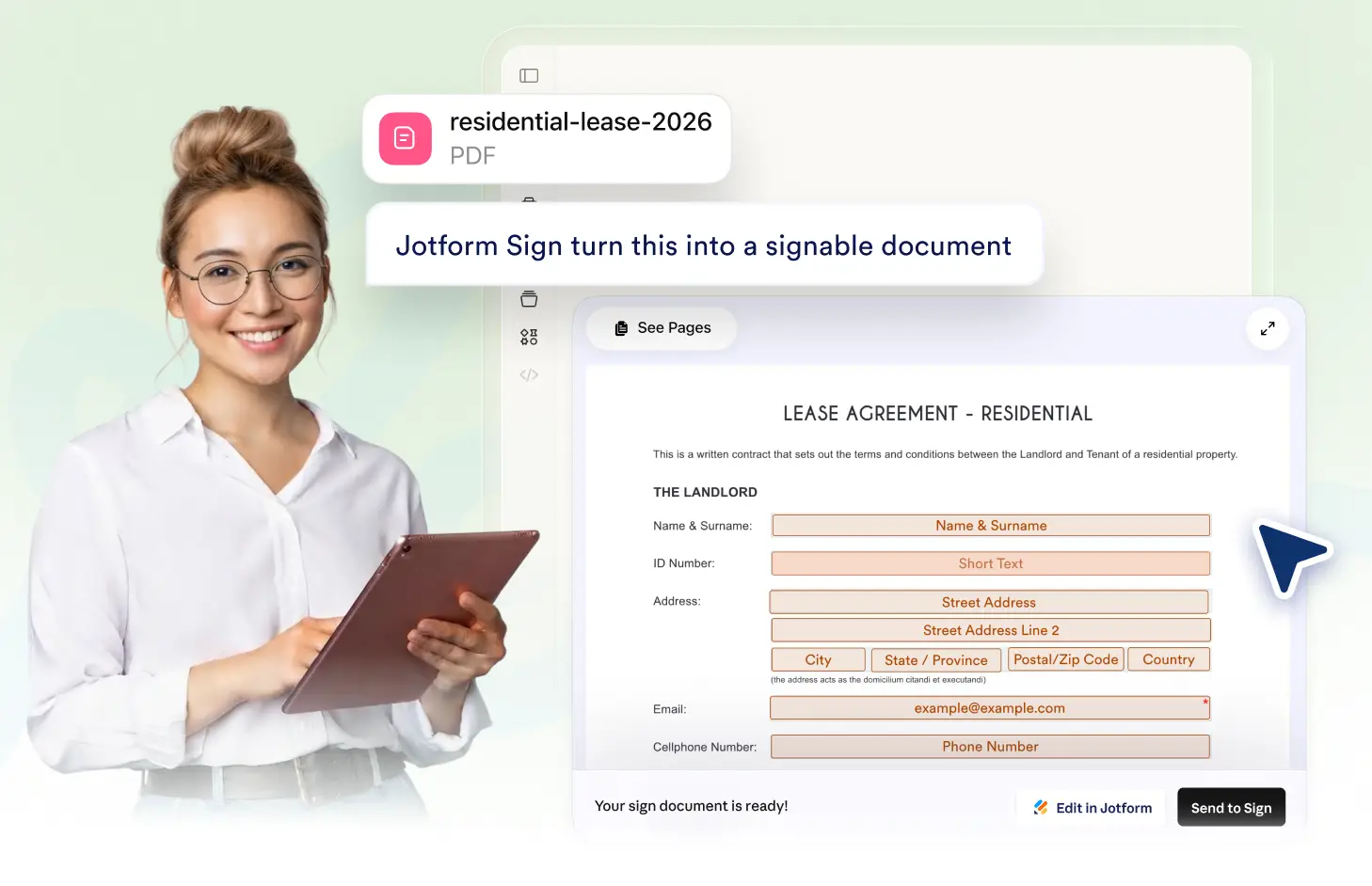
Easily transform your existing PDF, DOCX files or images into signable documents with Jform Sign Claude App. Upload your file, and our system will convert it into a document ready for e-signatures. It's quick, convenient, and efficient, saving you time and effort.
Transform Files into Signable Documents
Leverage the Jform Sign Claude App to turn your existing PDFs, DOCX files, or images into signable documents with ease. Simplify your workflow and get your documents signed faster.
Upload Documents with Ease
With the Jform Sign Claude App, you can effortlessly upload PDF, DOCX files, or images and transform them into signable documents, making your workflow smoother and more efficient.

자주 묻는 질문
이 기능에 대해 질문이 있으신가요? 빠른 답변을 위해 아래 FAQ를 살펴보세요.
You can upload PDF, DOCX files, or images to create a signable document using the Jform Sign Claude App. These formats are fully supported and can be easily transformed into signable documents.
Yes, the Jform Sign Claude App allows you to upload multiple documents at once. This feature enhances efficiency, especially when you have numerous documents that need to be converted into signable formats.
Once you've uploaded your document, the Jform Sign Claude App transforms it into a signable document. You can then add fillable fields, invite signers, and manage the signing process directly within the app.