Self Sign Documents
Use the Jform Sign ChatGPT app to complete and sign a document yourself without inviting another signer. Fill in required fields, add your signature, and finish the document directly.
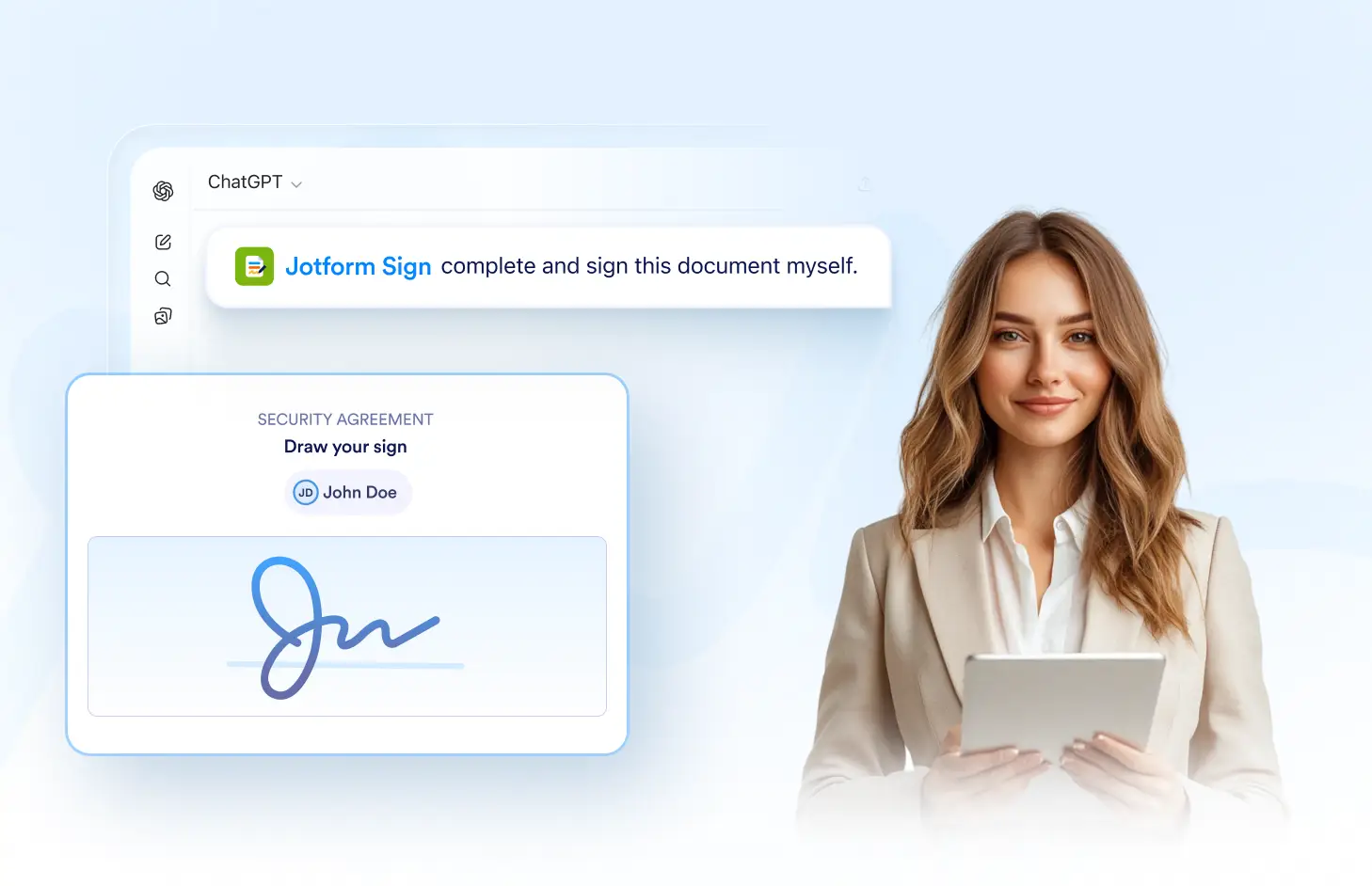
Complete required fields, add your signature, and finish a self-signed document without sending a signing invitation to another recipient.
Sign Documents Yourself
Open the document, complete the required information, and add your own signature. Finish the signing process directly without creating or sending an invitation to someone else.
Fill Out the Document
Complete the required text, date, checkbox, and other fillable fields yourself. Review the document carefully and provide all necessary information before signing.

Add Your Signature
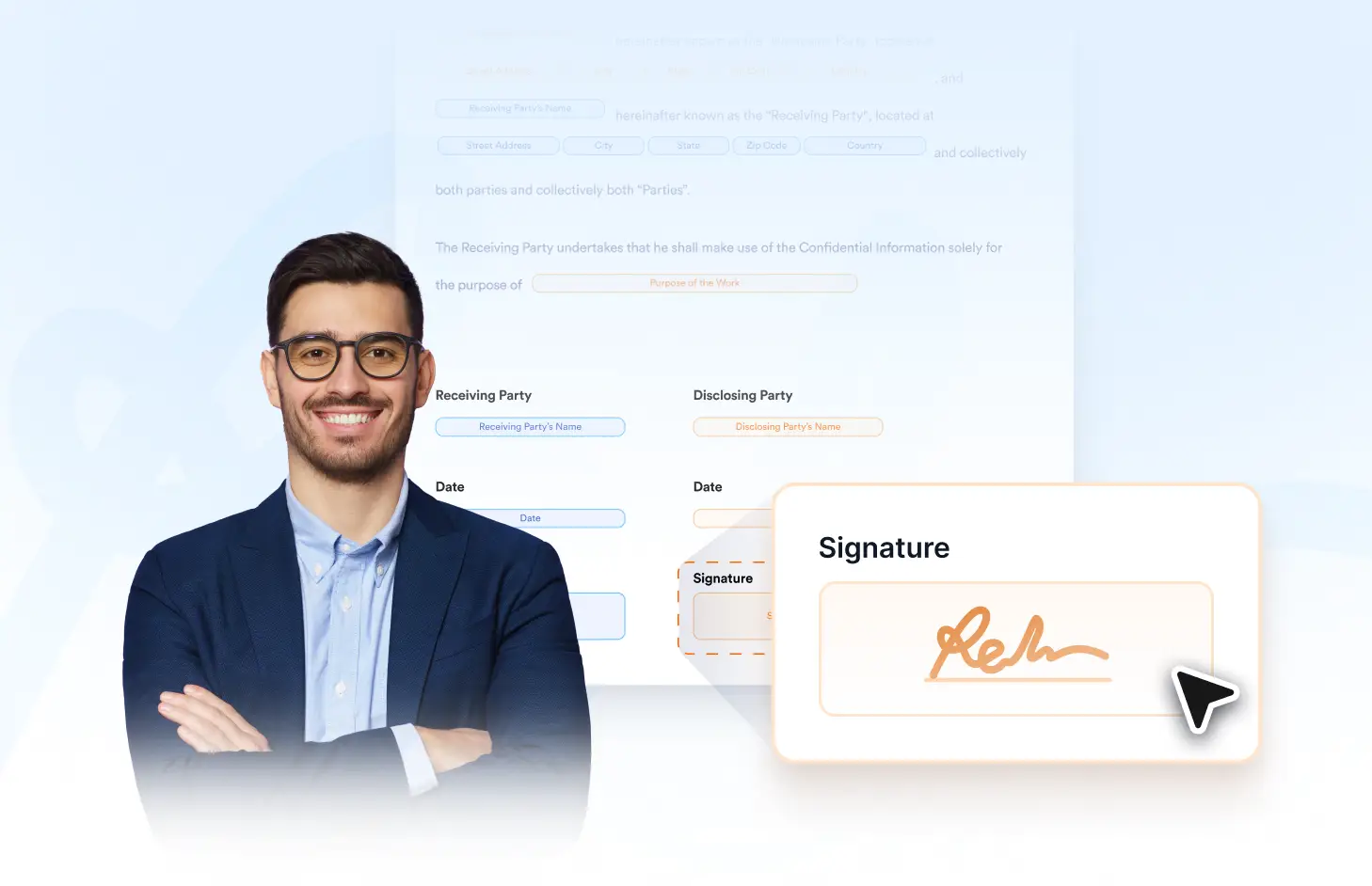
Sign the document directly in the Jform Sign ChatGPT app. Add your signature to the assigned field and complete any other required signing actions in the document.
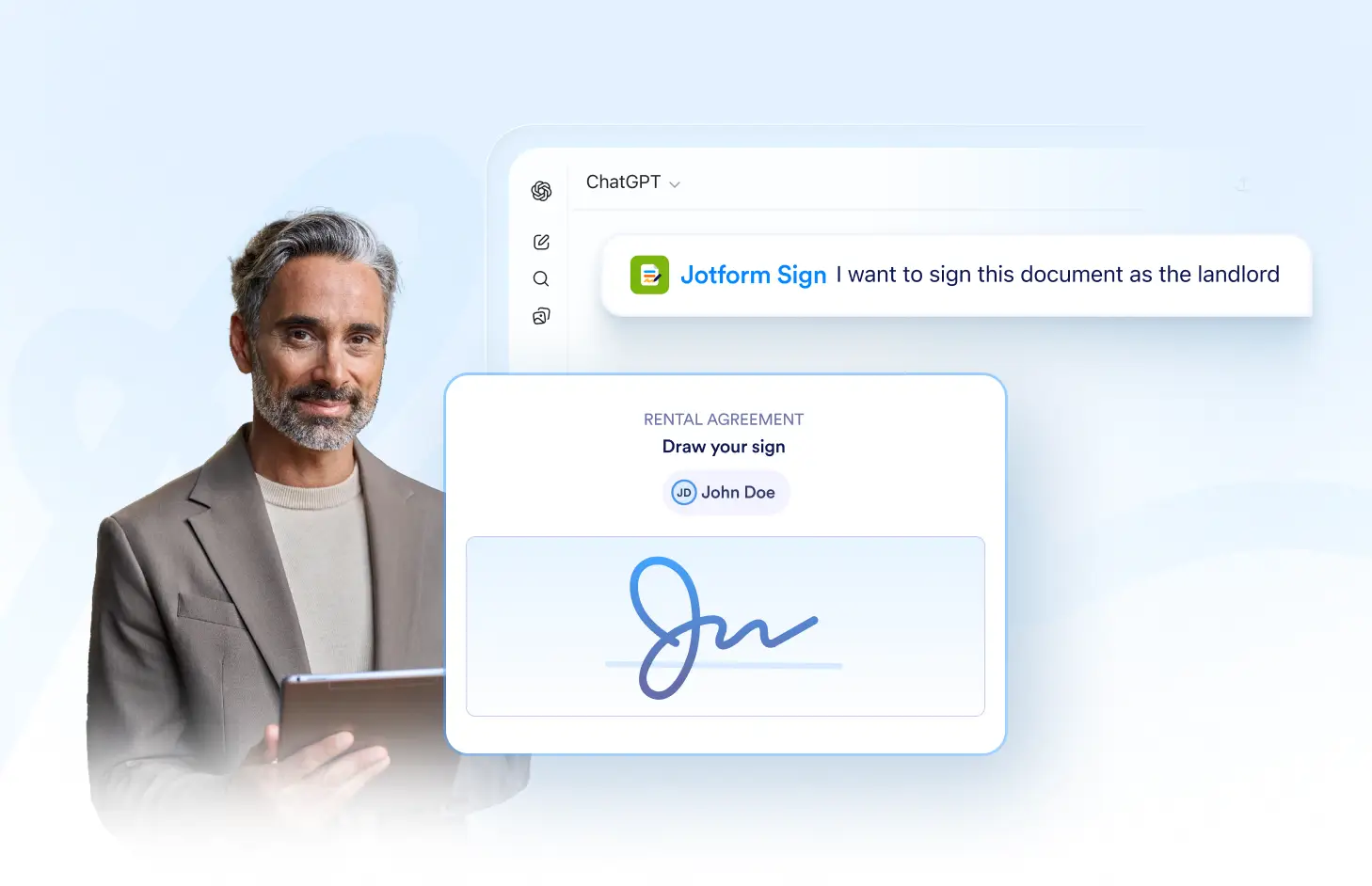
Complete Without an Invite
Finish the document without sending a separate signing request. Self-signing gives you a direct way to complete documents when no additional signer needs to be invited.
자주하는 질문들
이 기능에 대해 질문이 있으신가요? 빠른 답변을 위해 아래 FAQ를 살펴보세요.
Yes. You can open the document, complete the required fields, add your signature, and finish the signing process yourself.
No. Self-signing lets you complete the document directly without sending a separate email invitation or signing request to yourself.
Yes. Complete any required fields first, review the document, and then add your signature to finish the process.