Create and Assign Signer Roles
Use the Jform Sign ChatGPT app to create signer roles and assign them to the right people. Organize who needs to sign and make each recipient’s responsibilities clear.
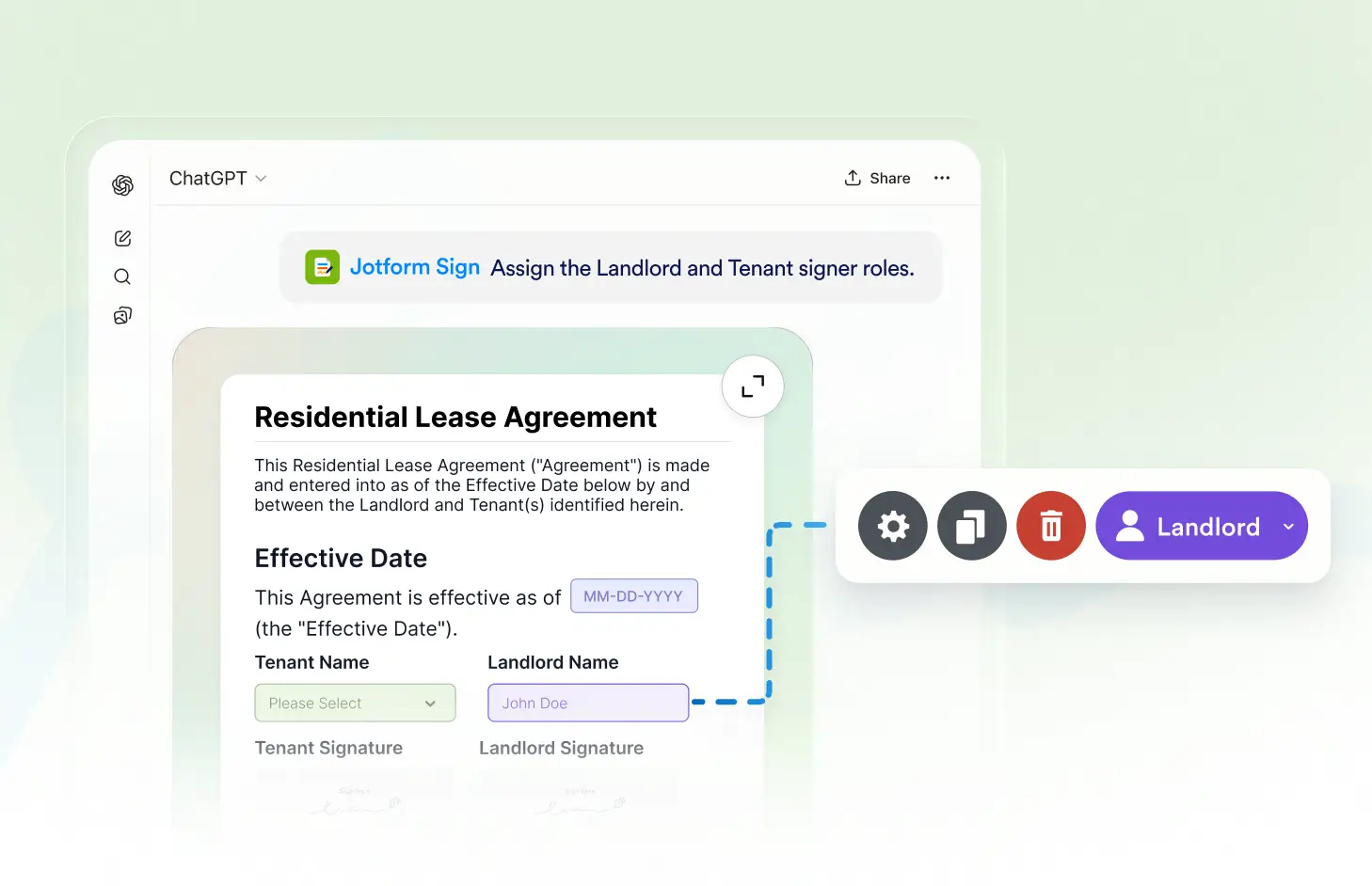
Create signer roles, assign them to specific recipients, and organize signing responsibilities so everyone knows which parts of the document they need to complete.
Set Up Signer Roles
Add roles for everyone involved in your signing workflow and assign each role to the appropriate person. Keep recipient responsibilities organized throughout the document.
Create Signer Roles
Define roles based on who needs to take action on your document. Create clear signer roles for clients, employees, managers, or other participants in your workflow.
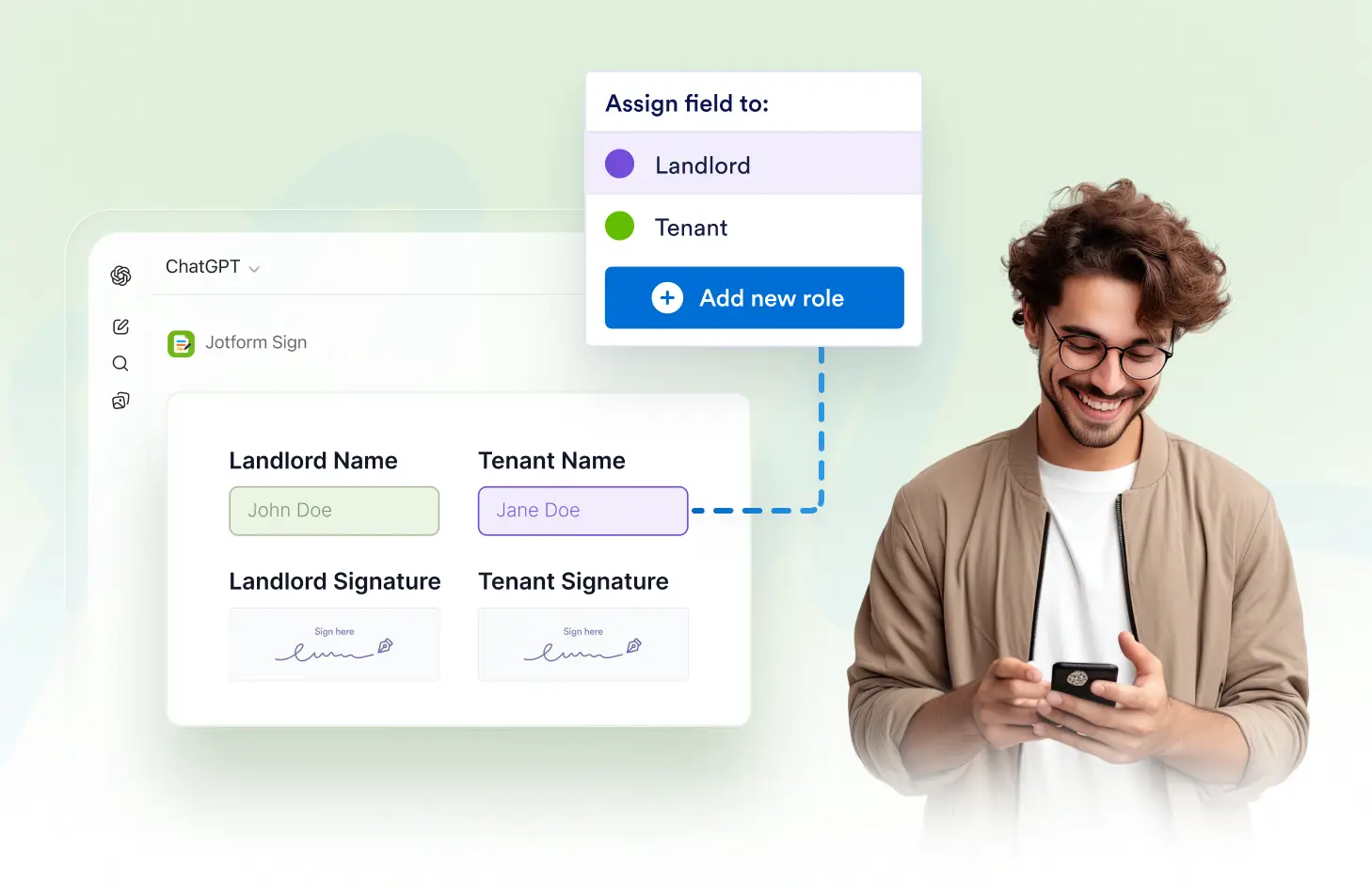
Assign Roles to Signers
Connect each signer role to the appropriate recipient so everyone knows their responsibility. Organize who needs to complete each part of your signable document.
자주하는 질문들
이 기능에 대해 질문이 있으신가요? 빠른 답변을 위해 아래 FAQ를 살펴보세요.
Use the Jform Sign ChatGPT app to add roles based on the people who need to take action, then configure each role for your signing workflow.
Yes. You can create multiple signer roles and assign them to the appropriate recipients based on their responsibilities in the document.
Signer roles help organize multi-recipient documents by making it clear who is responsible for completing specific fields and signing actions.