Invite Signers by Link
Use the Jform Sign ChatGPT app to create a public link for your signable document. Share it anywhere so anyone with the link can open, fill out, sign, and complete it online.
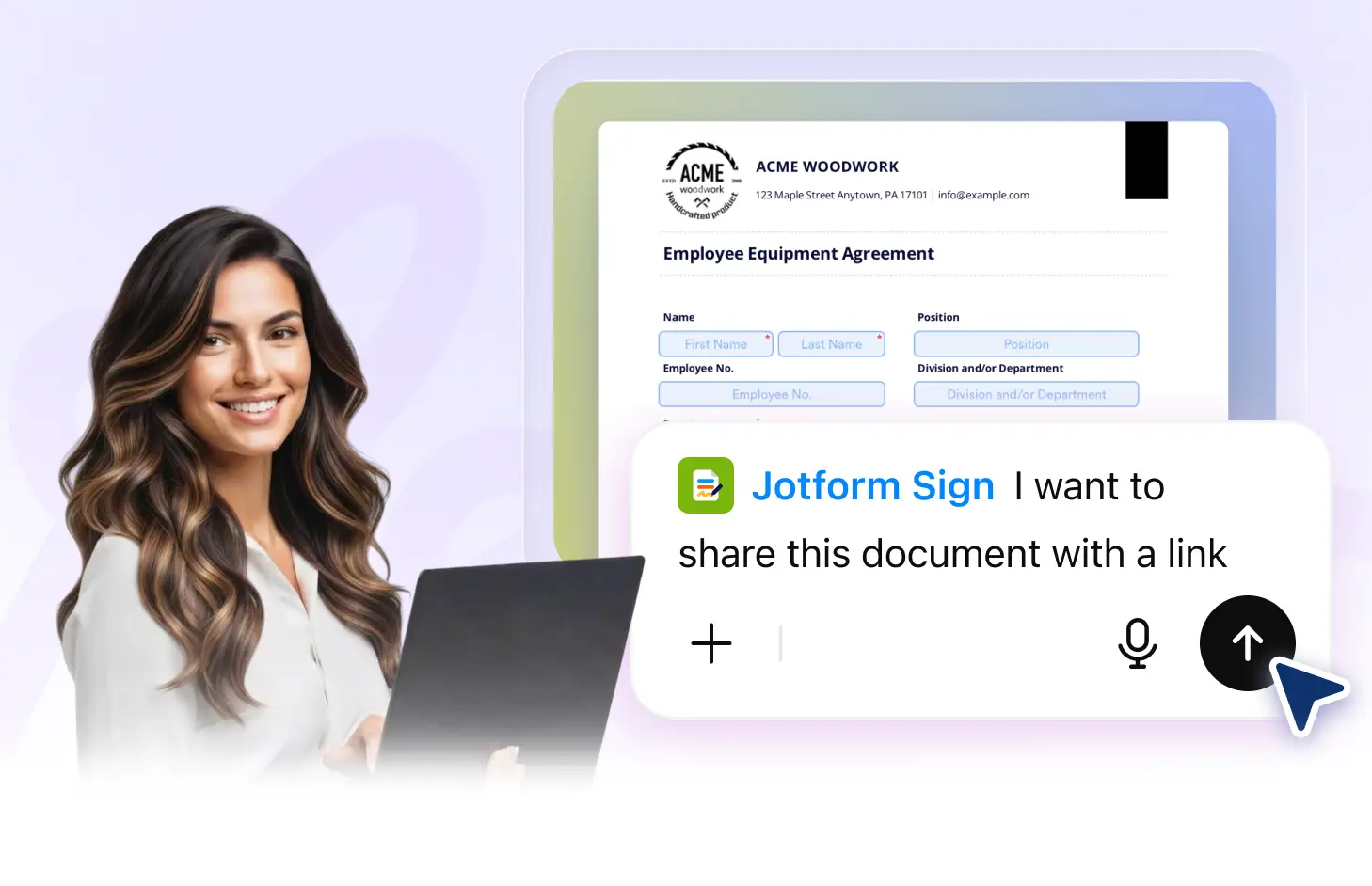
Create a public signing link, share it through multiple channels, and let anyone with the link access, fill out, sign, and complete your document online.
Share a Public Signing Link
Generate a public link for your signable document and share it wherever you need. Recipients can open the link and complete the document without receiving an individual email invitation.
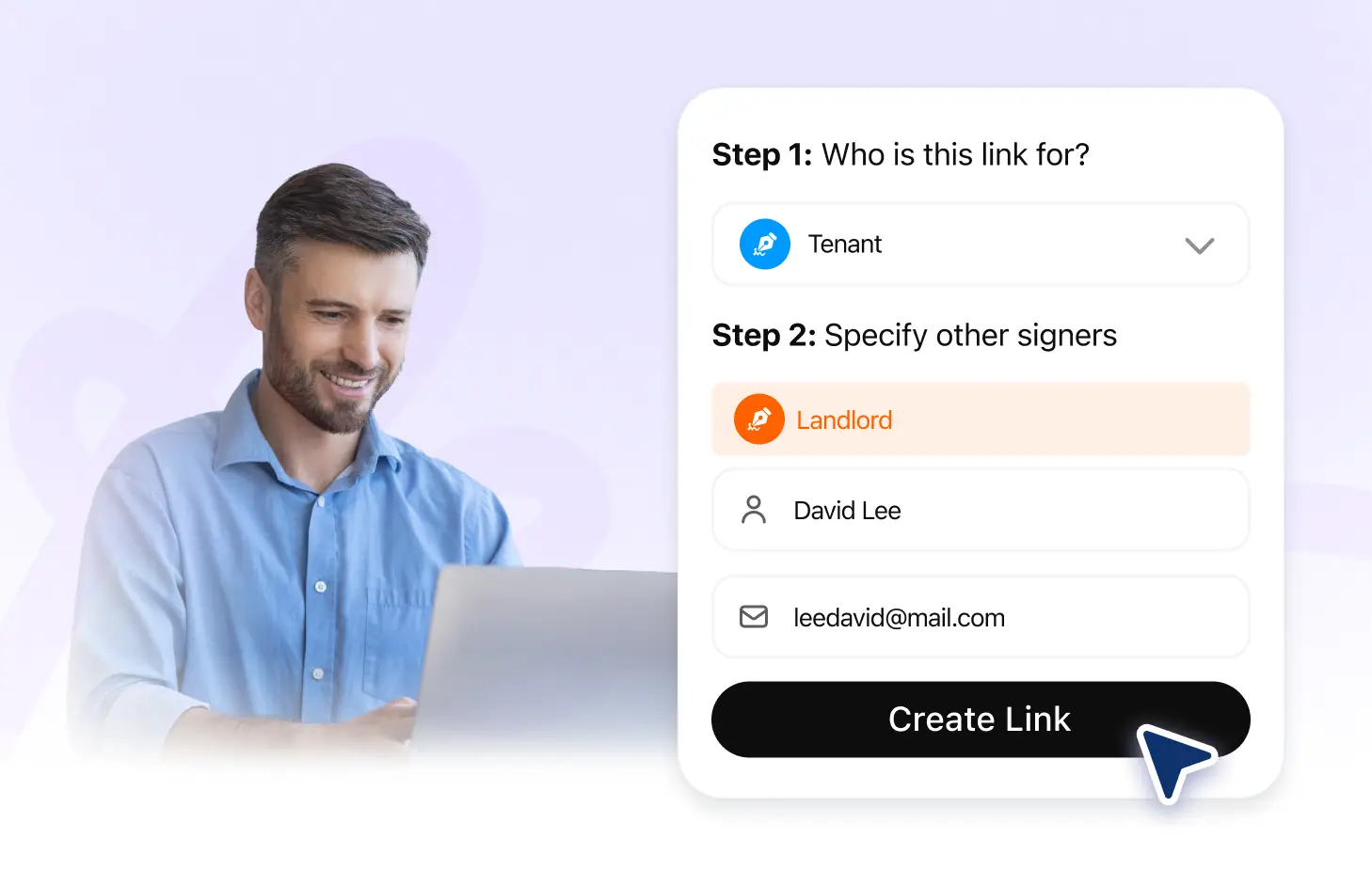
Create a Public Signing Link
Generate a shareable public link for your signable document with the Jform Sign ChatGPT app. Anyone who receives the link can access the document and start completing it.
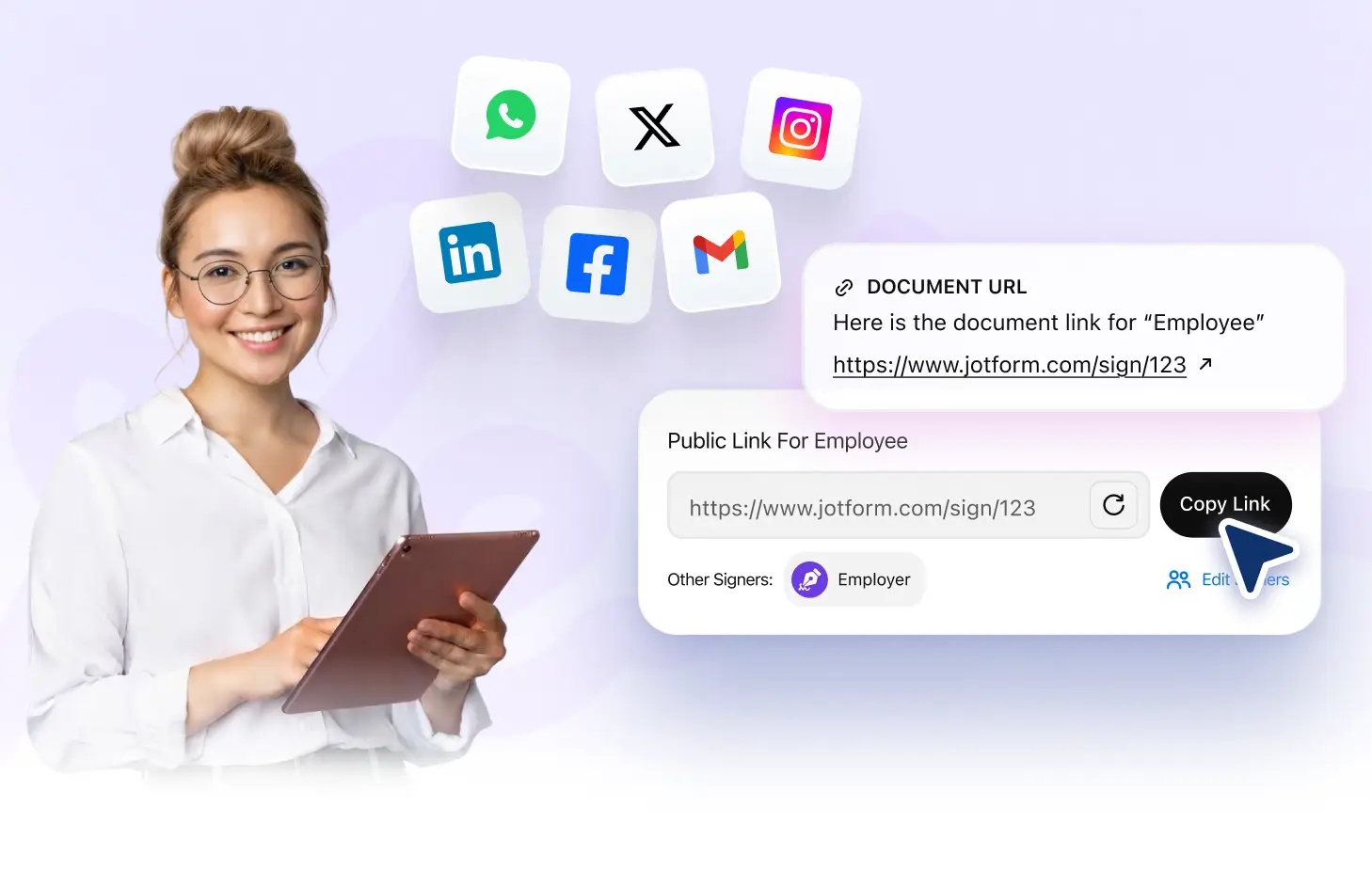
Share Your Link Anywhere
Copy your signing link and share it through email, messaging apps, websites, or other channels. Give recipients a convenient way to access your document wherever you connect.
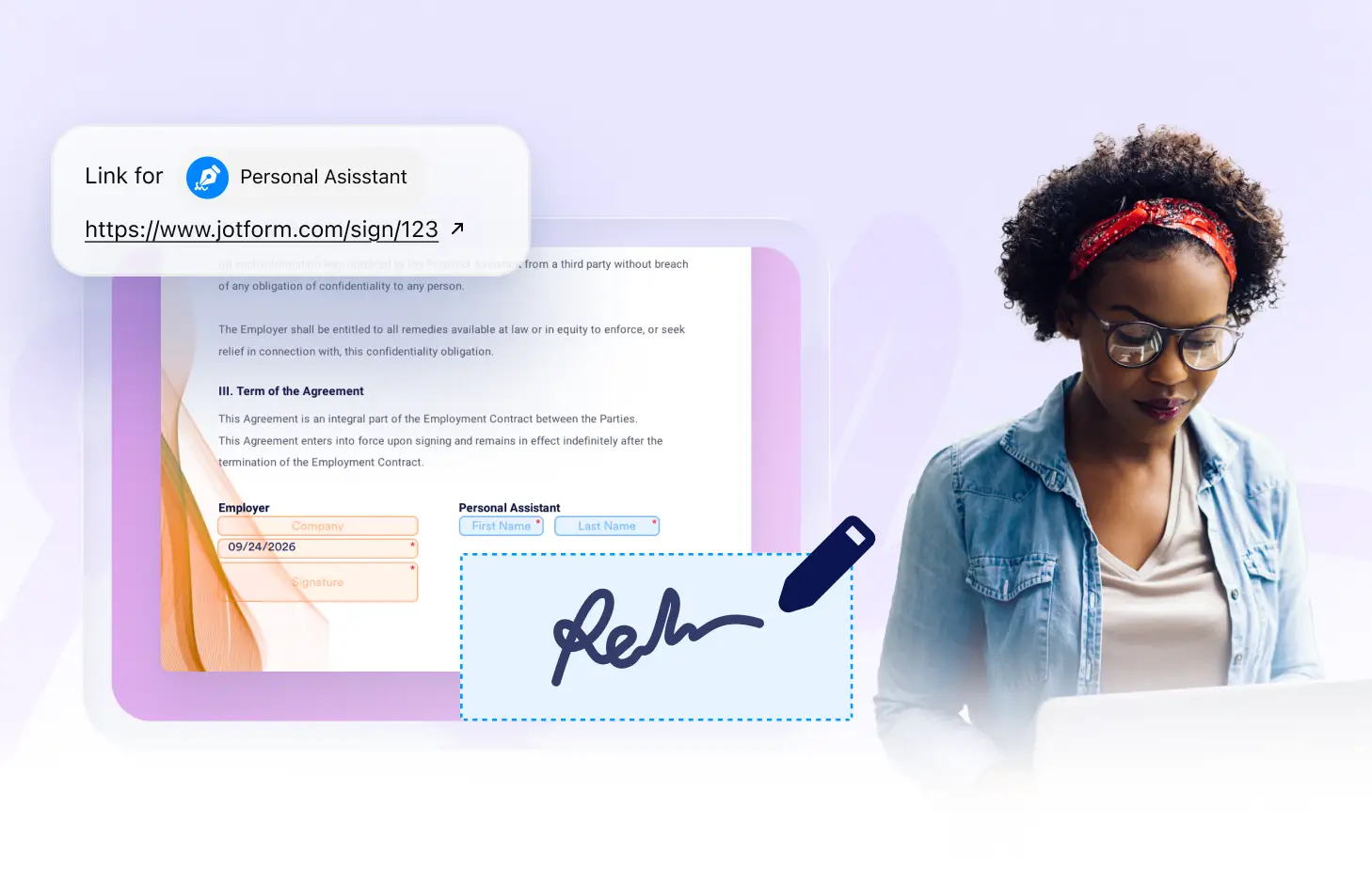
Let Anyone Sign Online
Allow anyone with the public link to open your document, fill out the required fields, add their signature, and complete the signing process online from their device.
자주하는 질문들
이 기능에 대해 질문이 있으신가요? 빠른 답변을 위해 아래 FAQ를 살펴보세요.
Use the Jform Sign ChatGPT app to generate a public link for your signable document. You can then copy the link and share it with your intended recipients.
Yes. Anyone who has access to the public link can open the document, complete the required fields, and sign it online.
You can share your public signing link through email, messaging apps, websites, social channels, or other places where you communicate with recipients.