Customize Email Invitations
Personalize signing invitations in the Jform Sign ChatGPT app with your own email subject and message. Add helpful context for recipients before sending documents for signature.
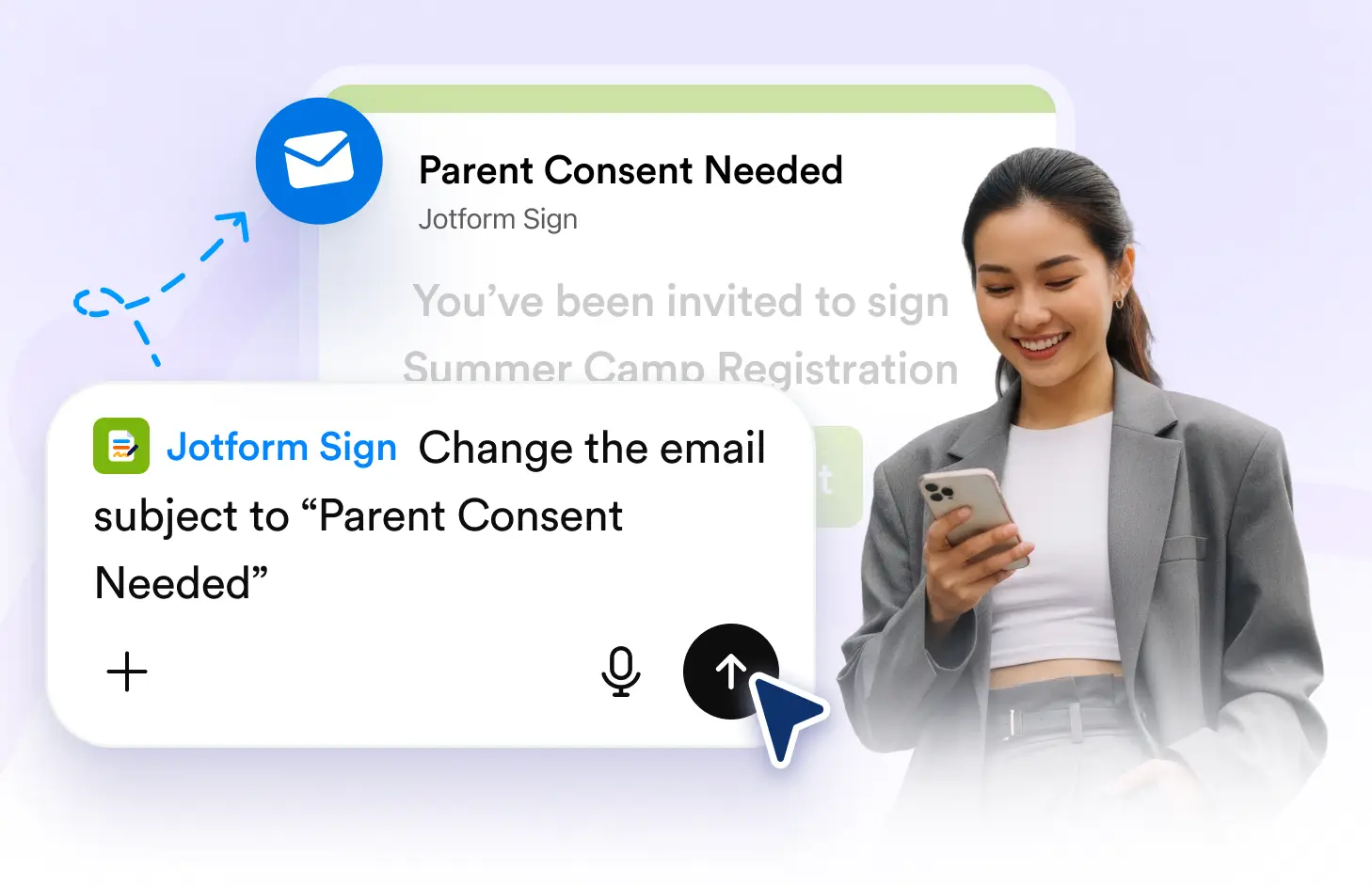
Add a custom email subject, write a personalized message, and give signing instructions so recipients know what to expect before opening and signing your document.
Personalize Signing Emails
Customize the email recipients receive with a subject and message that fits your document. Add context, explain the request, or include instructions before sending it for signature.
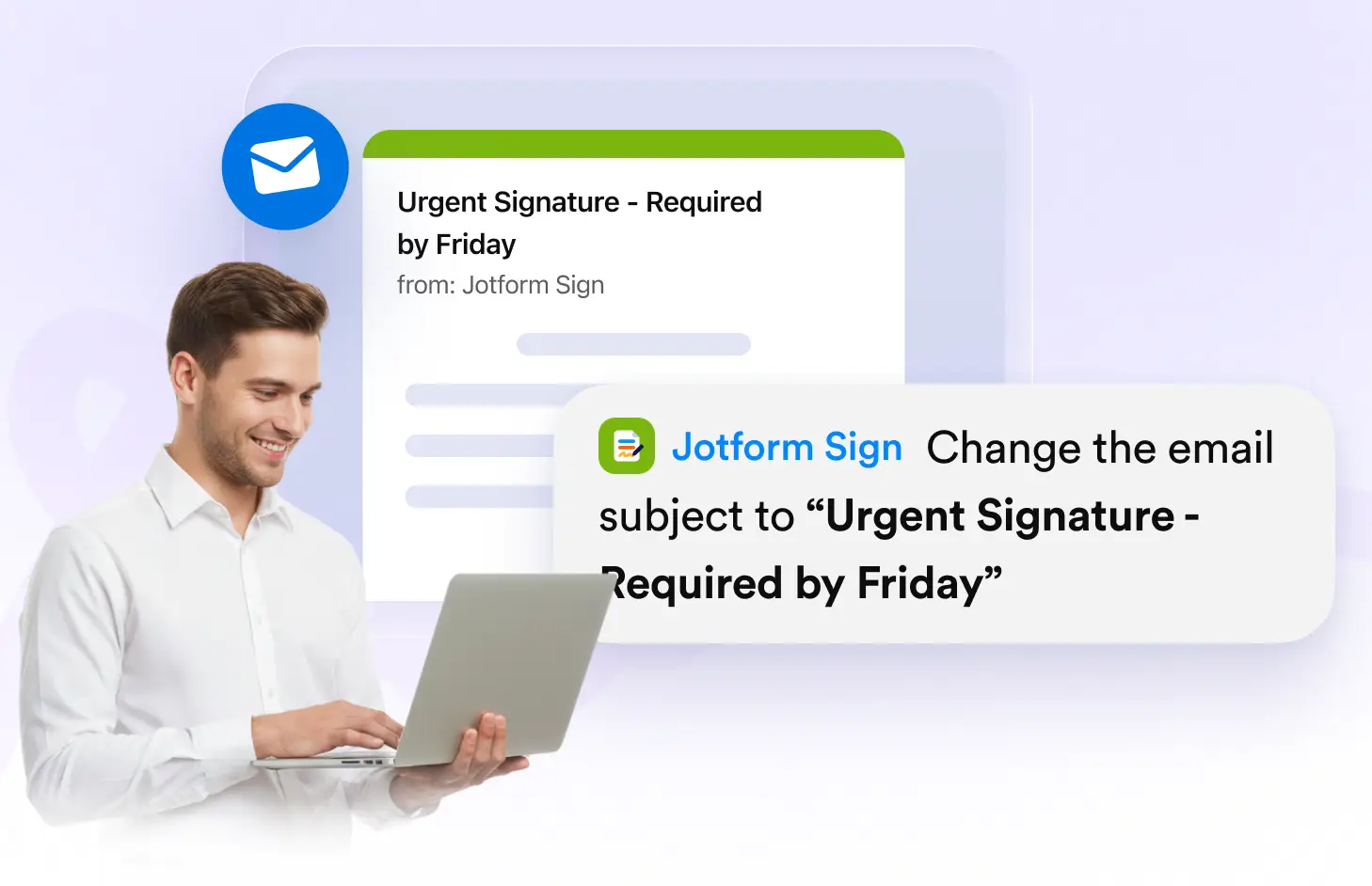
Add a Custom Email Subject
Create a clear email subject that tells recipients what the signing request is about. Personalize the invitation so important documents are easier to recognize in their inbox.
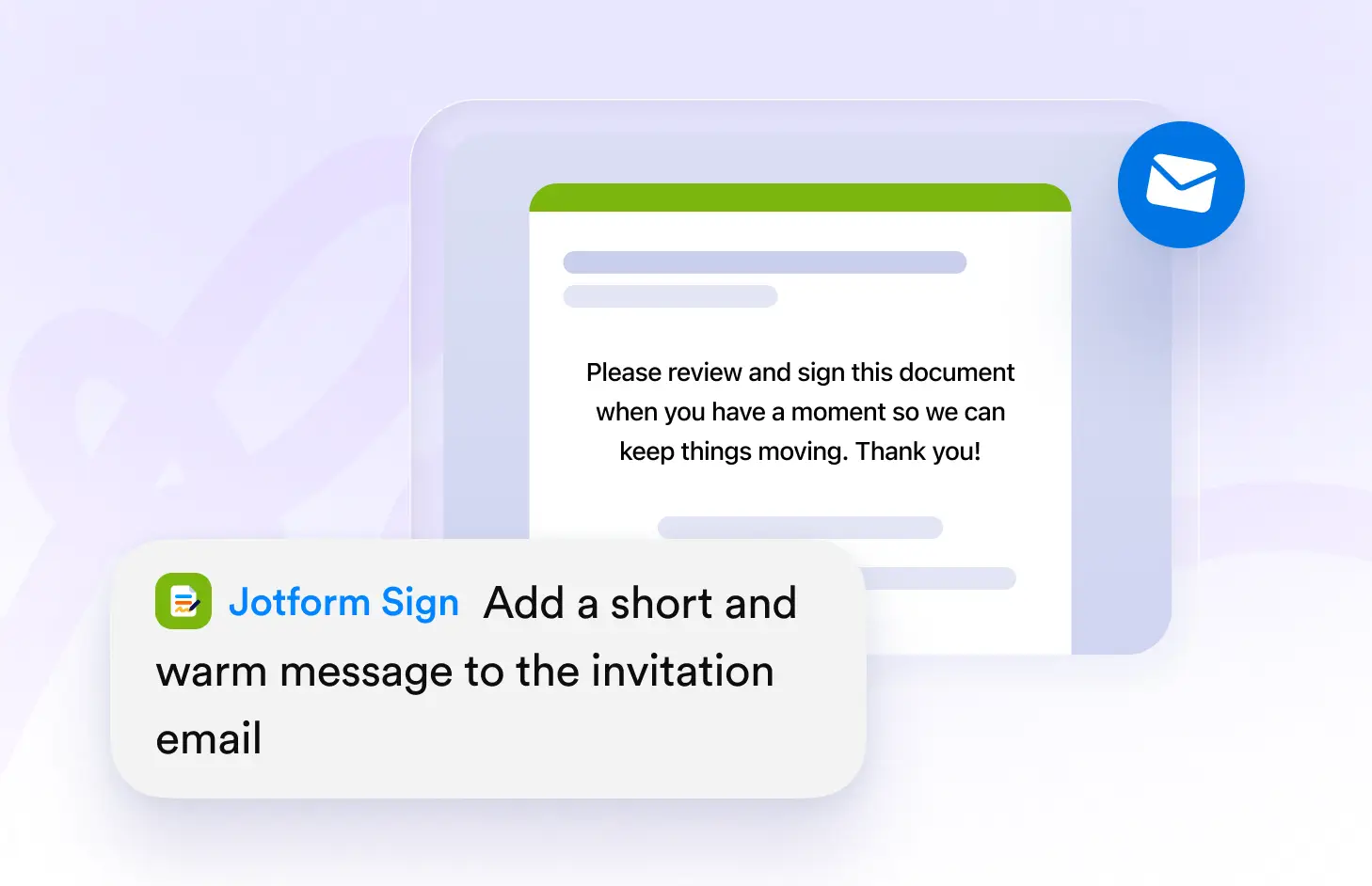
Write a Personal Message
Add your own message to explain why the document needs to be signed. Give recipients useful context and make each signing invitation feel more relevant and informative.
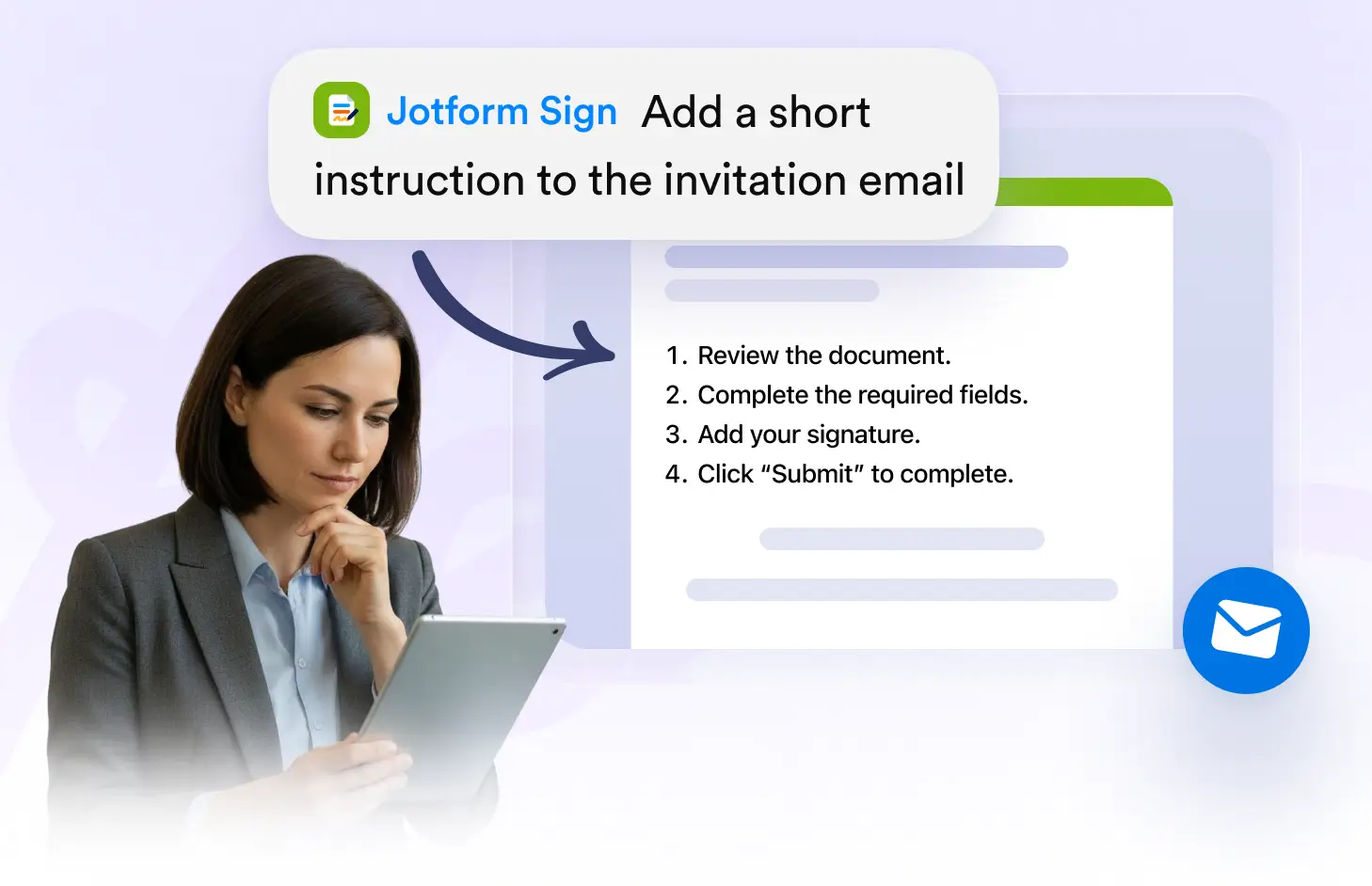
Add Signing Instructions
Include helpful instructions or important details recipients should know before signing. Make the next steps clear so signers can understand and complete your request with ease.
자주하는 질문들
이 기능에 대해 질문이 있으신가요? 빠른 답변을 위해 아래 FAQ를 살펴보세요.
Yes. You can add a custom subject to make the signing request clearer and help recipients quickly understand what the email and document are about.
Yes. Write a personalized message to provide context, explain the signing request, or share important information recipients should know before opening the document.
Yes. Use the custom message to provide instructions, deadlines, or other relevant details that can help recipients complete the signing process.