Make Uploaded Documents Signable
Upload a PDF, DOCX file, or image and turn it into a signable document. Add signature and fillable fields, customize the document, and send it to recipients for signing.
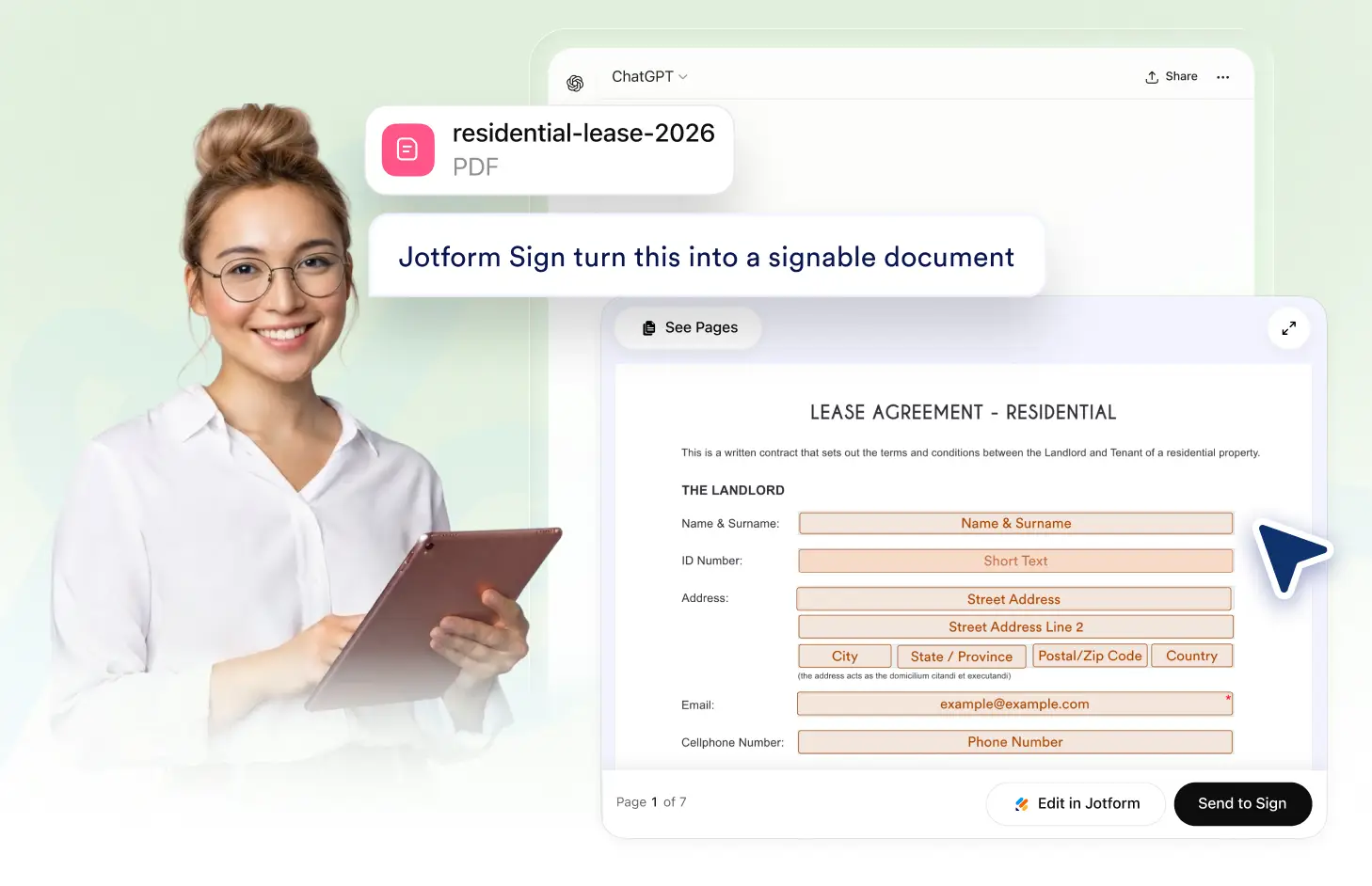
Turn an uploaded file into a signable document without starting over. Add the fields you need, customize your document, and quickly collect electronic signatures.
Upload Documents for Signing
Use an existing PDF, DOCX file, or image to create a signable document. Add signature and fillable fields where needed, then prepare your document to collect responses online.
Upload Your Existing Document
Upload a PDF, DOCX file, or image you already use and turn it into a signable document. Keep your existing content while preparing it for recipients to complete online.

Add Signature and Fillable Fields
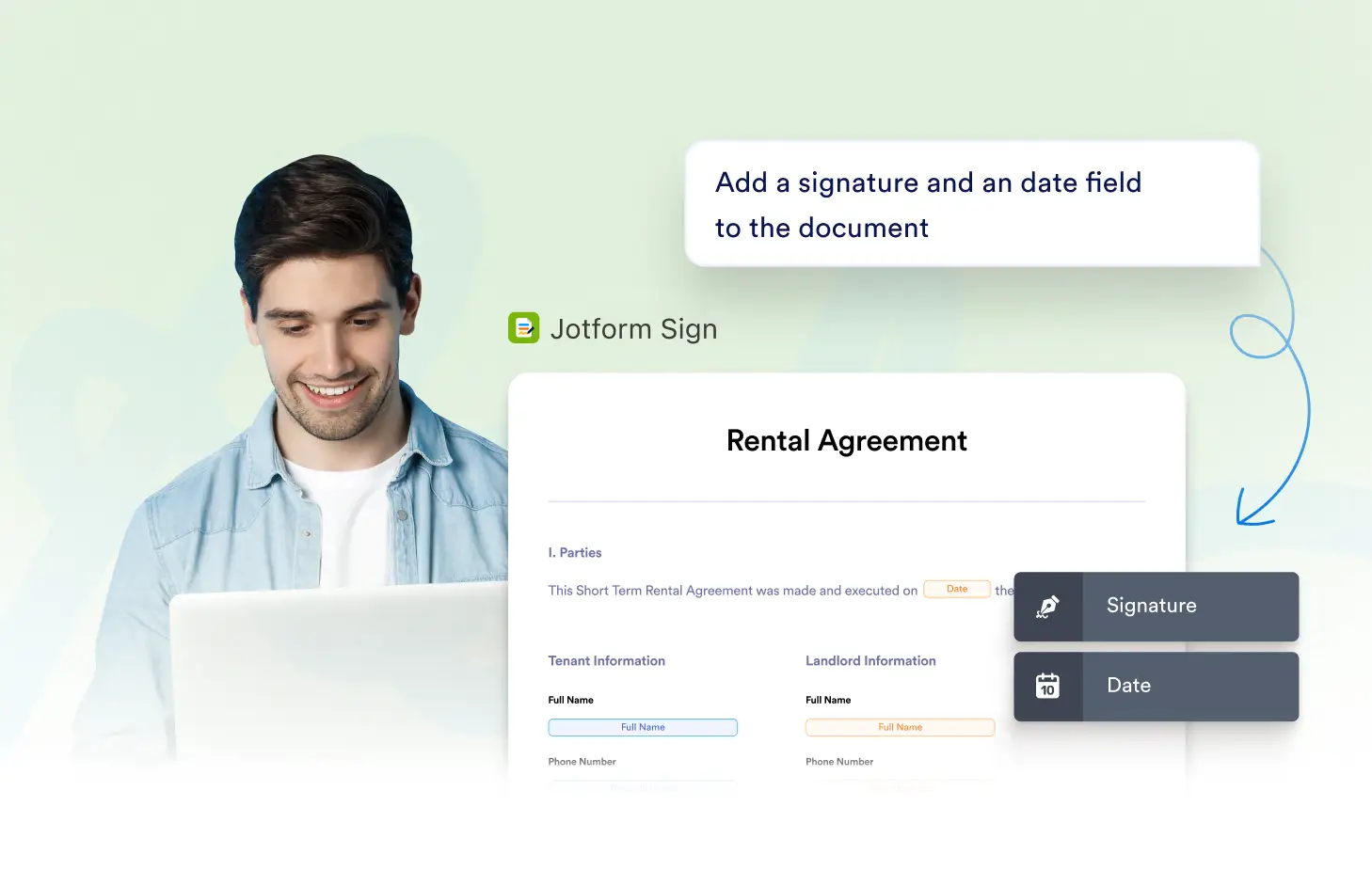
Place signature, date, text, and other fillable fields where recipients need to provide information. Customize each field to create a clear and simple signing experience.
자주하는 질문들
이 기능에 대해 질문이 있으신가요? 빠른 답변을 위해 아래 FAQ를 살펴보세요.
You can upload a PDF, DOCX file, or image and use it as the starting point for a signable document. This makes it easy to prepare documents you already use for electronic signatures.
Yes. Upload your PDF, add signature and other fillable fields where needed, customize the document for your workflow, and prepare it for recipients to complete and sign online.
Yes. You can add and configure signature and fillable fields on your uploaded document. Once everything is set up, send the document to recipients to complete and sign electronically.