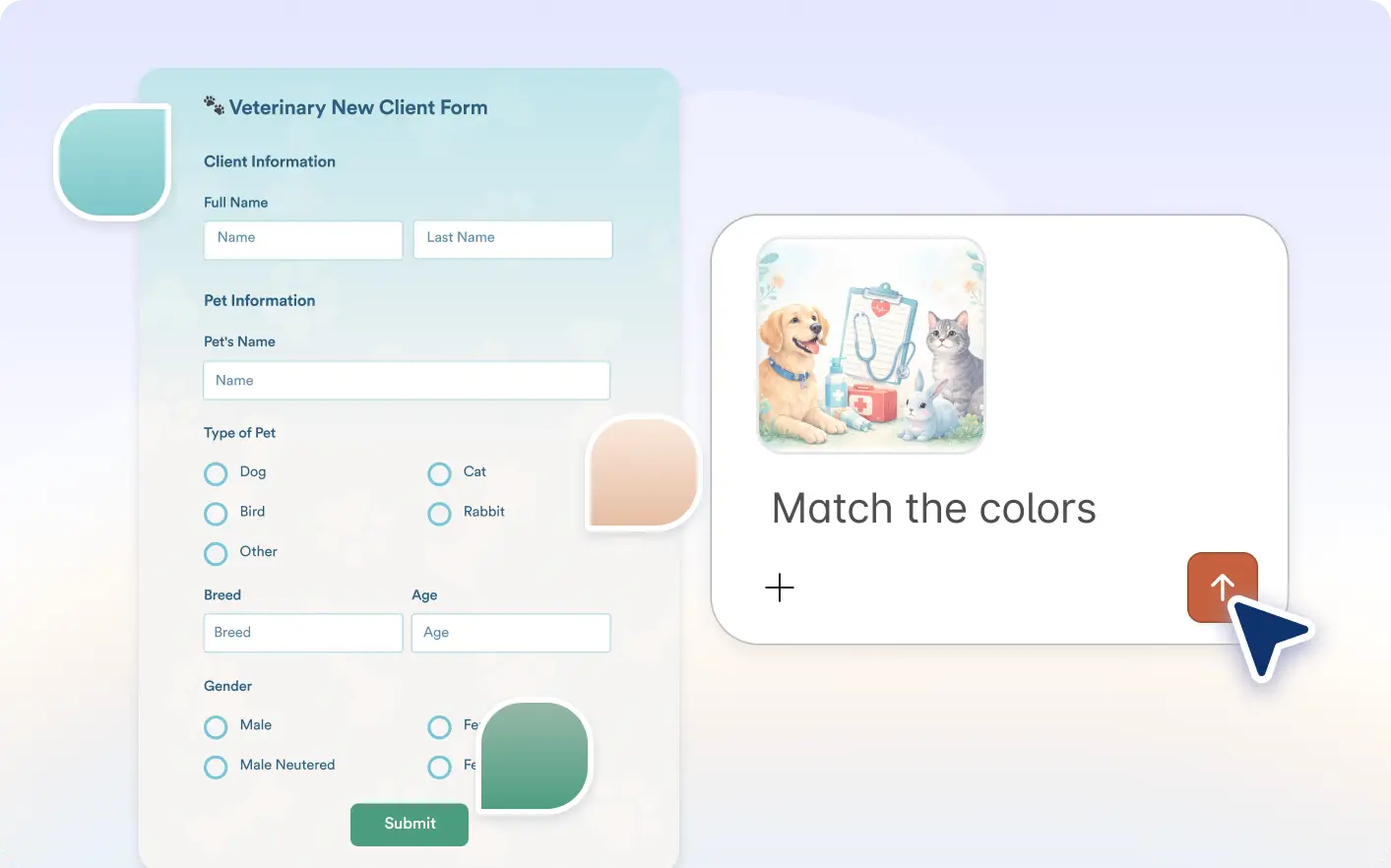
Upload a reference image and let Jform Claude app transform your form’s appearance to match it. This helps you quickly create visually consistent forms without manual design work.
Style Forms with Images in Claude
Use logos, brand visuals, screenshots, or inspiration images inside Claude and Jform will transform your form style to match the uploaded image with updated colors, theme, and layout.
일치하는 색상 자동 적용
Jform analyzes your uploaded image in Claude and applies matching colors to form elements for a polished and visually consistent design.
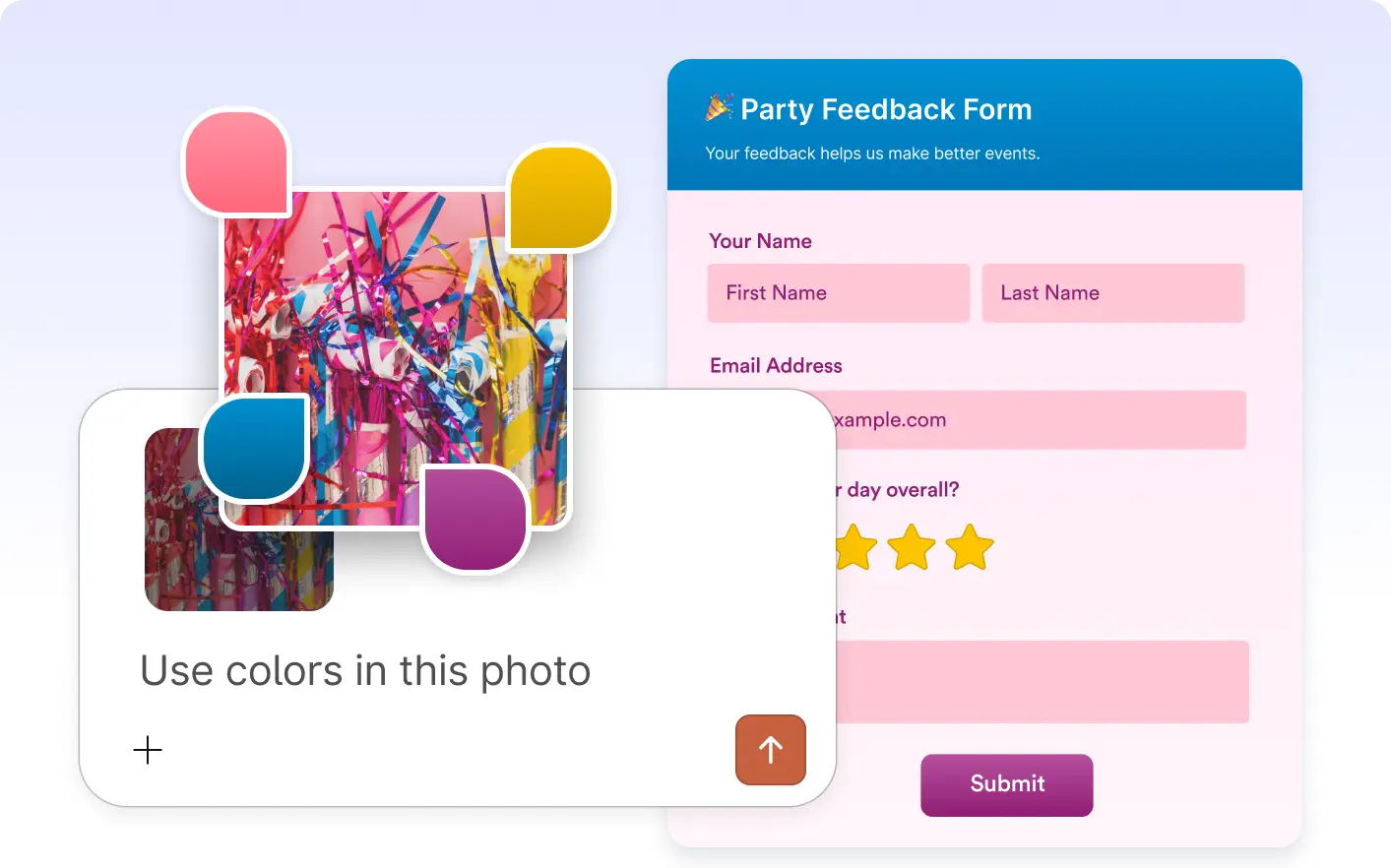
배경 및 버튼 즉시 스타일 지정
Your form background and buttons are updated based on detected image colors, creating a cohesive look directly inside Claude.

자주 묻는 질문
이 기능에 대해 질문이 있으신가요? 빠른 답변을 위해 아래 FAQ를 살펴보세요.
Upload an image inside Claude that reflects your preferred style or branding. Jform will analyze it and update your form design automatically.
로고, 브랜드 그래픽, 웹사이트 스크린샷, 무드 보드 또는 원하는 스타일을 나타내는 모든 이미지를 업로드할 수 있습니다.
예. Jform이 모양을 업데이트한 후에도 언제든지 색상, 배경 및 기타 디자인 설정을 계속 조정할 수 있습니다.