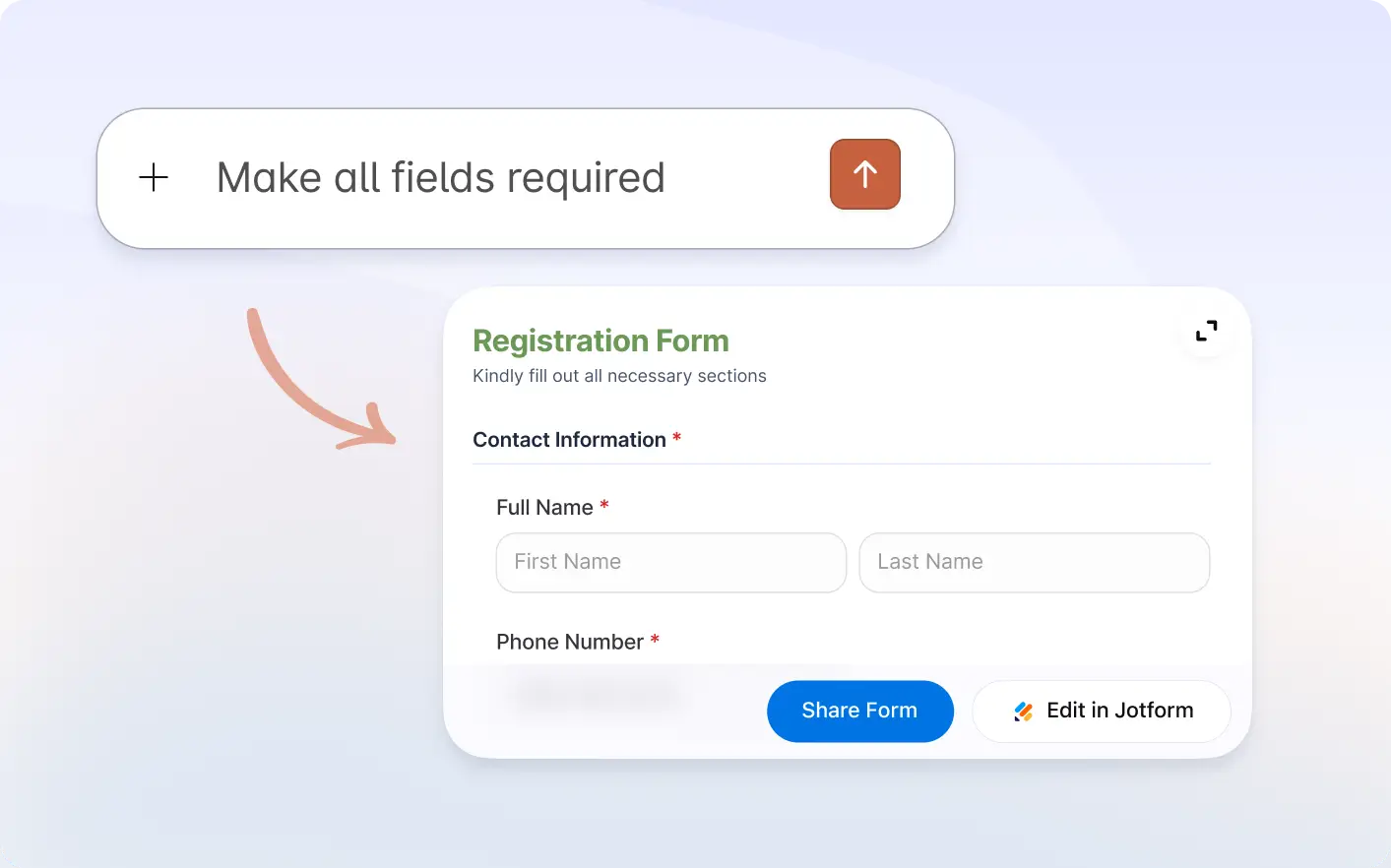
간단한 프롬프트로 양식 필드를 빠르게 미세 조정하여 사용자가 양식을 더 정확하고 쉽게 작성할 수 있도록 만드세요.
필드 설정을 손쉽게 조정하세요
Refine every detail of your form using the Jform Claude app. From renaming fields to updating requirements and labels, anyone can customize field settings quickly to match their exact needs.
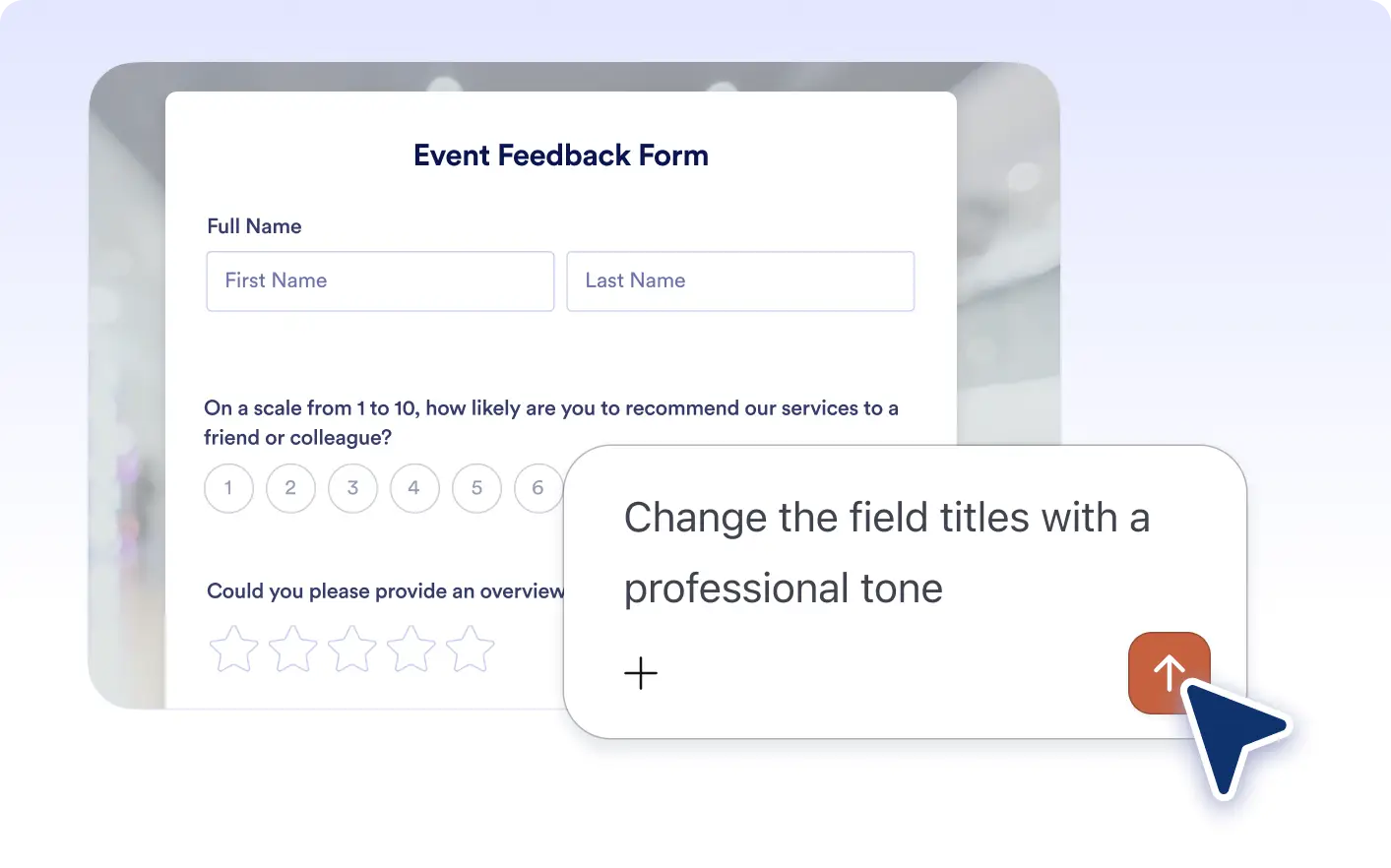
즉각적인 필드 이름 변경
각 필드를 수동으로 편집하지 않고도 몇 초 만에 필드 이름을 변경하여 양식의 목적에 더 잘 맞추고 응답자를 위한 명확성을 개선하세요.
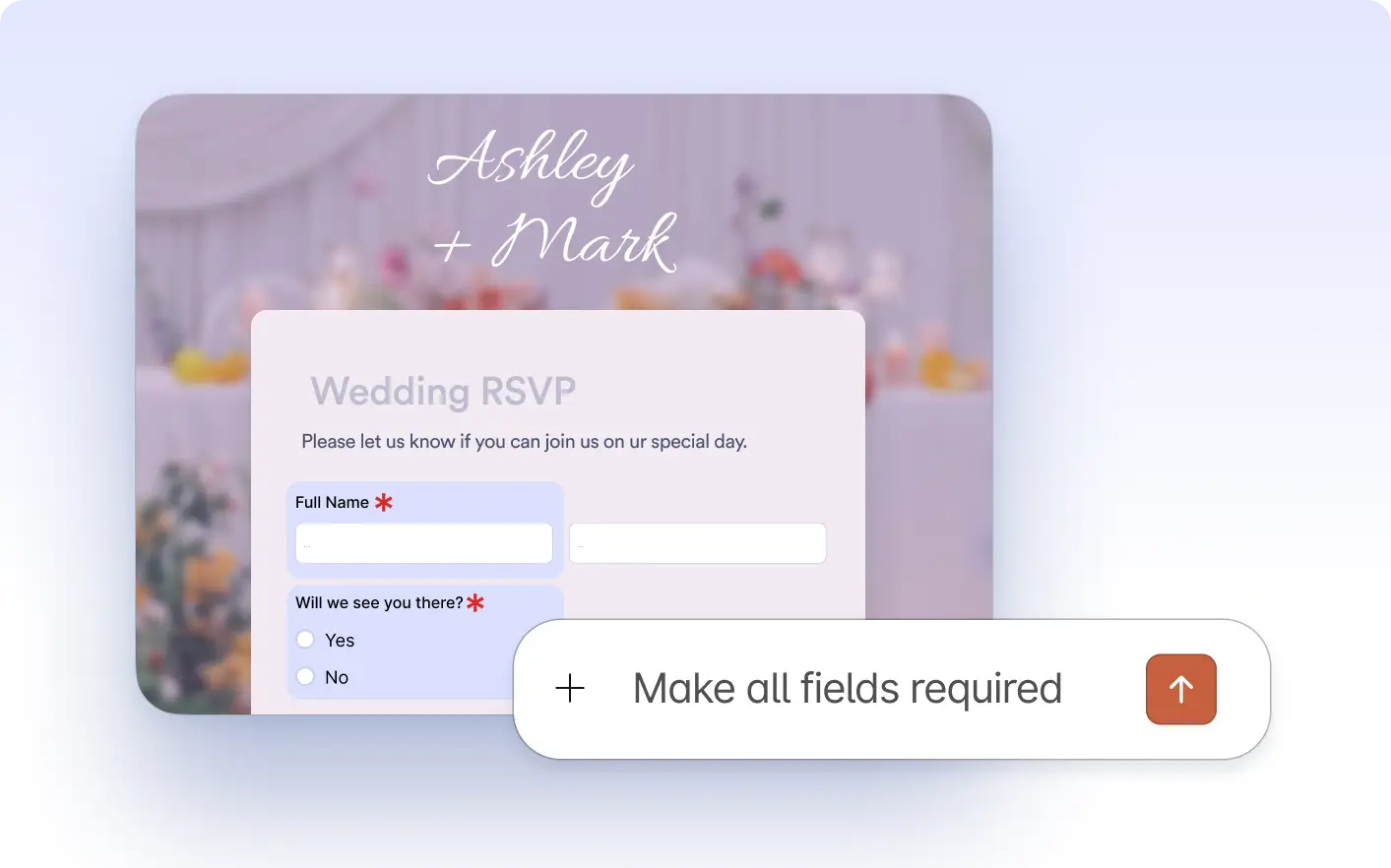
유연한 필드 요구 사항
간단한 프롬프트로 필드를 필수 또는 선택 사항으로 설정하여 필수 정보를 수집하면서도 사용자 친화적인 양식을 유지하세요.
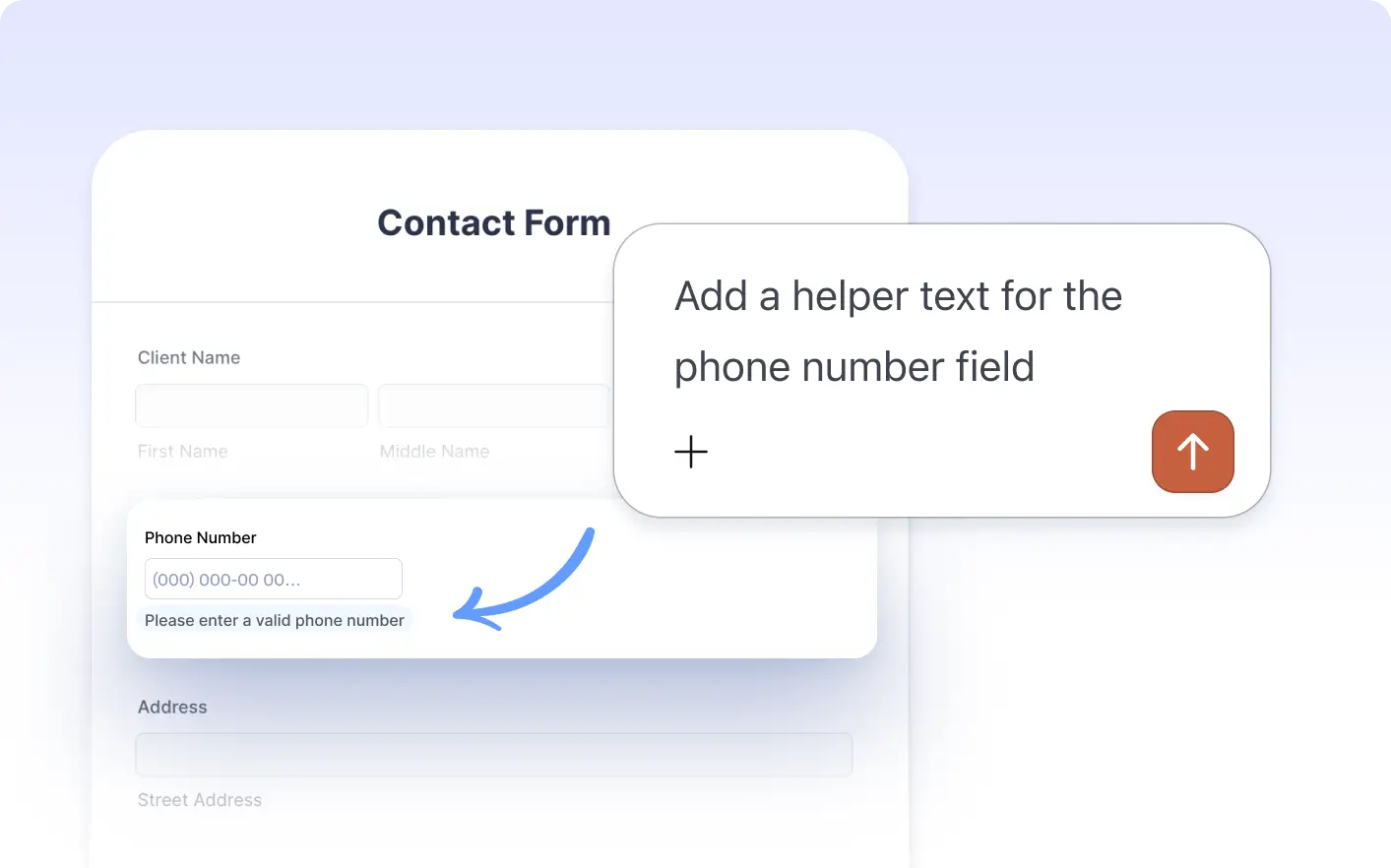
사용자 지정 라벨 및 도움말 텍스트
필드 라벨과 도움말 텍스트를 업데이트하여 사용자를 더 효과적으로 안내하고 양식 작성 중 혼란을 줄이세요.
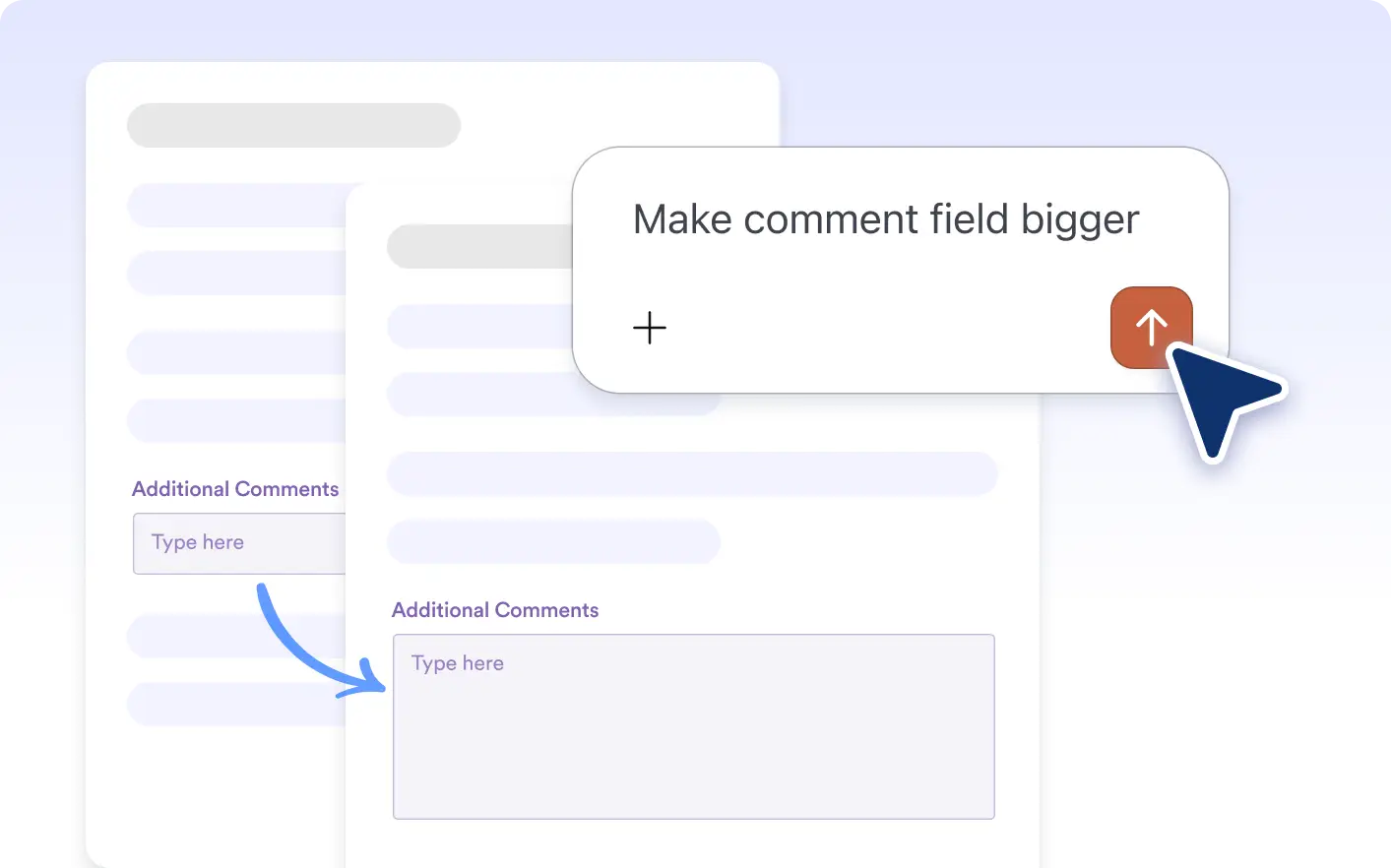
필드 크기 및 제한 조정
필드 크기를 조정하고 글자 수 제한을 설정하여 입력 길이를 제어하고 양식의 전반적인 레이아웃과 가독성을 향상시키세요.
자주 묻는 질문
예를 들어 "이 필드를 필수로 설정" 또는 "이 필드 이름을 전화번호로 변경"과 같이 변경하고 싶은 내용을 설명하면 AI가 즉시 업데이트를 적용합니다.
Yes. You can ask Claude to change field size, add character limits, or update helper text to improve both design and usability.
No. You can use everyday language, and the Claude will understand and apply the correct field settings for you.