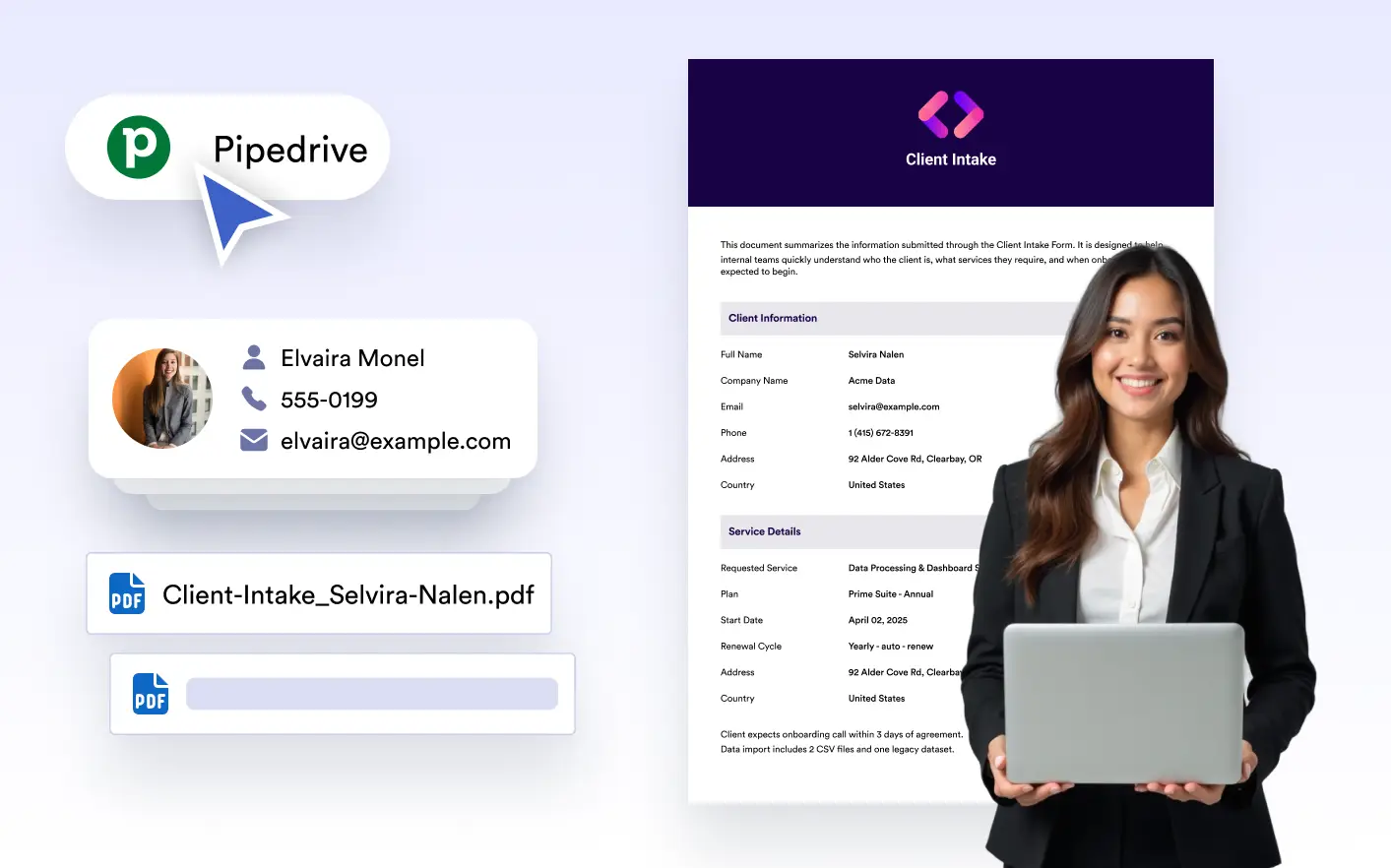
Store your documents . Automatically attach submission-based PDFs to deals or contacts to keep your pipeline updated with the most recent information; right where your sales team works.
Keep Deals Moving with Automatic PDF Attachments
With the Pipedrive integration, PDFs generated from form submissions are instantly added to the right deal or contact. Sales reps get immediate access to the documents they need, exactly where they expect to find them inside the deal view.
Submission-Based Deal Matching
Use form data to determine which deal or contact a PDF belongs to. Documents are automatically linked to the correct sales context, reducing manual sorting and preventing misplaced files.
Selective PDF Attachment
Choose exactly which generated PDF should be sent to Pipedrive during setup. This helps avoid unnecessary attachments and keeps deal timelines clean and focused.
Clear and Consistent File Naming
Apply custom file naming rules before PDFs reach Pipedrive so documents are easy to recognize within deal timelines. Clear naming helps reps quickly identify files during active sales conversations.