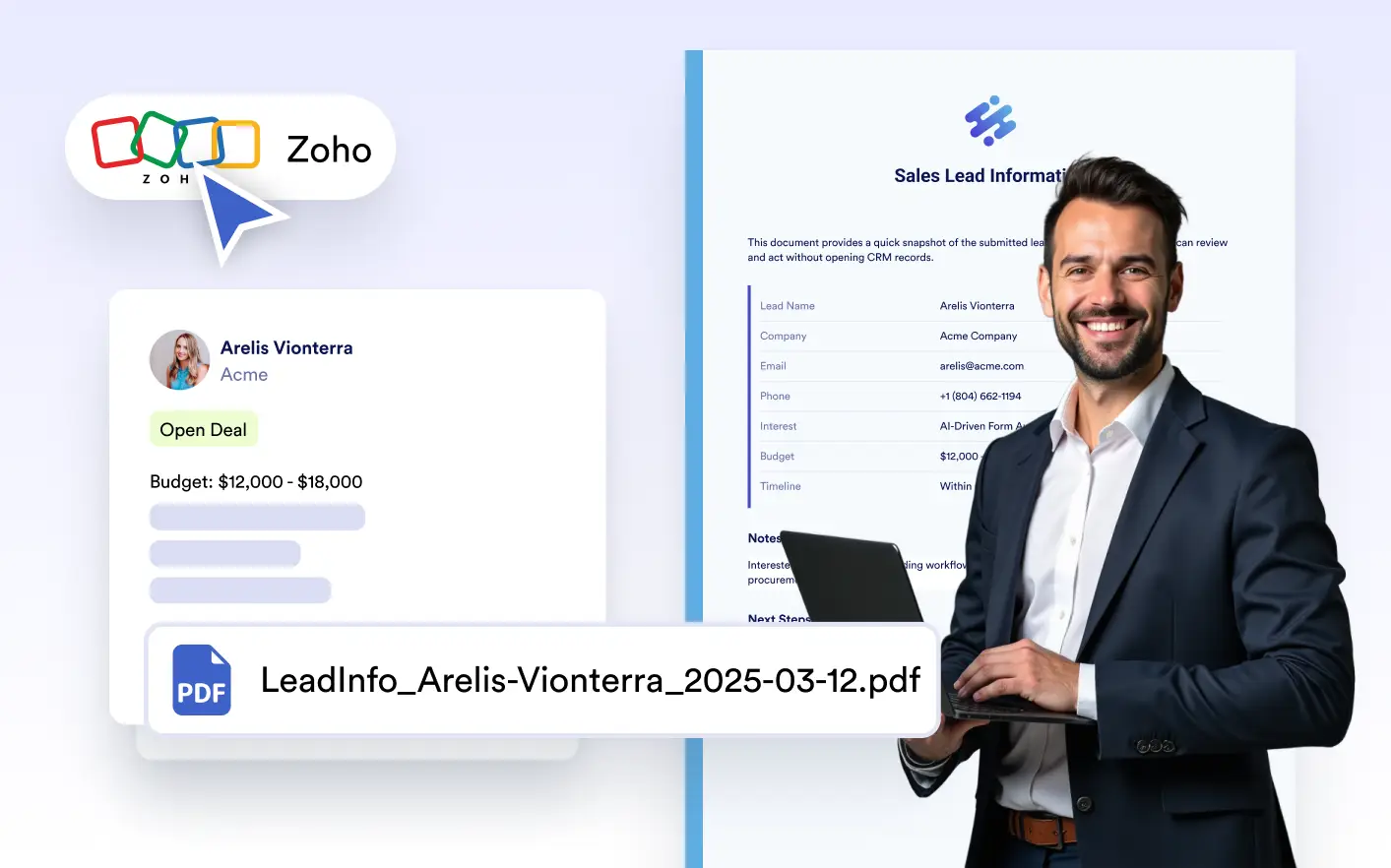
as they’re created. Attach submission-based PDFs to leads, contacts, or deals to ensure your team always has access to the latest documents inside your CRM.
Effortless Document Delivery to CRM Records
Automatically link each generated PDF to the correct Zoho CRM record, ensuring important customer files are stored where teams can easily find, review, and act on them.
Submission-Based Record Linking
Generated PDFs are automatically linked to the appropriate Zoho CRM lead, contact, or deal using submission data. This keeps documents associated with the correct records and preserves accurate customer context.
PDF Selection for Zoho CRM Attachments
Choose which created PDF should be attached to Zoho CRM during integration setup. This allows you to control which document appears on records and avoid attaching unnecessary files.
File Naming Settings
Configure file naming rules before PDFs are attached to Zoho CRM records. Consistent naming helps teams quickly identify documents and keeps CRM file lists clean and organized.