they're created. Organize all submission-based PDFs into structured folders and keep everything synchronized across your Microsoft workspace, ensuring smooth, hands-free document management.
Keep PDFs in Your Microsoft Environment
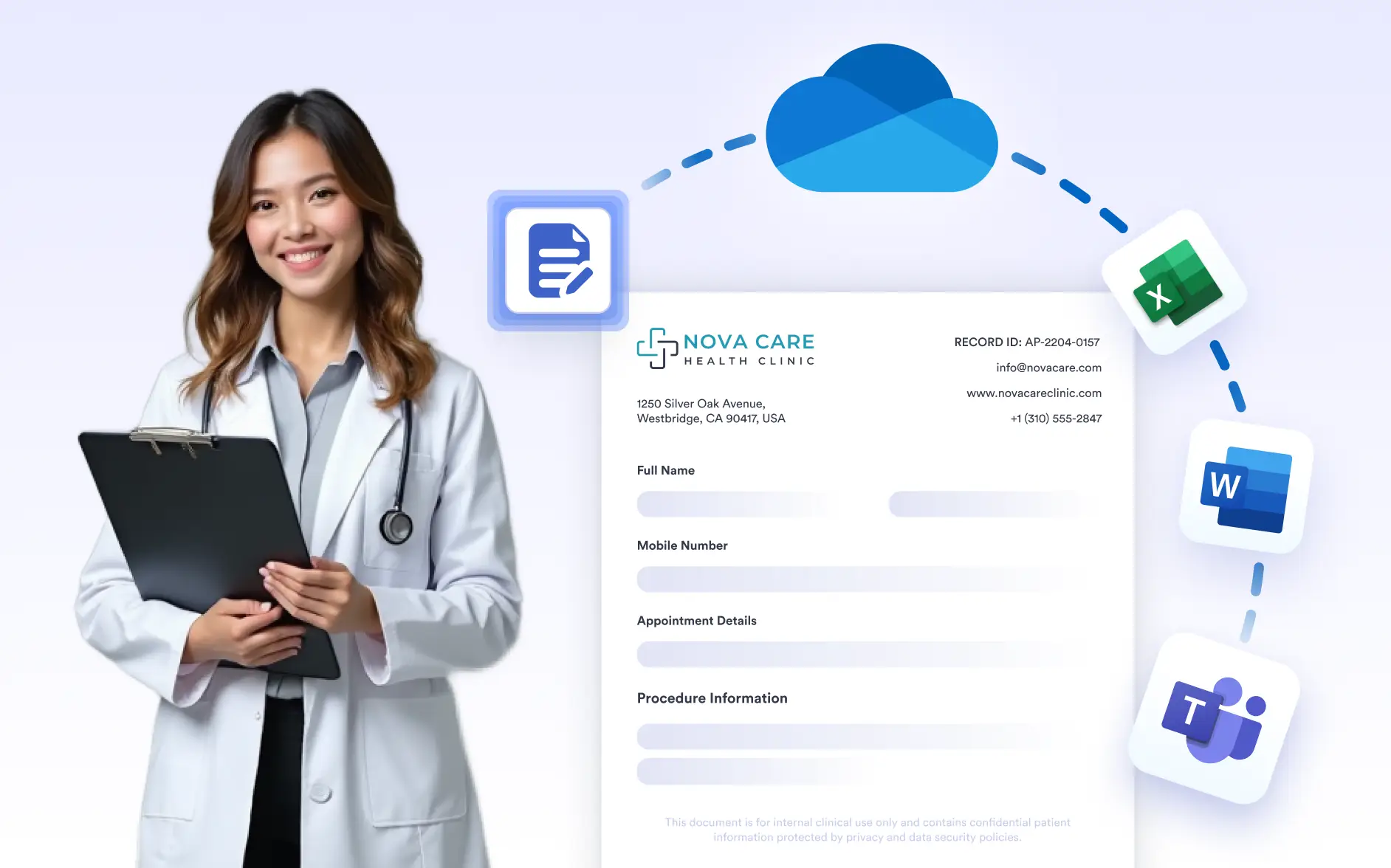
With the OneDrive integration, every PDF created from a form submission is delivered directly to your OneDrive folders. This ensures documents stay connected to Microsoft tools like Word, Excel, and Teams without switching platforms or duplicating files.
Automatic OneDrive Uploads
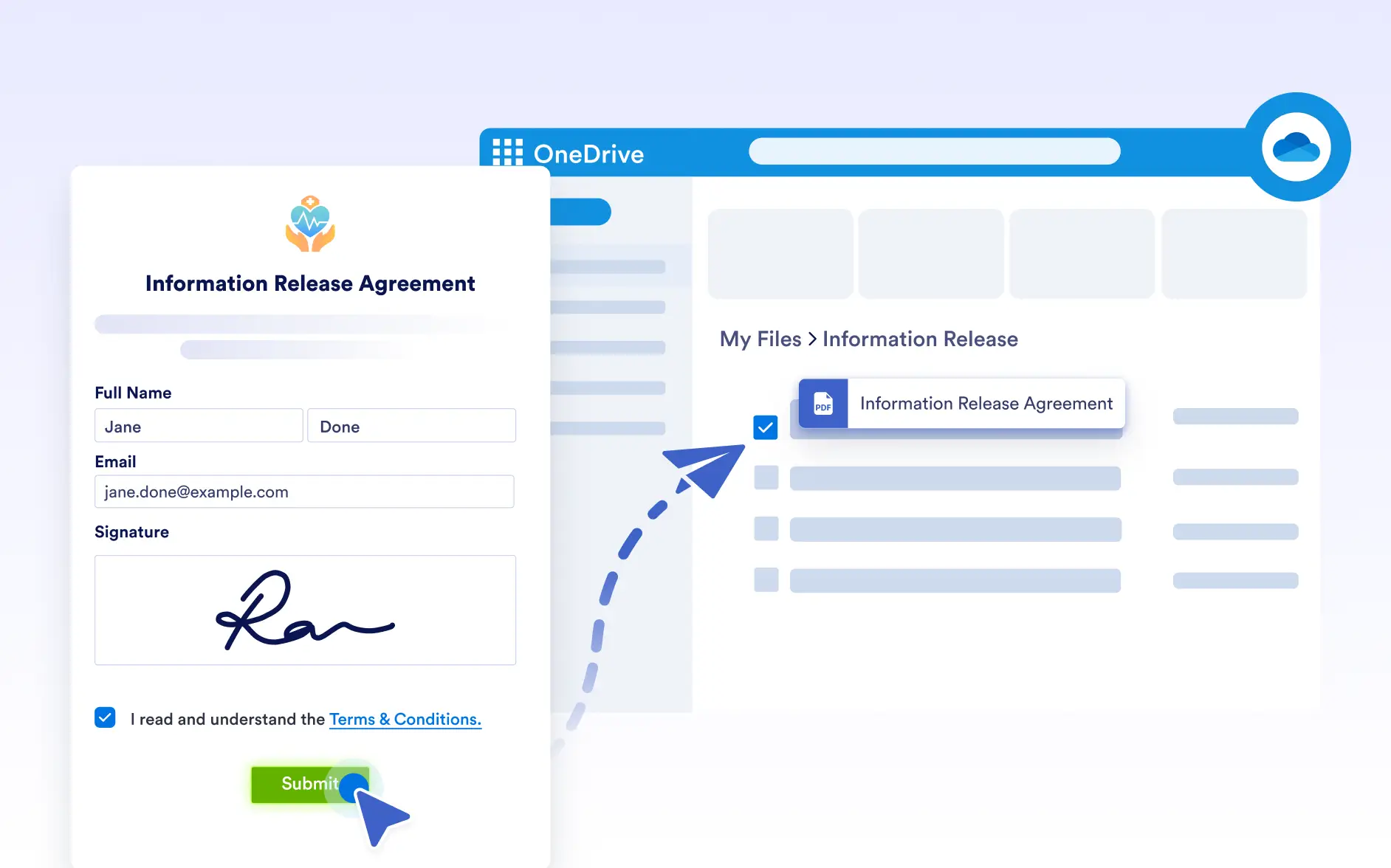
New PDFs are uploaded to your selected OneDrive folder the moment a form is submitted, removing the need for manual downloads and uploads. This ensures documents are stored consistently, instantly available to your team, and always saved in the right place without extra steps.
Microsoft Ecosystem Compatibility
Store PDFs alongside your Office files in OneDrive so teams can easily access and reference documents while working in Microsoft 365 apps like Word, Excel, and Teams, keeping files connected across tools and reducing the need to switch between platforms.
Structured Folder Organization
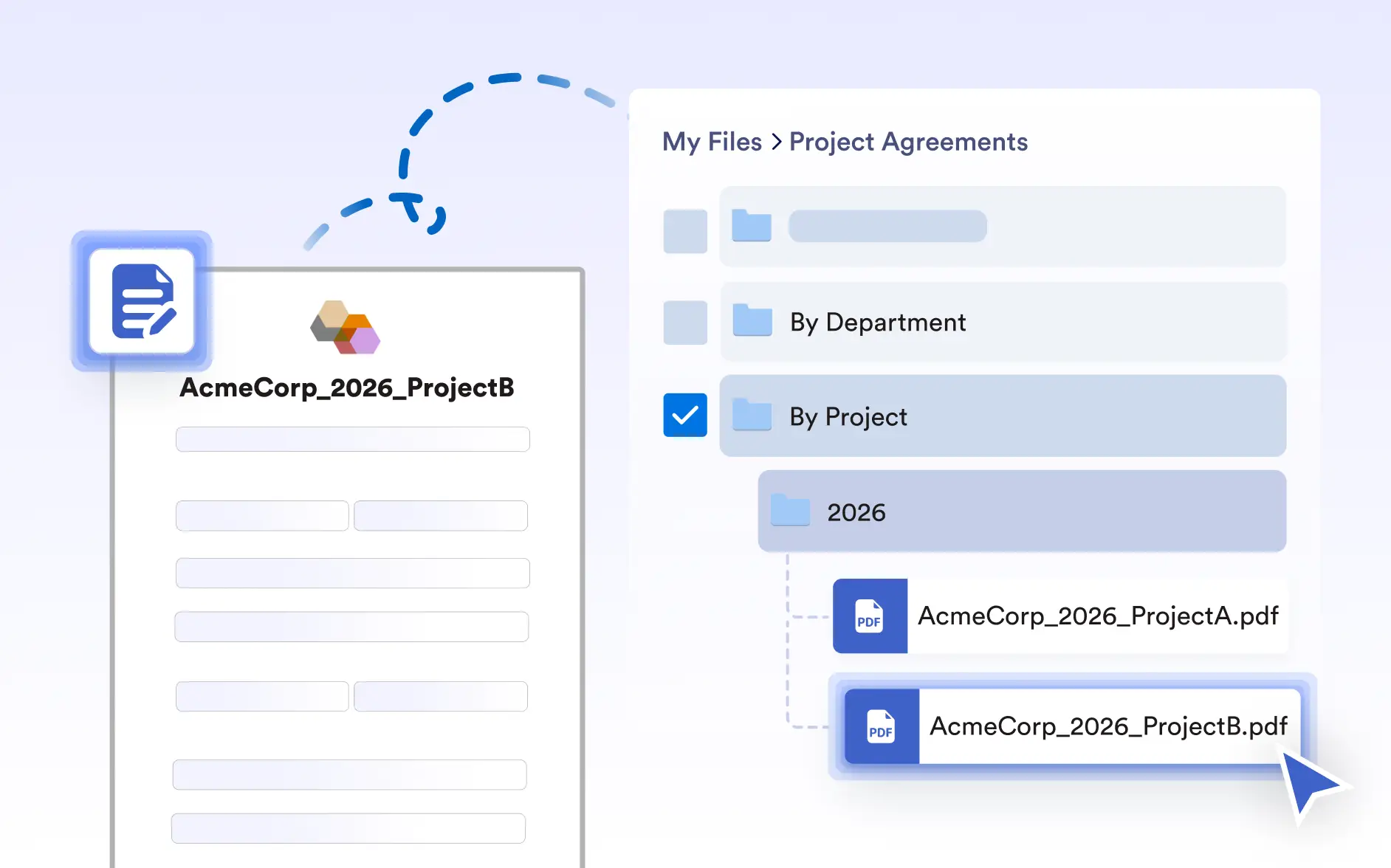
Maintain an organized file system by routing PDFs into folders by project, department, or time period, while automatically naming files using form data. This keeps OneDrive folders consistent, searchable, and easy to manage as your document volume grows.