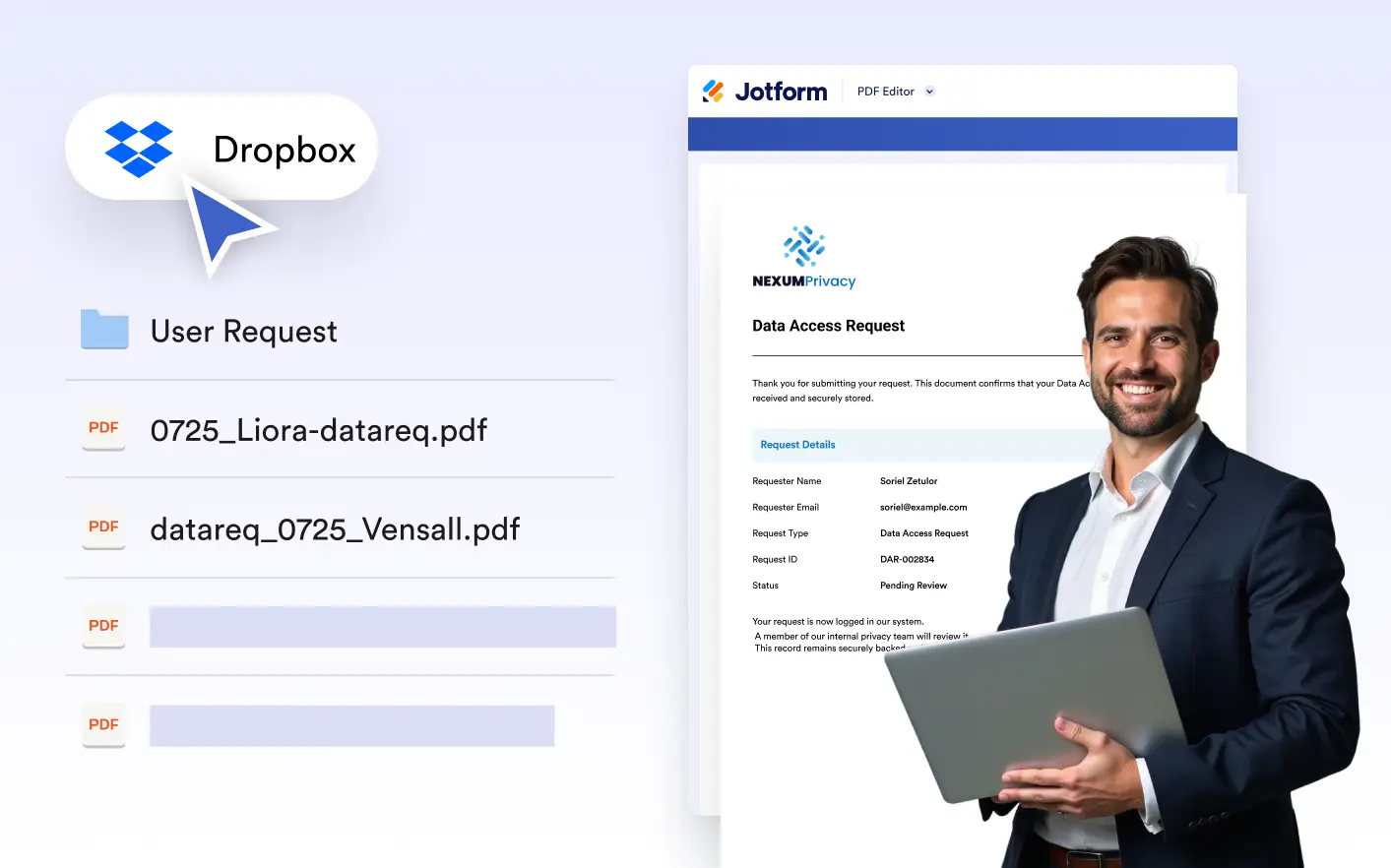
they're created. Maintain an organized, centralized folder structure for all your PDFs without downloading, re-uploading, or moving files manually, ensuring a faster, cleaner, completely automated workflow.
Share Client-Ready PDFs Instantly
With the Dropbox integration, every generated PDF is sent directly to a designated folder, making it easy to share documents with teammates or clients the moment they’re created. No downloads, no attachments, just instant access.
Shared Team Access
Store PDFs in shared Dropbox folders so teammates can access the latest documents anytime, from anywhere. Eliminate version confusion, reduce email clutter, and enable smoother collaboration by keeping everyone working from a single, always-up-to-date source.

Organized File Structure
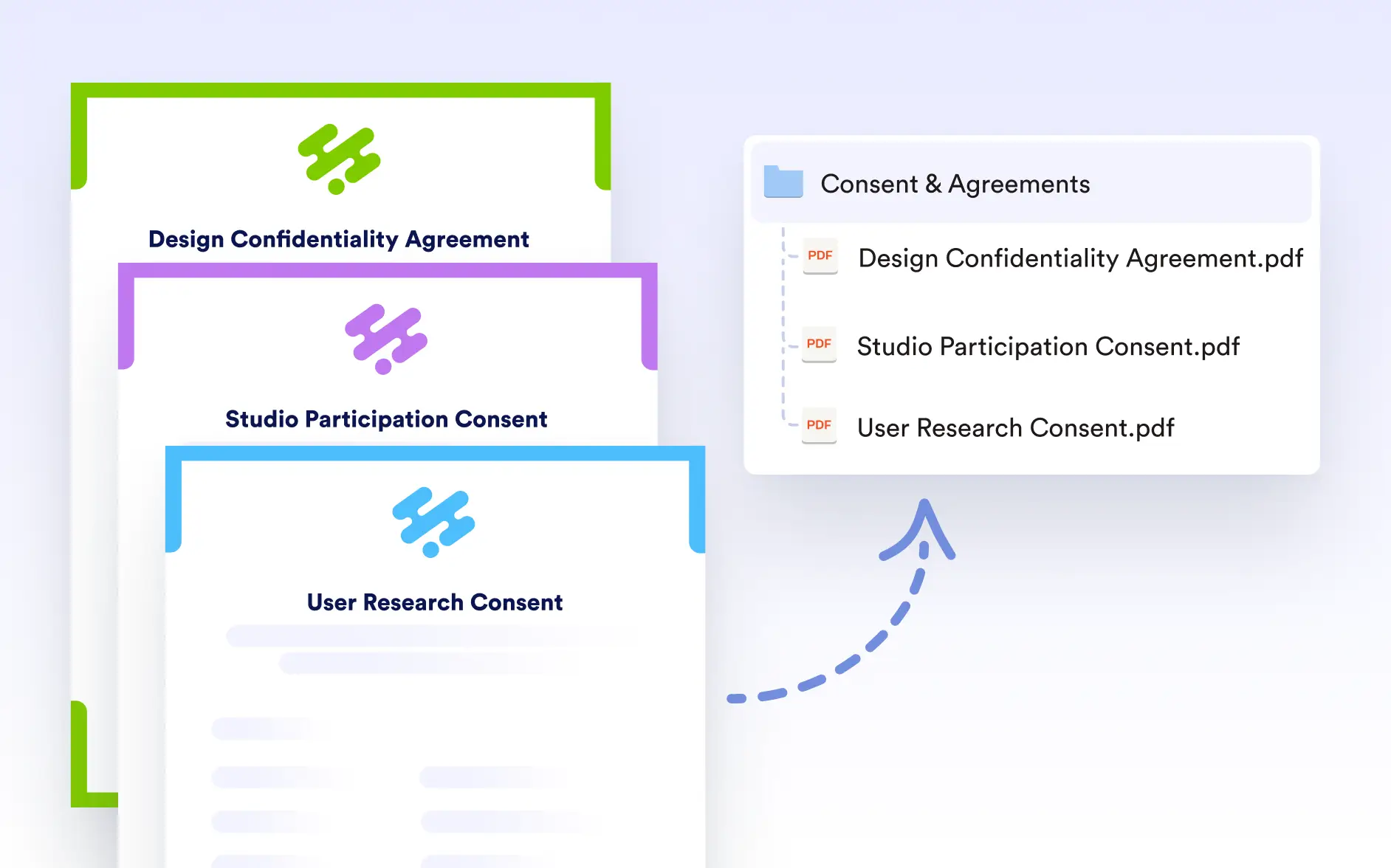
Automatically organize PDFs into your existing Dropbox folder structure by form, project, or date. Maintain a consistent filing system as your volume grows, making documents easier to find, manage, and audit without any manual sorting.
Customize File Naming
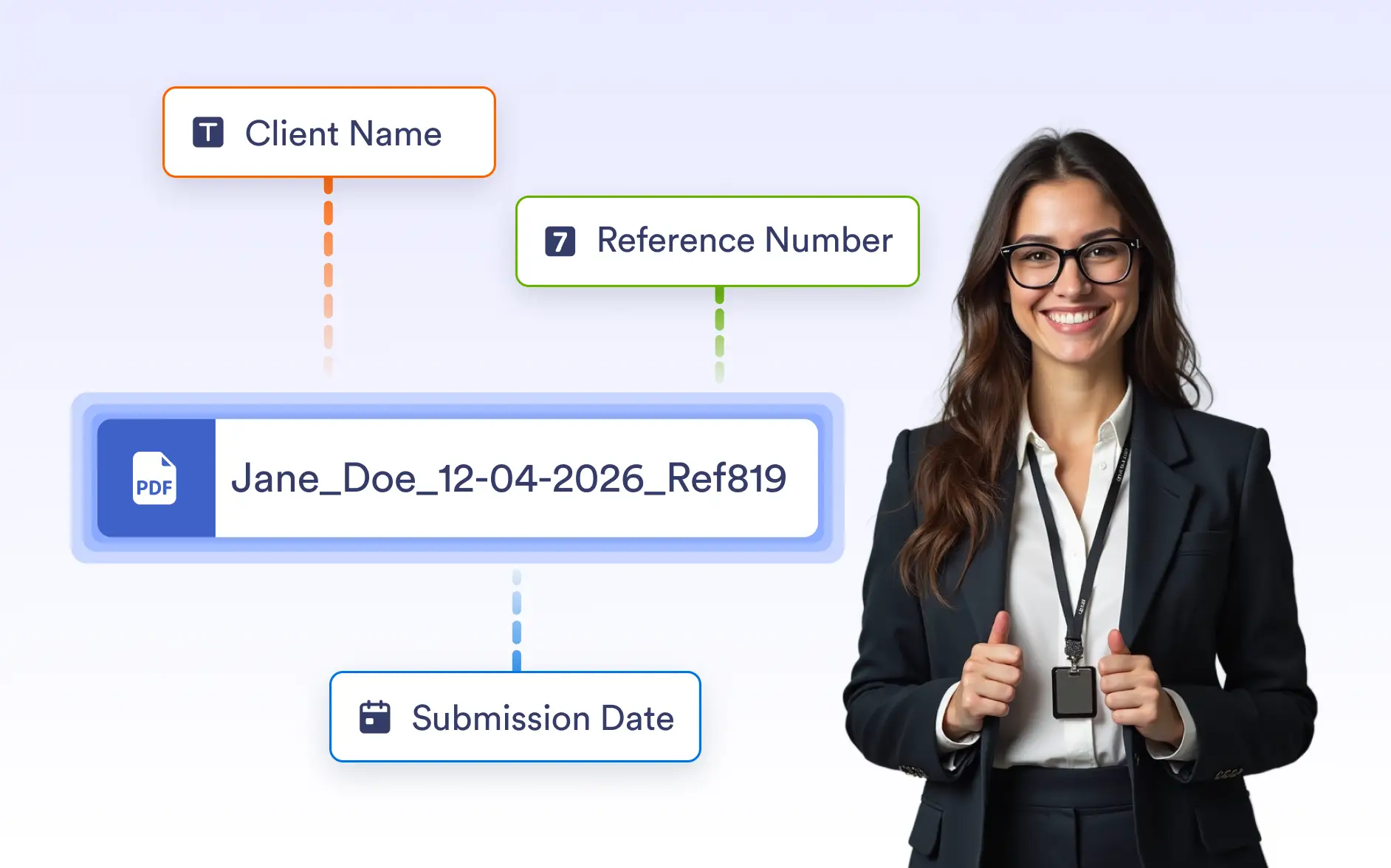
Automatically name PDF files using form data such as client name, submission date, or reference number. Keep Dropbox folders clean, searchable, and easy to manage without manual renaming.