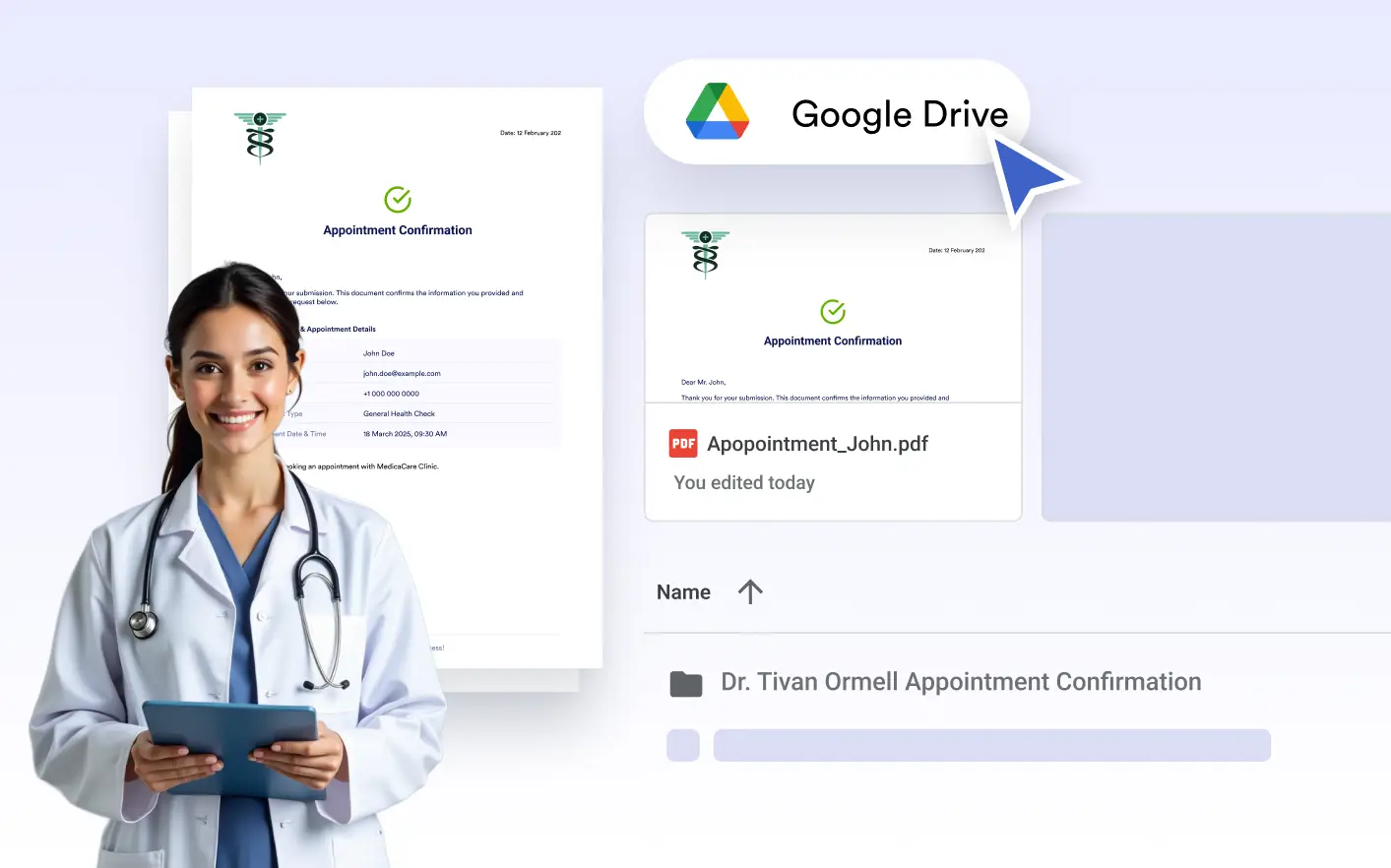
. All submission-based PDFs are stored in your chosen folders, neatly organized and instantly available for your team to review, share, or process; keeping your workflow smooth and completely hands-free.
Automatic Cloud Document Storage
Every PDF created in the PDF Editor is automatically saved to your designated Google Drive folder with clean, consistent naming and structure that matches your document setup.
Submission-Based Organization
Apply custom file naming rules to generated PDFs before they’re sent to Google Drive, ensuring each file follows a clear, consistent format that makes documents easier to recognize, search, and manage across shared folders and teams.
Select Which Documents Are Sent
Choose exactly which created PDF should be delivered to Google Drive. This allows you to control which documents are stored and avoid saving unnecessary or internal-only files.
Customize File Naming
Apply custom file naming rules to generated PDFs before they’re sent to Google Drive. Clear, consistent naming makes files easier to recognize, search, and manage in shared folders.