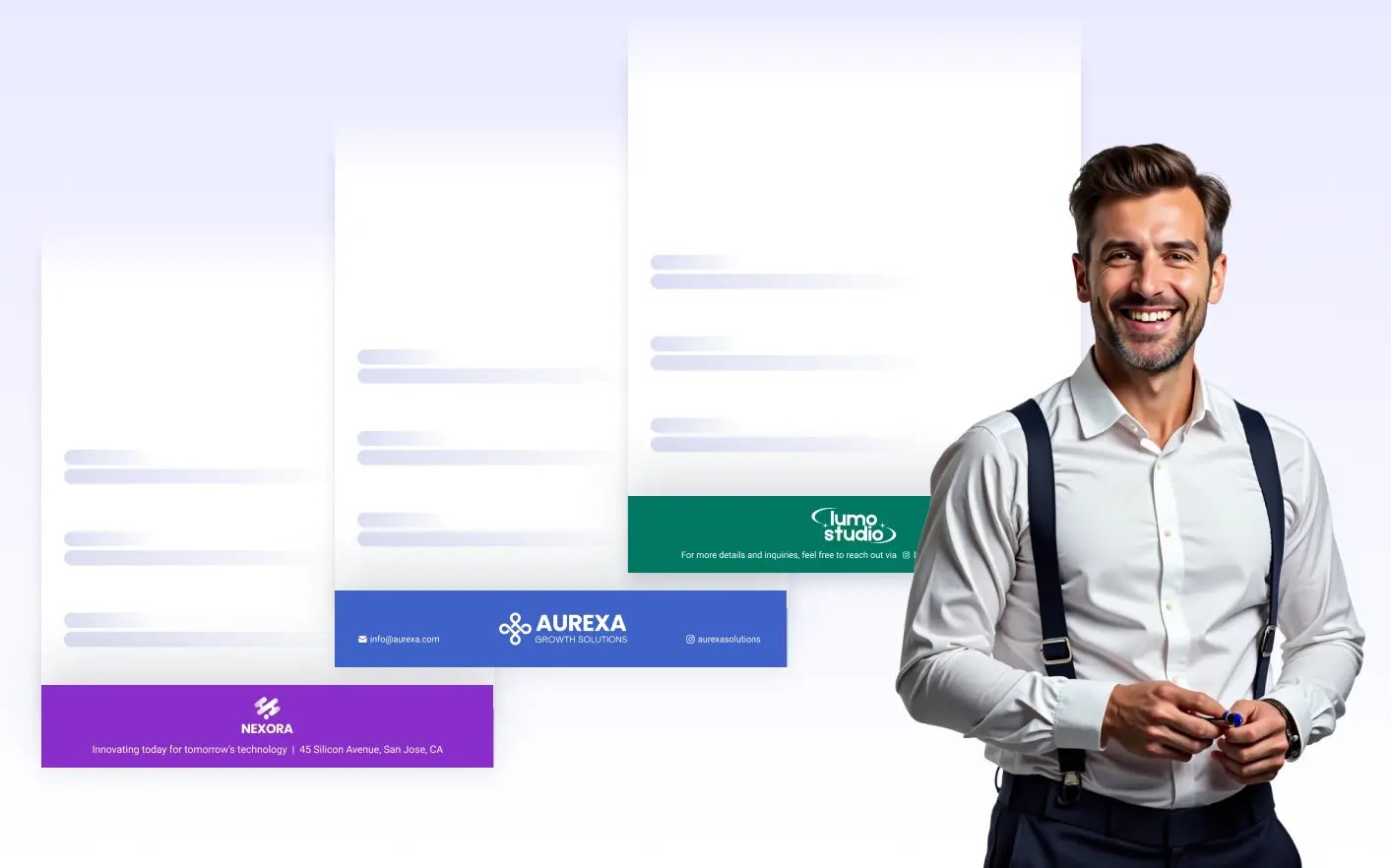
Place your , company details, titles, images, or tables at the bottom of every page with a fully customizable footer area. freely with text formatting and background colors to create a strong, consistent visual identity across all pages.
모든 페이지 하단에 일관된 정보 표시
The footer area allows you to display fixed content at the bottom of each page, ensuring important information remains visible throughout the entire document.
조직 및 연락처 정보 표시
Place your organization’s name, logo, website, or phone number in the footer to keep brand and contact details visible while keeping the document body clean and focused.
구조화된 바닥글 레이아웃 만들기
푸터에서 테이블을 사용해 2열, 3열 또는 4열로 구성된 구조화된 레이아웃을 만들 수 있습니다. 이를 통해 브랜드, 메타데이터 또는 참조 세부 정보를 페이지 전체에 깔끔하게 정렬할 수 있습니다.
바닥글 스타일 사용자 지정
글꼴, 색상, 정렬, 간격, 배경을 조정해 문서 디자인에 맞출 수 있습니다. 스타일이 적용된 바닥글은 브랜딩을 강화하는 동시에 콘텐츠를 페이지 가장자리와 시각적으로 구분해 줍니다.
스캔 가능성 및 맥락 지원
푸터는 일관된 참조 지점을 제공해 긴 문서를 안정적으로 구성하는 데 도움을 줍니다. 잘 설계된 푸터 레이아웃은 주요 콘텐츠를 방해하지 않으면서 탐색을 개선하고 명확성을 더합니다.
자주 묻는 질문
자주 묻는 질문(FAQ)에서 일반적인 질문에 대한 답변을 확인하거나, 추가 정보가 필요하시면 지원팀에 문의하세요.
The Page Footer feature allows you to add a consistent section to the bottom of every page in your PDF document. It’s ideal for including supporting details that should appear throughout the entire document.
서식이 지정된 텍스트, 로고와 같은 이미지, 배경색, 회사명·웹사이트·전화번호·법적 고지사항 등의 조직 세부 정보를 추가할 수 있습니다. 페이지 번호나 추가 메모를 표시할 때도 자주 사용됩니다.
네. PDF 편집기 내에서 언제든지 페이지 바닥글을 편집, 재디자인 또는 제거할 수 있습니다. 변경 사항은 문서의 모든 페이지에 자동으로 적용됩니다.