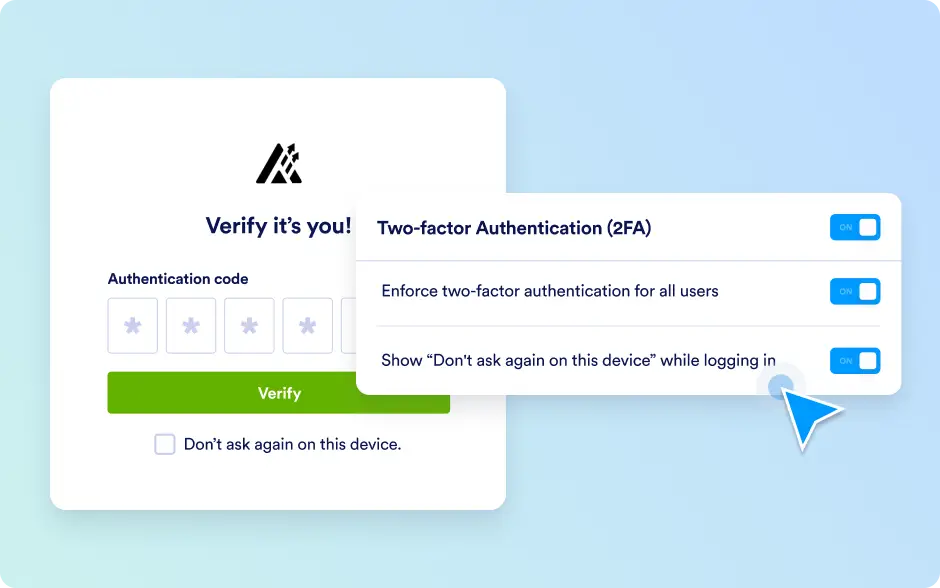
2단계 인증(2FA)
Jform works with Enterprise customers to strengthen account security through Two-Factor Authentication (2FA). Users can securely verify their identity using an Authenticator App, Mobile Push Notifications, or Passkeys. With multiple authentication methods available, organizations can add an extra layer of protection to their accounts while providing a secure and convenient login experience.
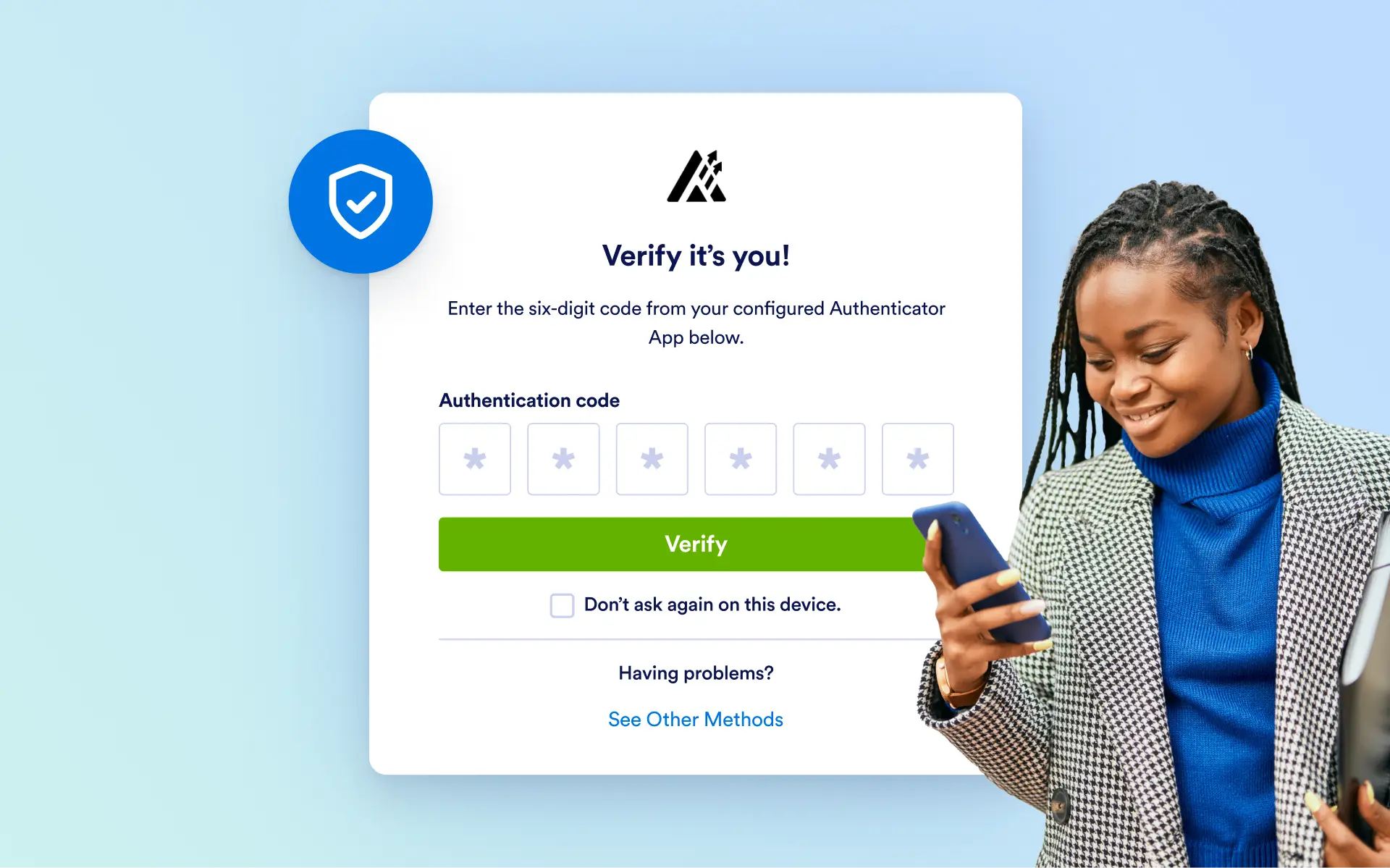
With Jform Enterprise, enable two-factor authentication to verify user identities with authenticator apps, mobile push notifications, or passkeys and add an extra layer of security. Admins can also enforce server-wide 2FA when needed.
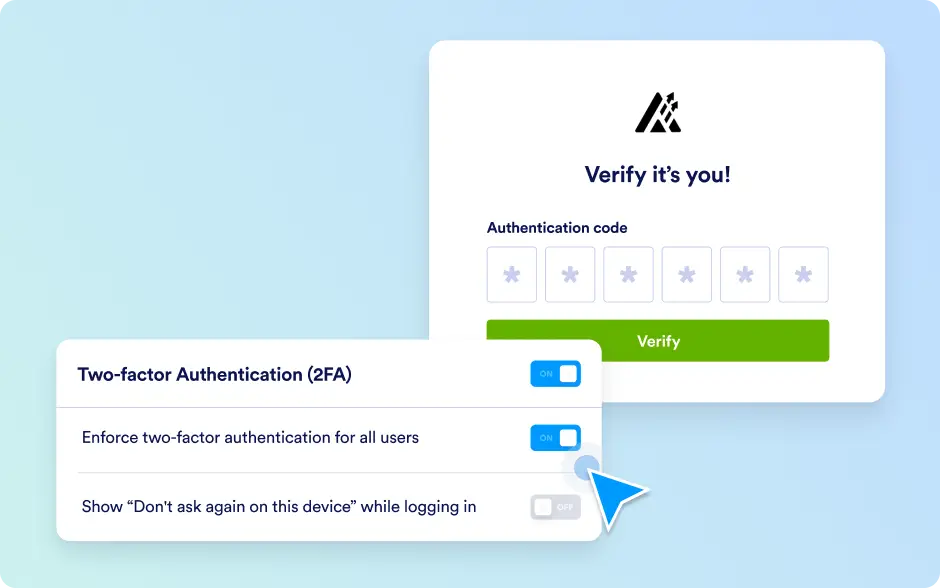
Server-wide 2FA Enforcement
Ensure consistent security across your organization by requiring all users to enable two-factor authentication. When this policy is enforced, users are prompted to configure 2FA with an authenticator app during their next login.
Flexible Authentication Methods
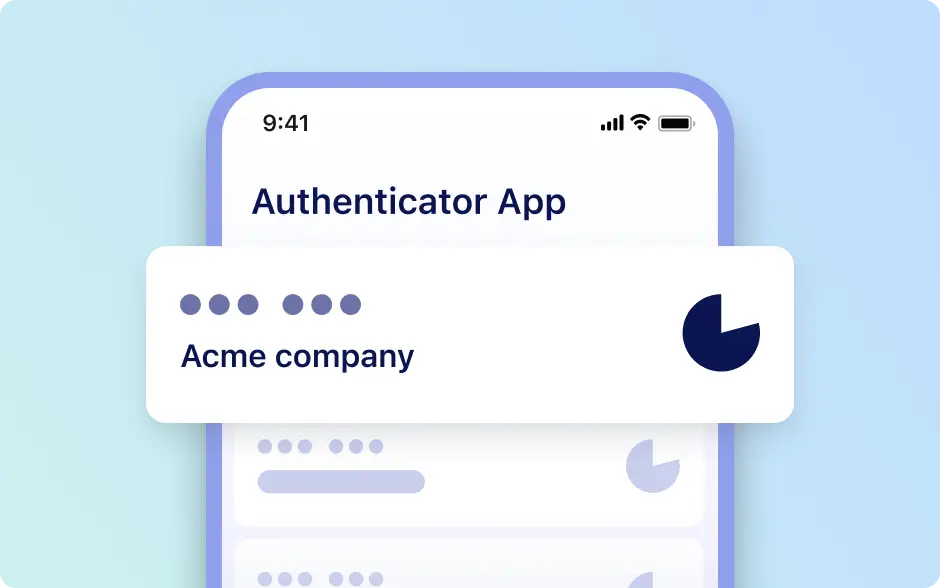
Jform Enterprise offers multiple ways to verify user identities and strengthen account security. Users can authenticate with time-based one-time passwords (TOTP), approve mobile push notifications, or use passkeys for a secure and convenient login experience.
User-based 2FA Controls
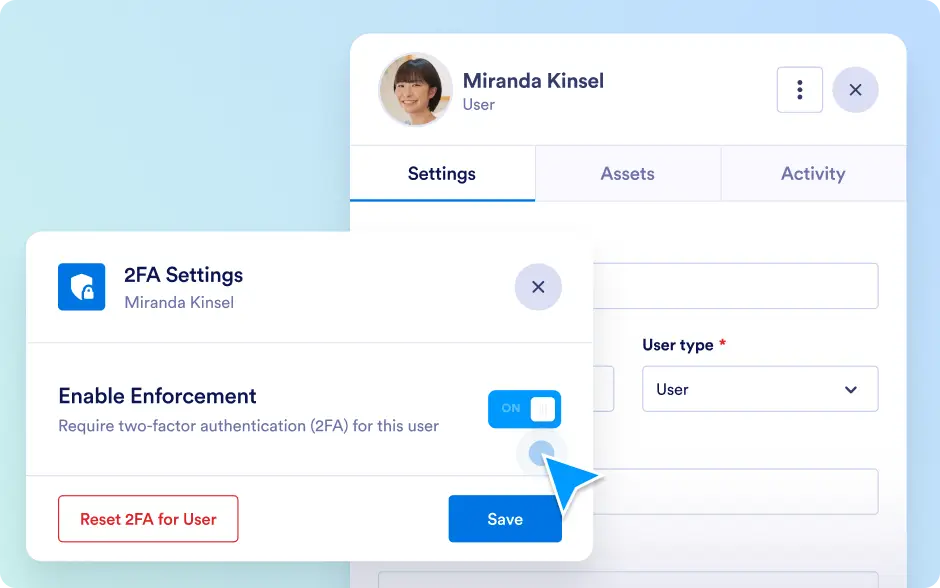
Allow users to enable two-factor authentication individually. Users can add an authenticator app and secure their accounts with time-based verification codes, providing an extra layer of protection without server-wide enforcement. Admins can also enforce 2FA for specific users and reset their 2FA configuration when needed, ensuring full administrative control over account security.
Seamless Authentication Flow
Improve user experience while maintaining security by allowing admins to enable or disable the “Don’t ask again on this device” option. When disabled, users must enter a verification code at every login, even on trusted devices.