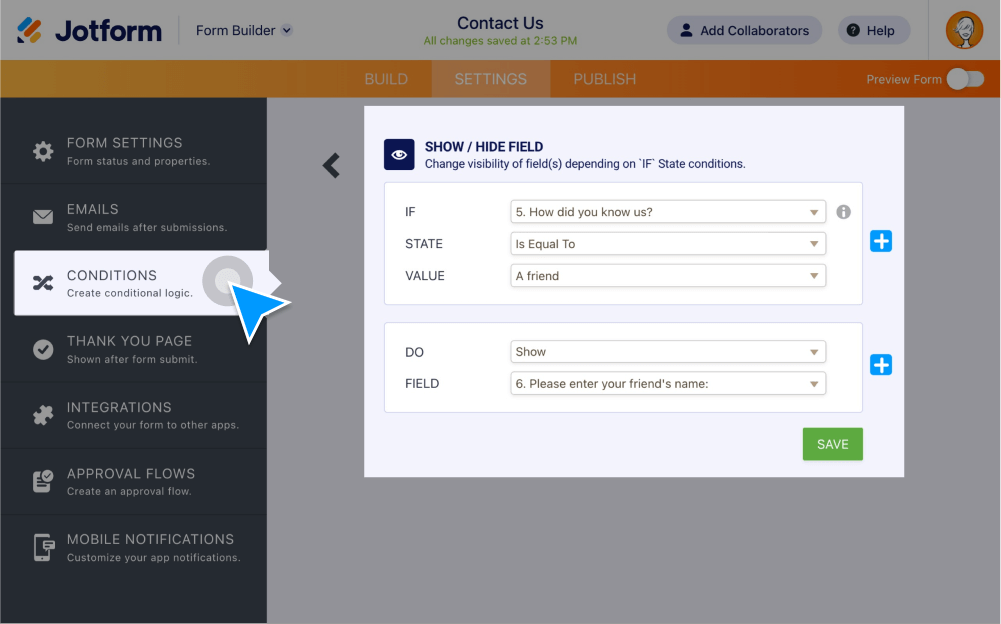
Hide form fields using conditional logic. You can reveal hidden fields based on user answers or in the edit URL, and even at once.
Hidden fields
Give your form users a personalized form-filling experience. Shorten your forms by using conditional logic to show hidden fields only when they’re relevant.
Show or hide form fields
Hide or reveal form fields based on a user’s previous answers. By setting up custom conditions, you can personalize your form for each and every user.
Reveal form fields in the Edit URL
Reveal fields that are hidden on your form in the edit link.