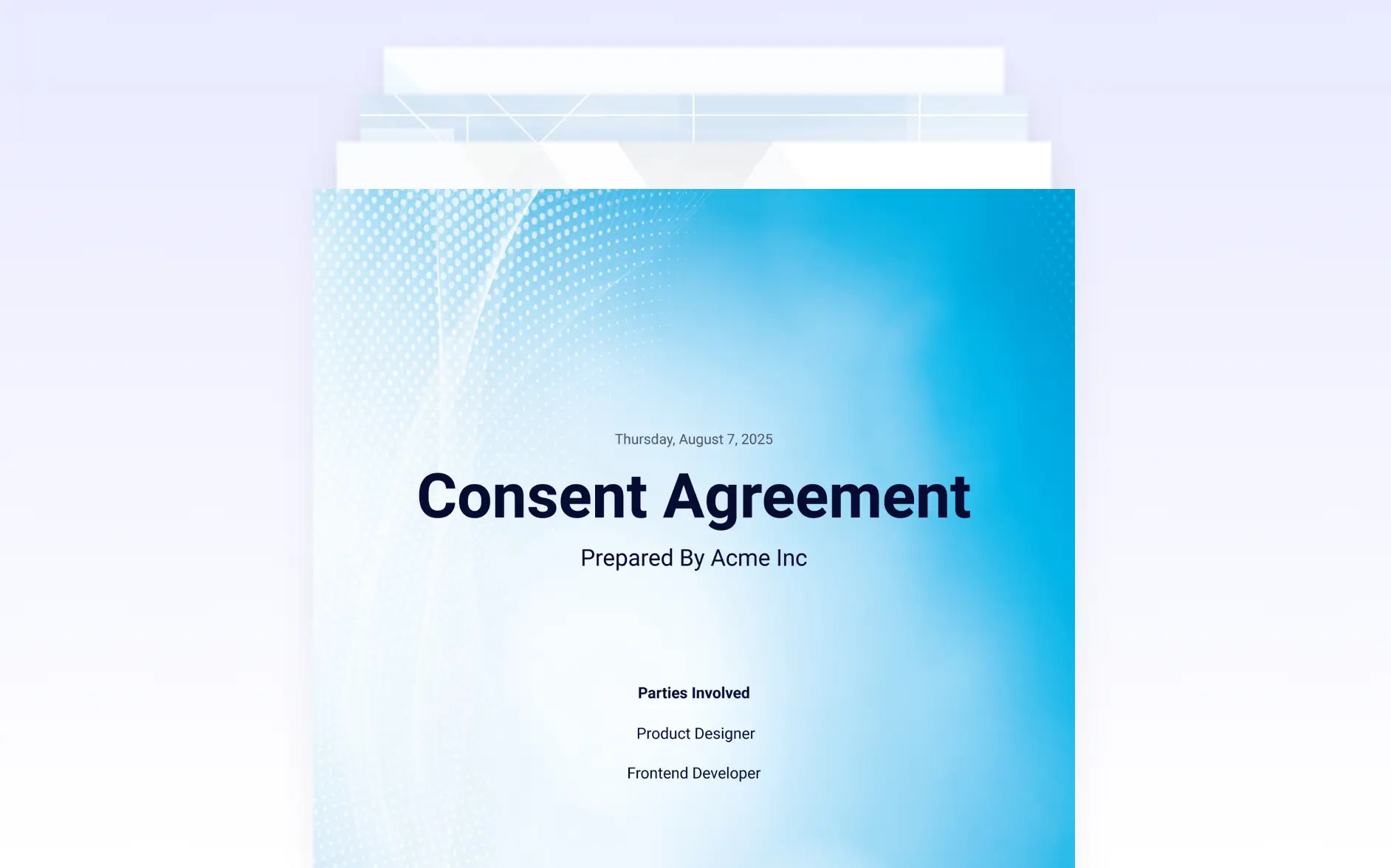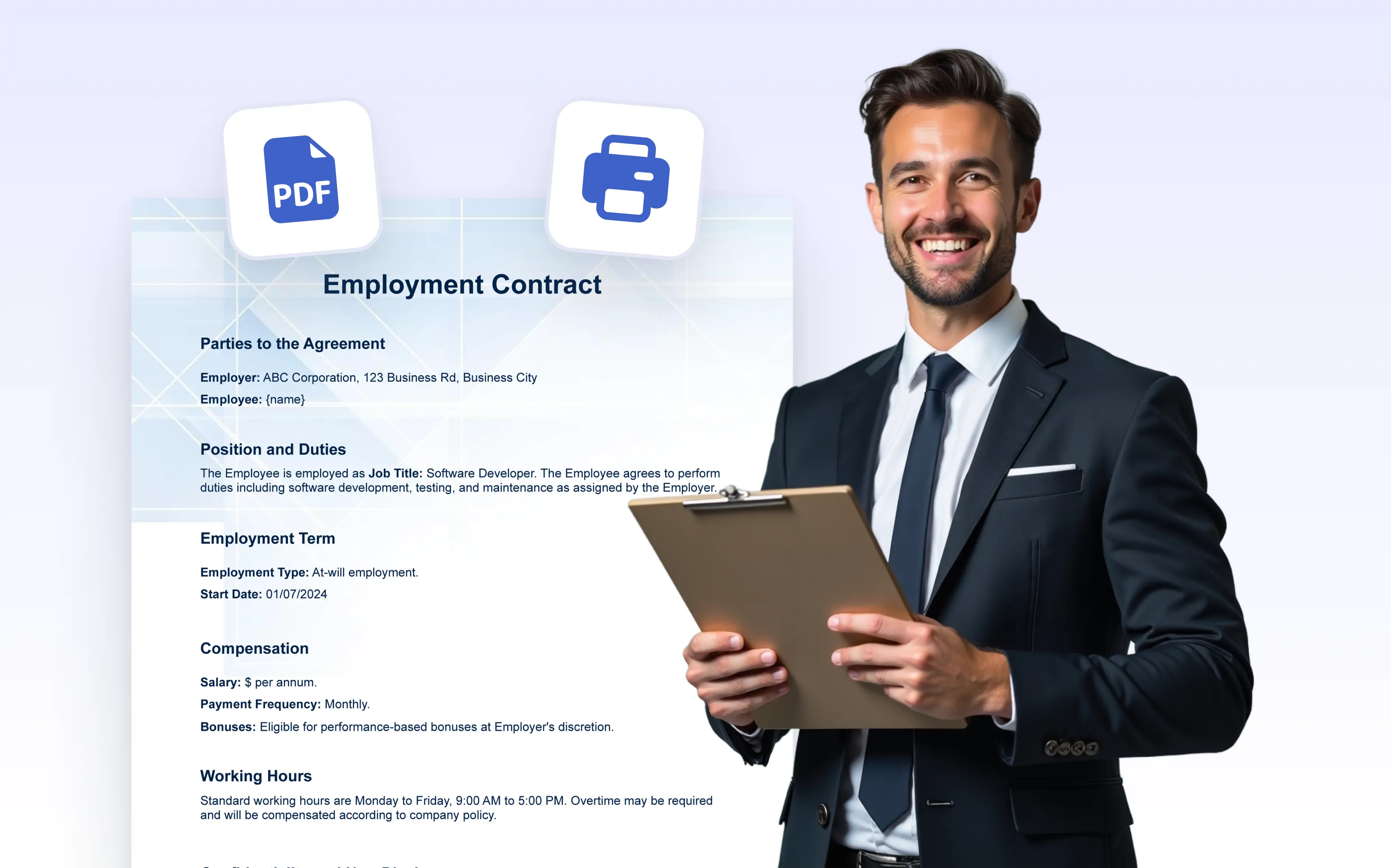
Generate print ready PDFs with clean layouts and accurate formatting. Ensure contracts, certificates, and reports look on paper every time.
One-Click Access to Print Settings
PDF 편집기에서 인쇄 옵션을 선택하면 문서의 현재 레이아웃을 보여주는 인쇄 대화 상자가 즉시 열립니다. 이를 통해 명확한 미리보기를 확인하고 브라우저의 인쇄 설정에 바로 접근할 수 있어 시간을 절약하고 서식 오류를 방지하는 데 매우 유용합니다.
Get Physical Copies with the Layout You Designed
Whether you're printing submission records, invoices, or certificates, the printed document reflects the exact styling and structure you've set in the editor. Fonts, spacing, backgrounds, and alignment are preserved so your printed copy looks as polished as your digital version.