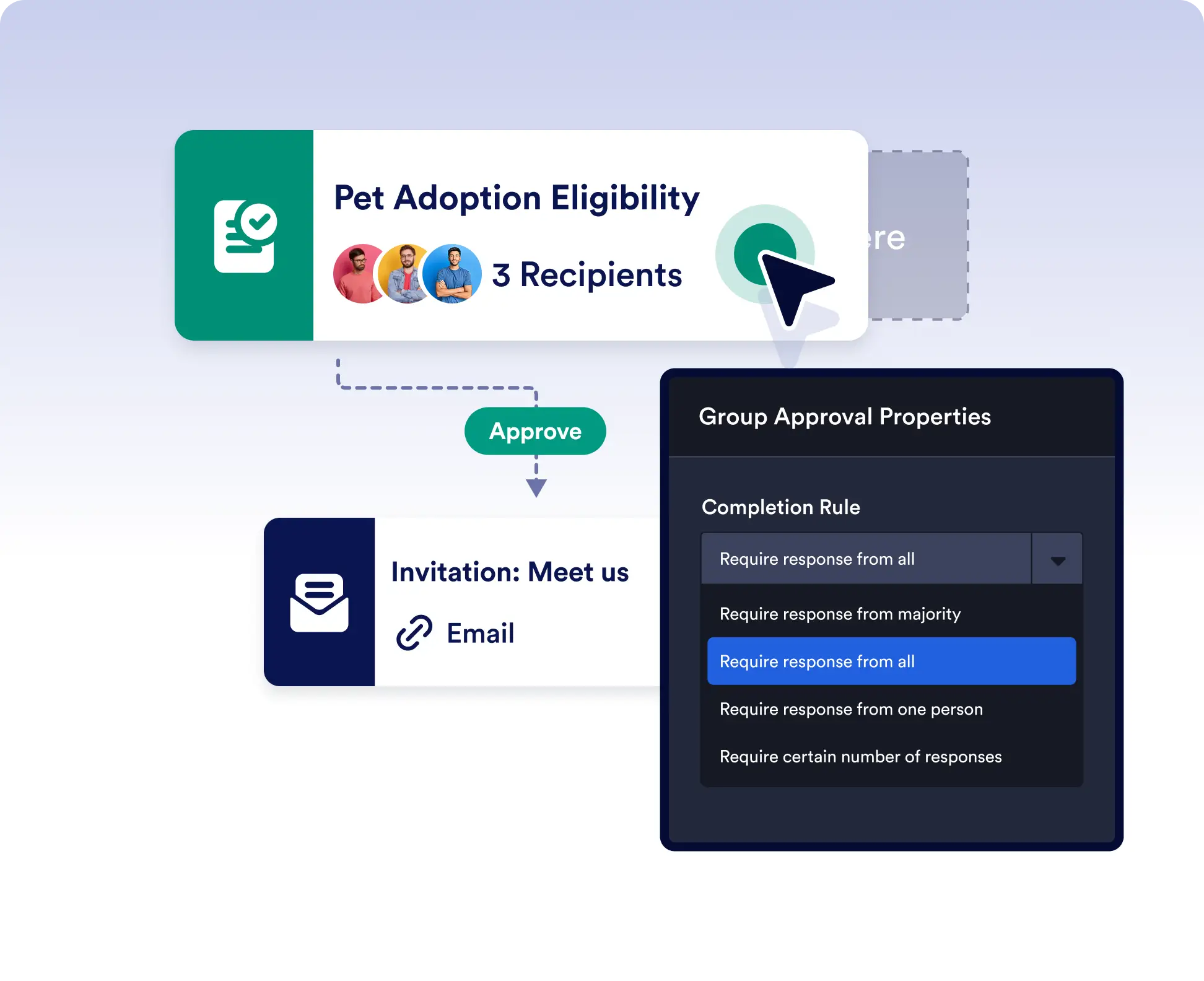
규칙을 설정하여 승인 단계가 완료되는 방식과 시점을 제어하세요. 한 명의 응답, 과반수 승인, 모든 승인자 또는 특정 응답 수 등의 옵션 중에서 선택할 수 있습니다.
승인 단계가 완료되는 시점을 맞춤 설정하세요
빠른 요청을 처리하든 팀의 합의가 필요한 결정을 처리하든, 각 승인 단계에 적절한 수준의 의사결정 권한을 적용할 수 있습니다.
승인 규칙
- One Response Required
Use this setting when a single decision-maker is enough to move the workflow forward. Ideal for manager approvals or simple OKs.
- Majority Rules
Automatically finalize the step once the majority of assigned approvers have responded with the same outcome. Great for collaborative teams where consensus is key.
- Specific Number of Responses
Set a minimum number of required responses regardless of the total number of approvers. Perfect for workflows that need multiple but not unanimous feedback.
- All Approvers Must Respond
Require every assigned approver to submit a decision before continuing. Ideal for high-stakes processes like budgeting, legal reviews, or executive approvals.