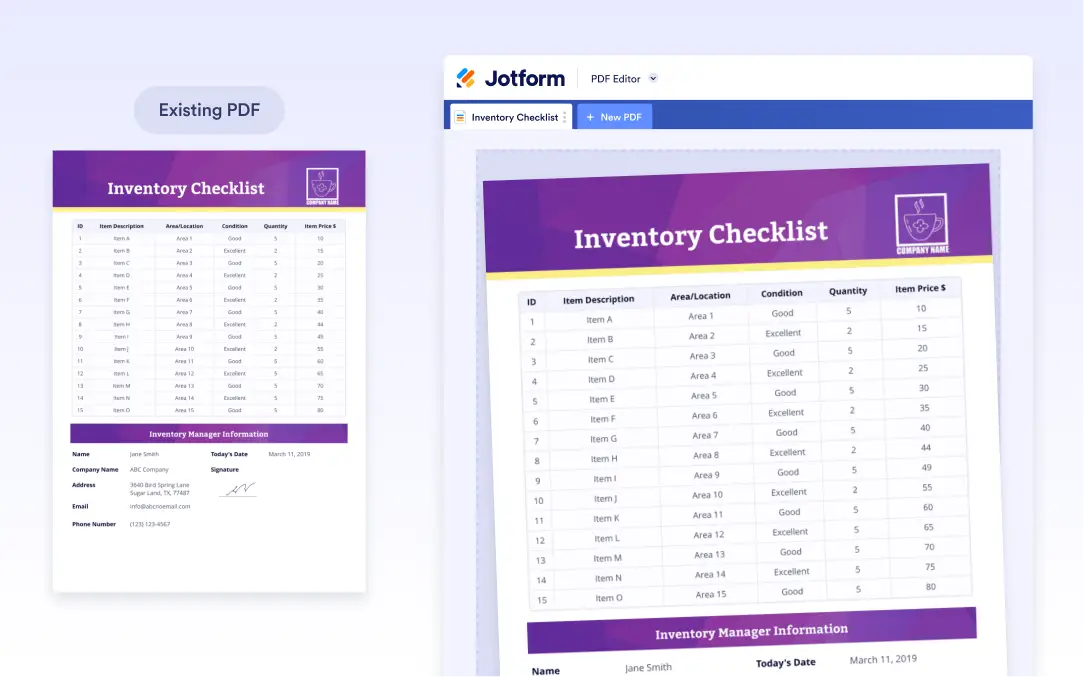
Reuse Existing PDF Designs
Jform offers several ways to create PDF documents, and cloning is one of the fastest. The Clone Existing option allows you to copy a PDF document that was previously created for a form. This is ideal when you want to reuse the same structure, layout, or design without rebuilding everything manually.
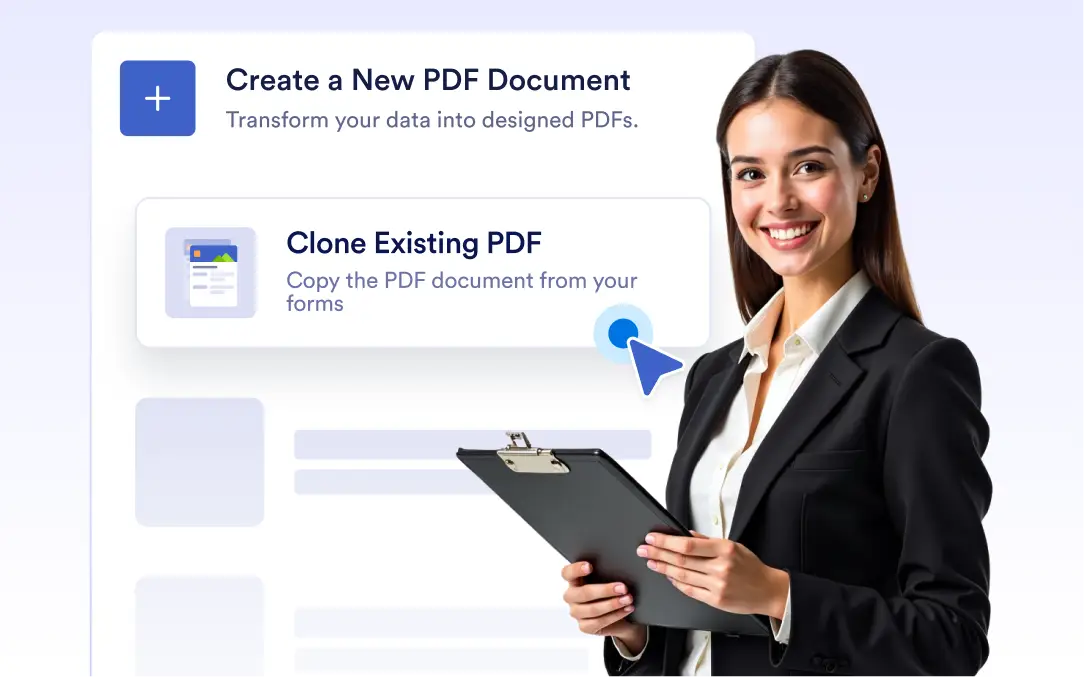
Reuse the PDF documents already connected to your forms and instantly turn them into new, editable PDFs.
Create PDFs by cloning existing documents
기존 양식을 PDF로 직접 복제하여 새 PDF 문서를 더 빠르게 생성하세요. 몇 번의 클릭만으로 레이아웃, 필드 및 서식을 재사용할 수 있습니다. 여러 PDF 문서에서 일관된 디자인과 구조를 유지하세요.
Duplicate existing PDFs
Use the “Clone Existing PDF” option to copy any custom document you’ve created before; ideal for saving time and maintaining design consistency across multiple forms and teams.