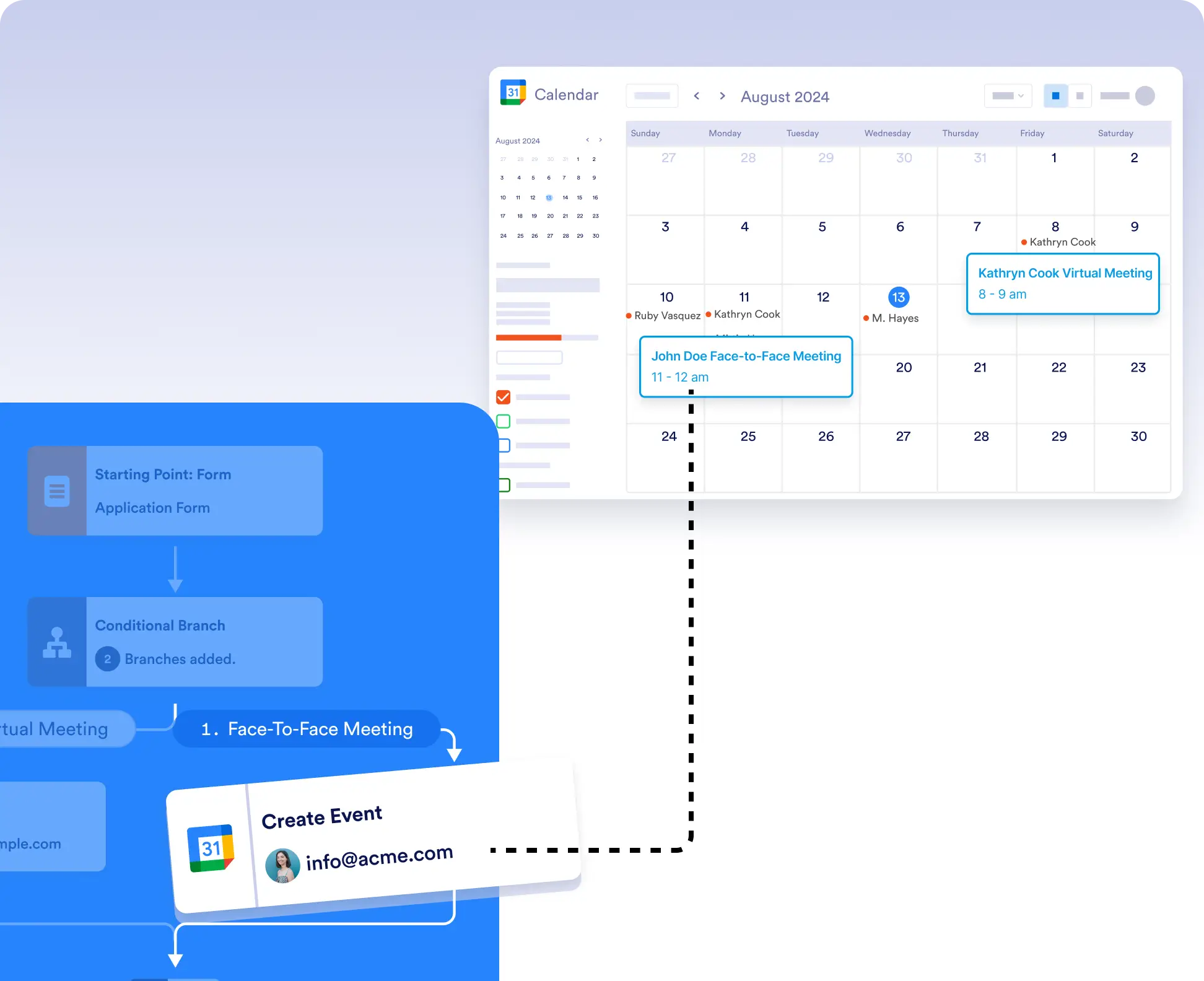
Whether you’re coordinating meetings, setting appointments, or planning events, automatically add them to Google Calendar without leaving your workflow. Use conditional logic to control exactly when and where events are created.
조건부 로직을 활용한 유연한 이벤트 생성
모든 제출이 새 이벤트를 생성하지 않도록 하려면 조건부 로직을 사용하세요. 특정 조건이 충족될 때만 캘린더 이벤트를 생성하거나, 이벤트를 서로 다른 캘린더로 라우팅할 수 있습니다.
손쉬운 설정 및 인증
시작하려면 Google Calendar 통합을 워크플로우에 드래그하고 "이벤트 만들기" 또는 "Google Meet로 이벤트 만들기"를 선택한 다음 계정을 연결하고 양식 필드를 매핑하세요.