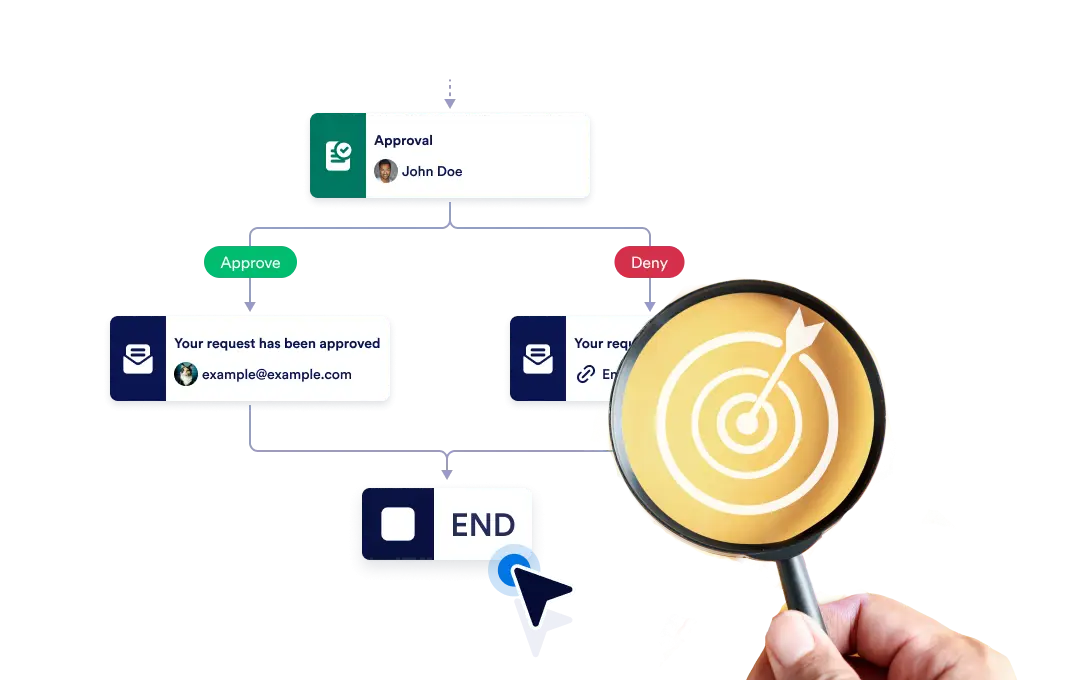
특정 분기가 종료되면 전체 워크플로우를 즉시 종료하거나, 각 분기가 독립적으로 완료될 때까지 계속 진행하도록 설정해 프로세스의 유연성과 제어를 확보하세요.
워크플로우 종료 제어
The End element lets you define how your workflow concludes once it reaches a finishing point. You can choose to terminate the entire workflow as soon as a specific branch ends, or allow other branches to continue running until they complete on their own.
간편한 드래그 앤 드롭 설정
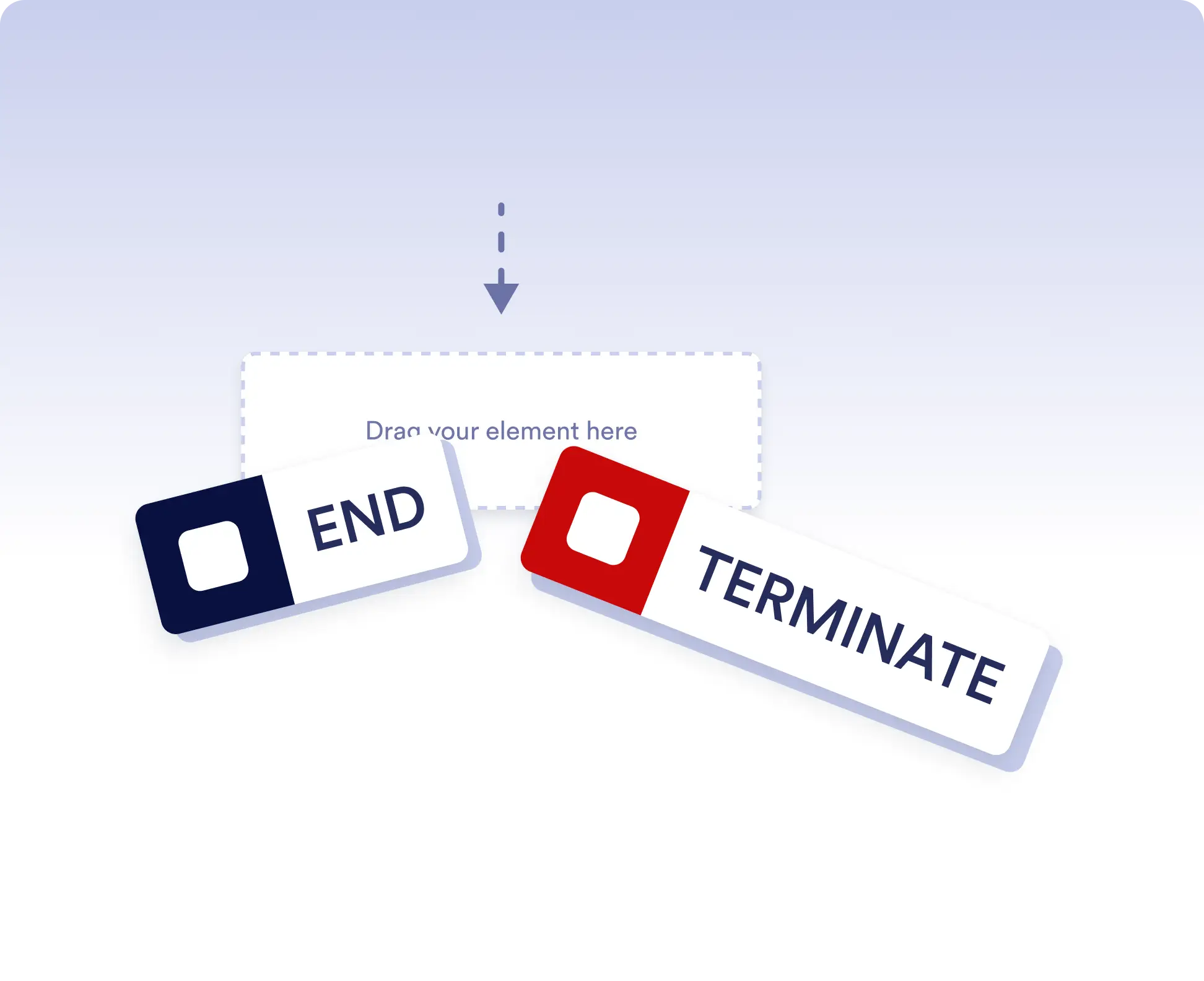
워크플로우 종료 방식을 설정하려면 종료 요소를 플로우의 원하는 위치에 드래그한 다음 원하는 종료 규칙을 설정하세요.
Avoid running extra actions
Terminate the entire workflow as soon as a specific branch is completed. This is ideal for rejection paths, final approvals, or scenarios where no further actions should run once a decision is made.
Allow independent branch completion
Allow branches to finish independently when parts of your workflow can run in parallel or are optional. This keeps your process flexible without forcing unnecessary synchronization.
자주 묻는 질문
이 기능에 대해 궁금한 점이 있으신가요? 아래 FAQ에서 빠른 답변을 확인하거나, 더 자세한 내용은 지원팀에 문의하세요.
End acts as a visual signal that a branch has completed, while Terminate stops the entire workflow immediately when that step is reached.
When a workflow is terminated, all remaining active steps and branches stop immediately and no further actions are executed.
Yes. You can place multiple End elements in different branches to define how and when each path should finish.