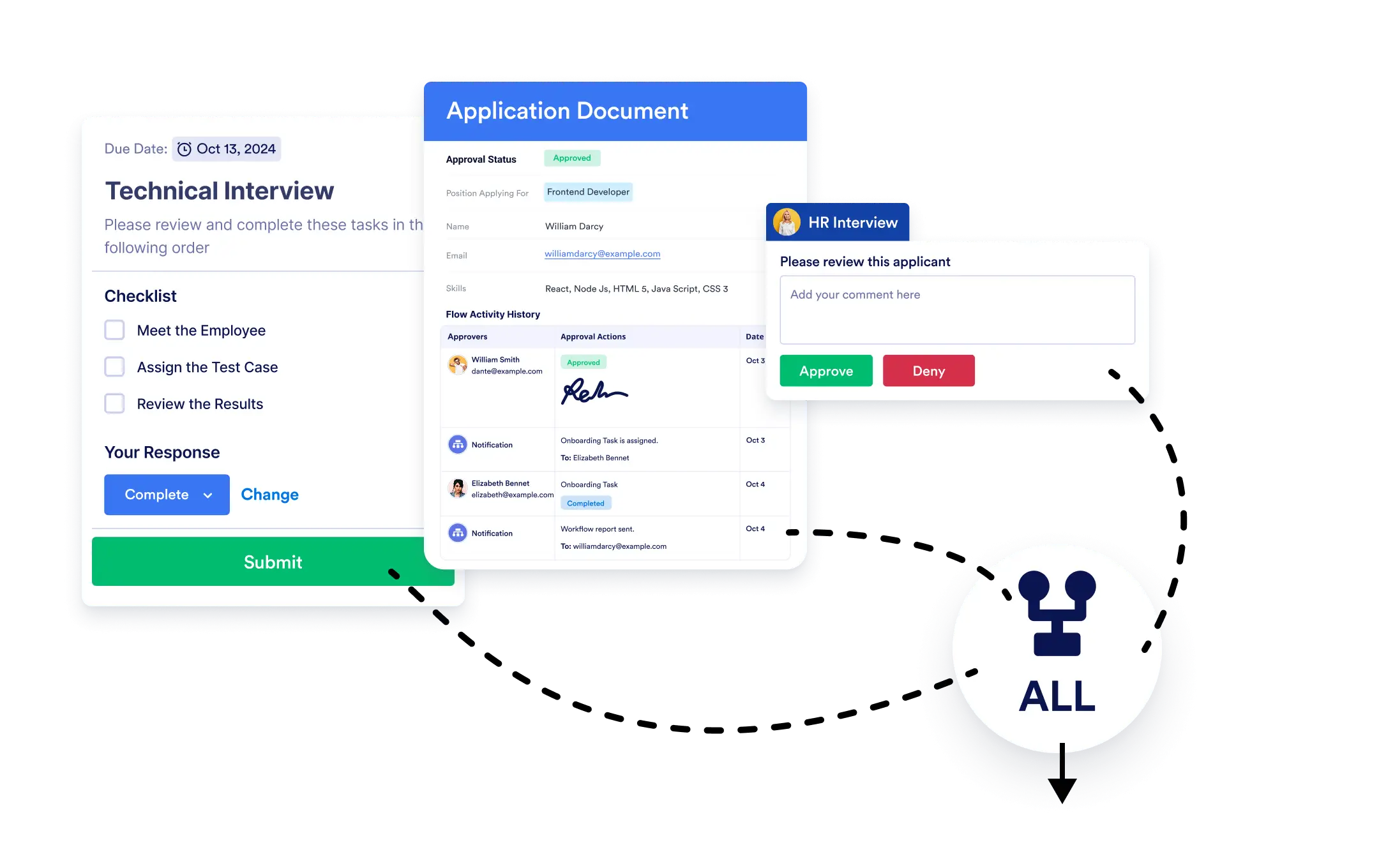
워크플로우를 언제 이어서 진행할지 결정하세요. 모든 작업이 완료될 때까지 기다릴 수도 있고, 하나의 분기만 완료되면 바로 다음 단계로 넘어갈 수도 있습니다. Jform 워크플로우를 사용하면 간단하게 설정할 수 있습니다.
분기 병합
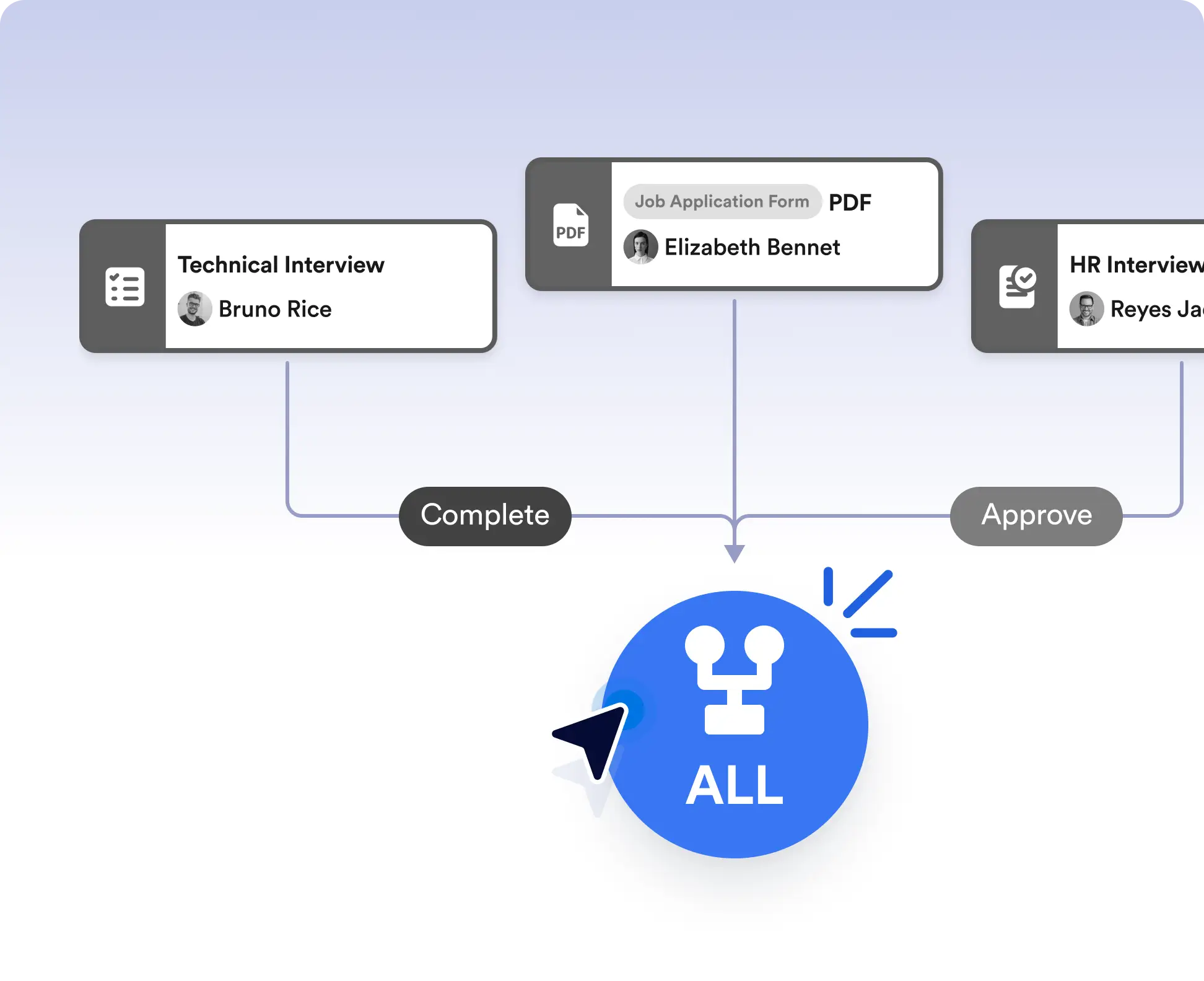
병렬로 나뉜 경로를 손쉽게 하나로 합쳐보세요. 분기 병합 요소를 필요한 위치에 드래그 앤 드롭하여 워크플로우 경로를 다시 연결할 수 있습니다.
병렬 경로를 쉽게 병합하세요
병합 분기 요소를 워크플로로 드래그하여 분기를 연결하기만 하면 됩니다. 완료 기준을 몇 초 만에 설정하고 워크플로가 복잡한 시나리오를 손쉽게 처리하는 것을 확인하세요.
병합 기준 설정:
- 연결된 모든 분기가 완료될 때까지 기다린 후 진행하거나
- 병합 분기 요소에 연결된 분기 중 하나라도 완료되면 즉시 다음 단계로 진행하세요.
Run tasks in parallel, then merge them
Run multiple tasks or approvals at the same time, then merge them back into a single path. Choose to continue only after all branches are completed, making this ideal for reviews, multi-step checks, or parallel data collection.
Continue after the first completed action
Move your workflow forward as soon as one branch is finished when timing matters. This works well for scenarios like first-response handling, optional tasks, or competitive approvals where waiting on every path isn’t necessary.
자주 묻는 질문
이 기능에 대해 궁금한 점이 있으신가요? 아래 FAQ에서 빠른 답변을 확인하거나, 더 자세한 내용은 지원팀에 문의하세요.
Merge Branches lets you bring parallel workflow paths back together and control when the workflow should continue.
You can choose to wait for all connected branches to finish or allow the workflow to continue as soon as any one branch is completed.
Yes. You can use multiple Merge Branches elements to manage complex workflows with several parallel sections.