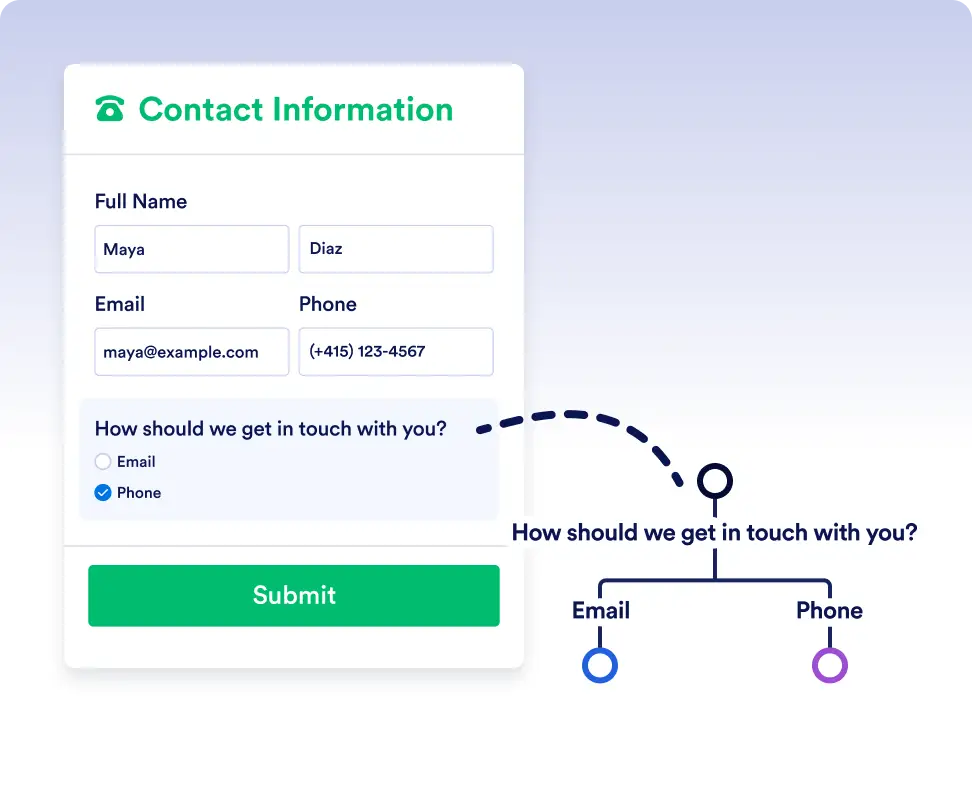
실시간 양식 응답과 워크플로우 데이터를 기반으로 작업, 요청, 승인 항목을 서로 다른 경로로 자동 라우팅하여 업무가 항상 적절한 담당자에게 전달되도록 하세요.
더 스마트한 워크플로우를 위한 간단한 참/거짓 로직
If/Else 조건은 각 단계가 정의한 기준을 충족하는지 자동으로 확인해 추측이나 수동 라우팅을 없애줍니다. 이를 통해 작업, 양식, 승인이 항상 올바른 방향으로 진행되며, 정확하고 효율적인 완전 자동화 워크플로우를 구축할 수 있습니다.
모든 시나리오를 위한 동적 라우팅
If/Else 조건을 추가하는 것은 데이터 필드를 선택하고 조건을 설정하는 것만큼 간단합니다. 분기 처리는 Jform 워크플로우에 맡기고, 업무 진행에 집중하세요.
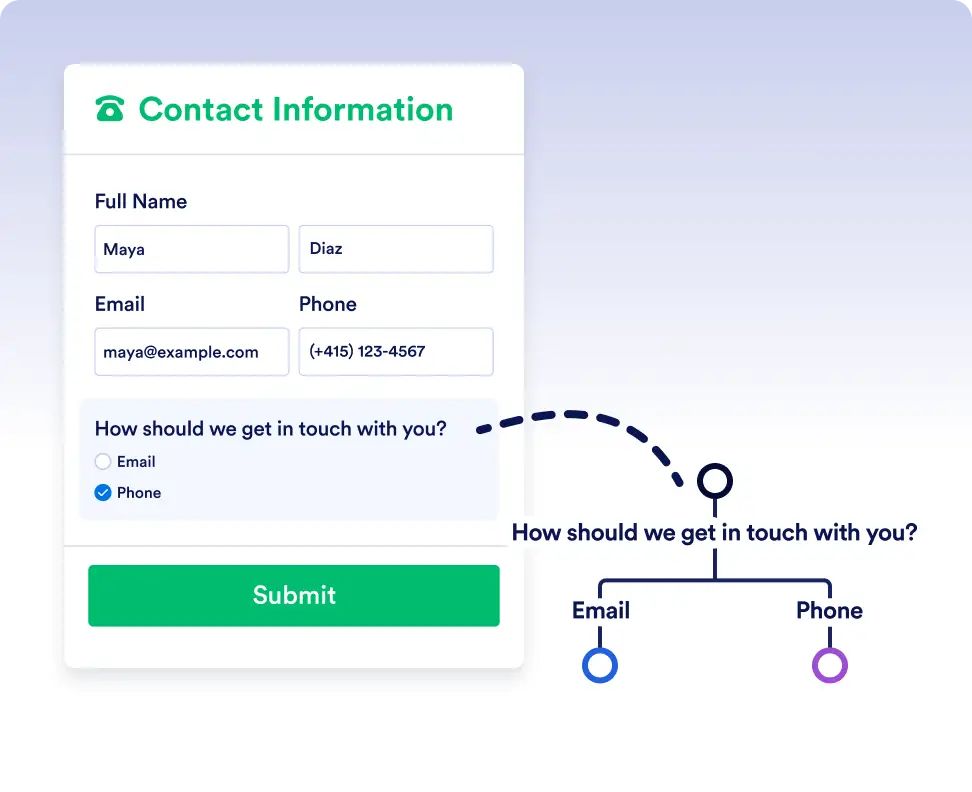
Smart routing with form data
Automatically send submissions down different paths depending on how users respond to a form. For example, route high-priority requests for immediate approval while sending standard requests through a regular review process.
Handle complex flows with conditional logic
Use If/Else conditions to adapt workflows to real-world scenarios. Trigger different actions, assign tasks to different teams, or skip unnecessary steps based on workflow data or previous outcomes.
자주 묻는 질문
이 기능에 대해 궁금한 점이 있으신가요? 아래 FAQ에서 빠른 답변을 확인하거나, 더 자세한 내용은 지원팀에 문의하세요.
You can use data from form responses, approval steps, assigned tasks, and other workflow elements used in the flow to define your If/Else conditions.
If no conditions are met, the workflow follows the default Else path, ensuring the process always continues.
Yes. You can add multiple rules to a single If/Else condition and choose whether all rules must be met or if any one of them is enough to trigger a path.