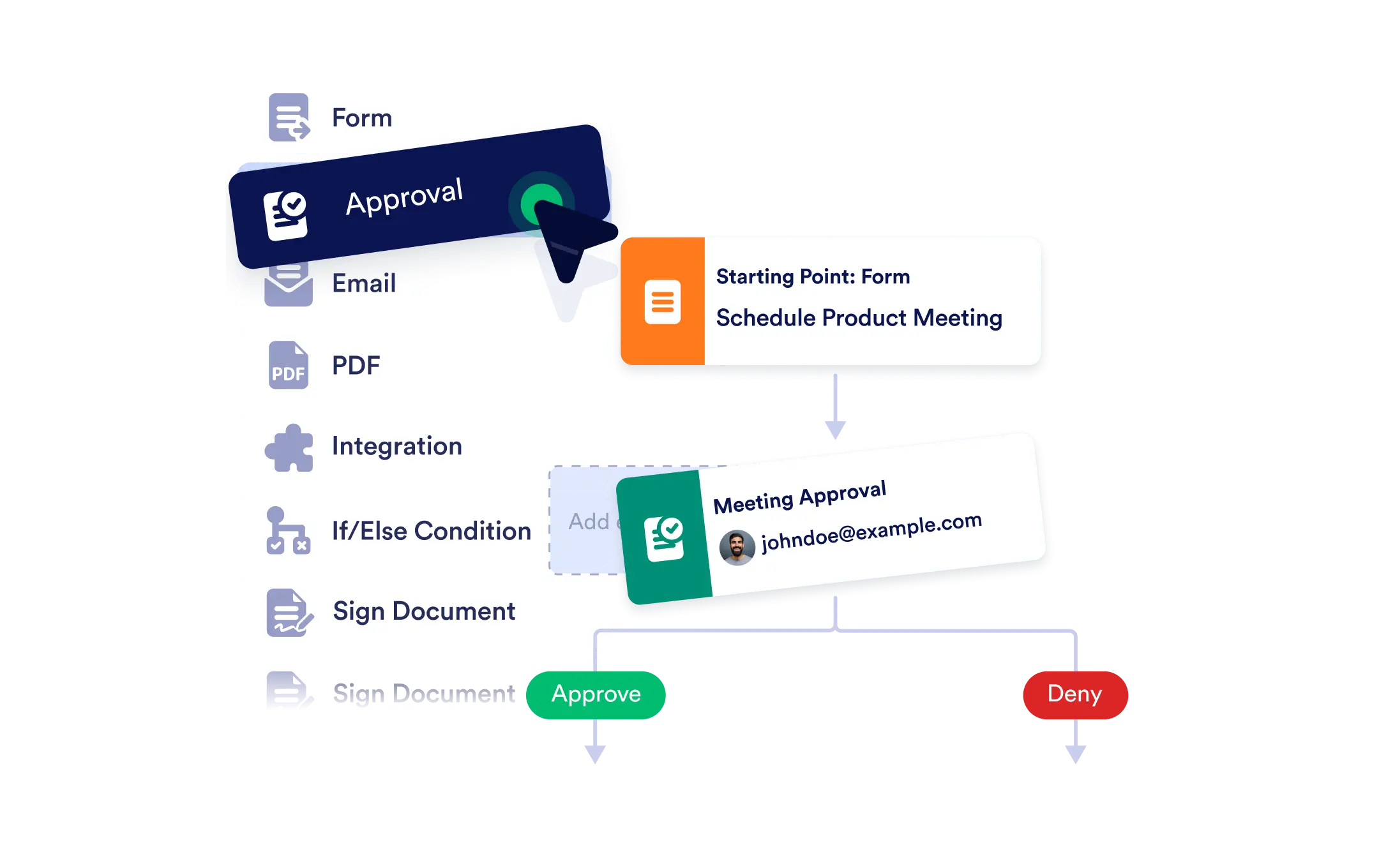
Create end-to-end workflows with ease using our no-code, visual builder. Whether you're automating internal approvals or coordinating multi-step tasks, simply drag, drop, and connect the pieces and bring your processes to life instantly.
Visual Process Mapping
See your entire workflow at a glance. The builder’s clear layout helps you visualize branching paths, conditional logic, and task dependencies.
Add Workflow Elements with Ease
From approvals to emails, just drag what you need onto the canvas. Each element is customizable to match your exact process.
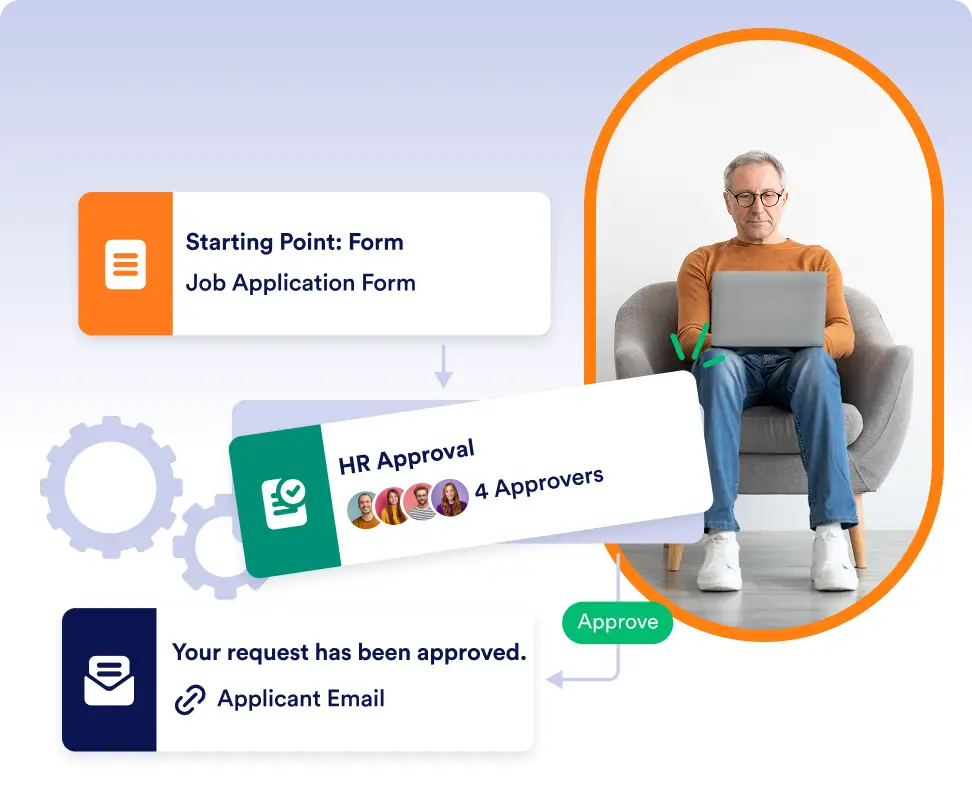
Connect and Configure in Seconds
Use visual connectors to define the sequence of actions. Add logic and rules to personalize how your flow behaves based on form responses or conditions.
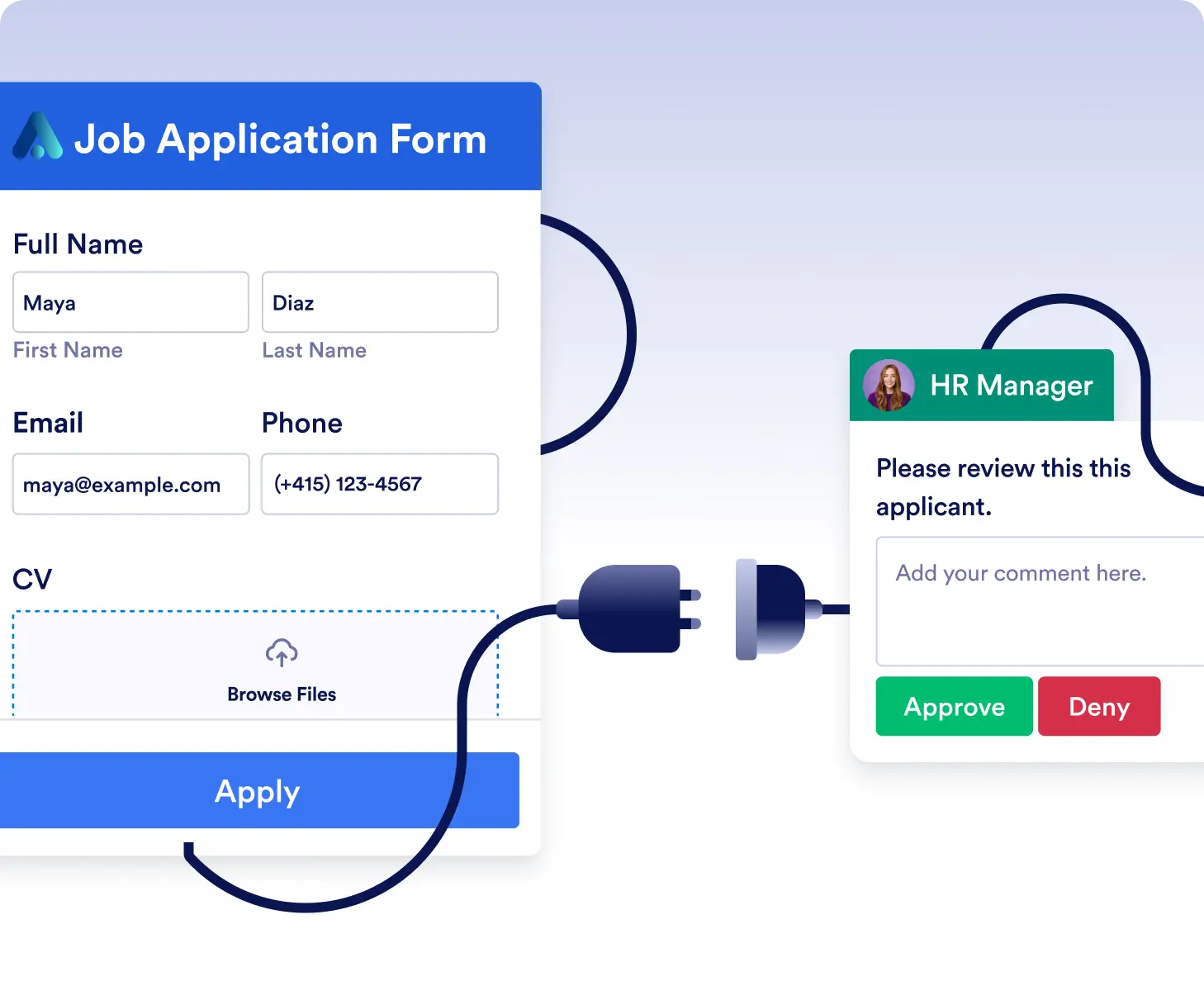
코딩 없이 승인 워크플로우를 디자인하세요
드래그 앤 드롭 요소를 사용해 요청, 신청서 또는 내부 검토를 위한 승인 프로세스를 만드세요. 양식, 승인, 알림을 시각적으로 연결해 조직의 의사 결정 방식에 맞춰 보세요.
분기 로직으로 복잡한 워크플로우를 구축하세요
사용자 응답에 따라 변화하는 워크플로우를 손쉽게 구성하세요. 조건부 경로, 자동 이메일 또는 후속 작업을 추가하여 여러 시나리오를 하나의 체계적인 흐름으로 처리할 수 있습니다.
자주 묻는 질문
이 기능에 대해 궁금한 점이 있으신가요? 아래 FAQ에서 빠른 답변을 확인하거나, 더 자세한 내용은 지원팀에 문의하세요.
승인, 이메일, 조건, 통합, 결제 등을 추가할 수 있습니다. 각 요소는 특정 프로세스에 맞게 맞춤 설정할 수 있습니다.
아니요. 빌더는 완전히 노코드 방식입니다. 캔버스에 요소를 드래그하고 시각적으로 연결하기만 하면 워크플로우를 만들 수 있습니다.
Yes. You can edit, rearrange, or expand your workflow at any time. The visual layout makes it easy to update steps or logic as your needs evolve.