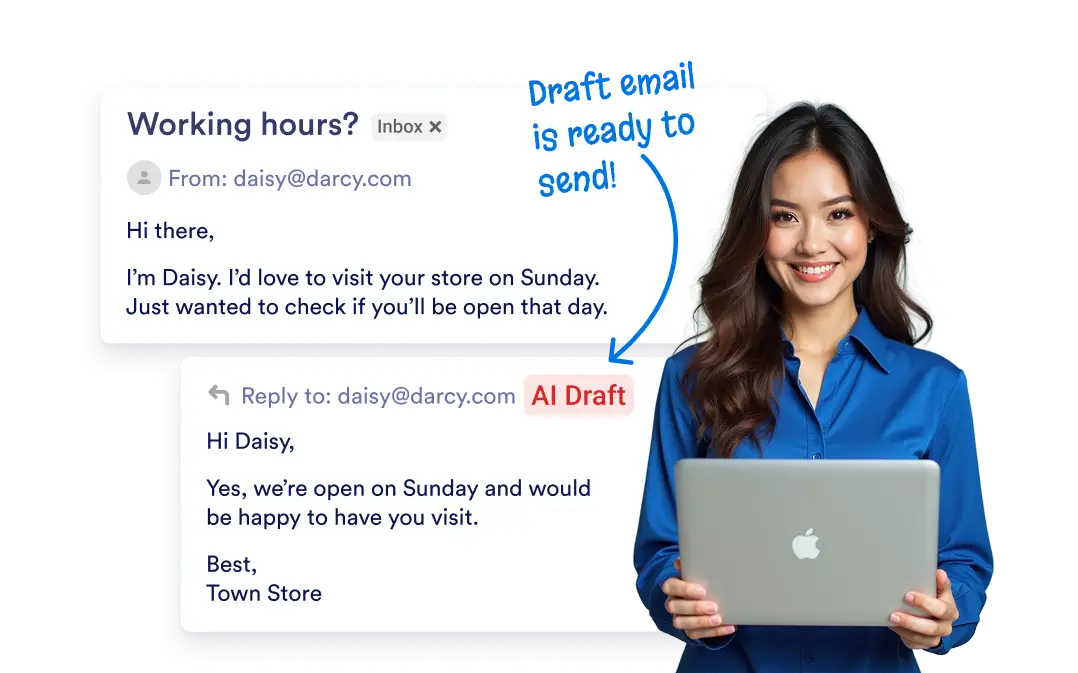
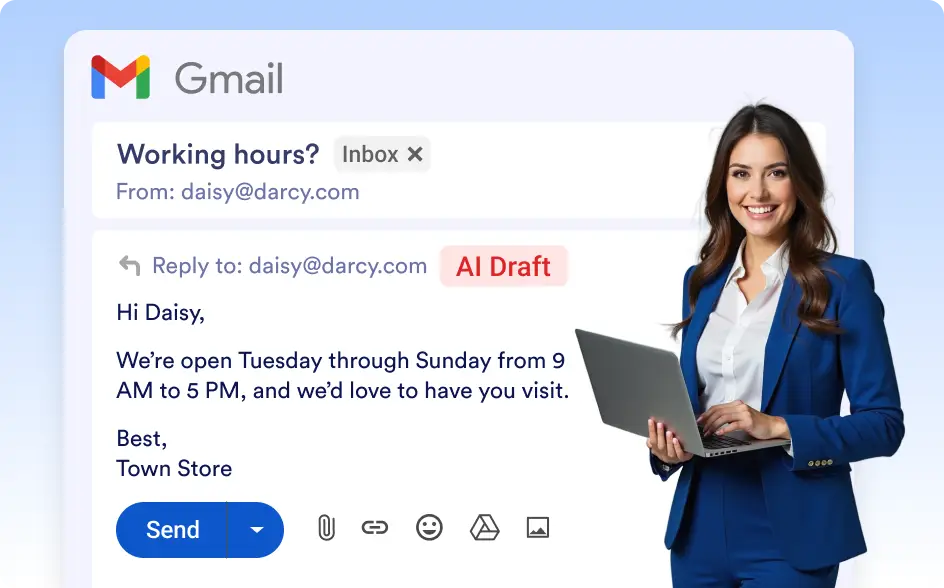
Enhance your email workflow by connecting AI with Gmail to generate draft emails instantly. Whenever a new message comes in, your AI Agent can automatically create a personalized response and save it as a draft—ready for your final touch.
Automated Email Drafting
Enhance your email workflow by connecting Jform’s Gmail Agent to your Gmail account to instantly generate draft emails. With Jform’s Gmail Agent, your AI can compose well-structured drafts for you to review, edit, and send with ease.
No Coding or Complex Setup Required
Get started in just a few clicks — simply connect your Gmail account, set up your AI Agent, and start automating email drafting instantly without any technical expertise.
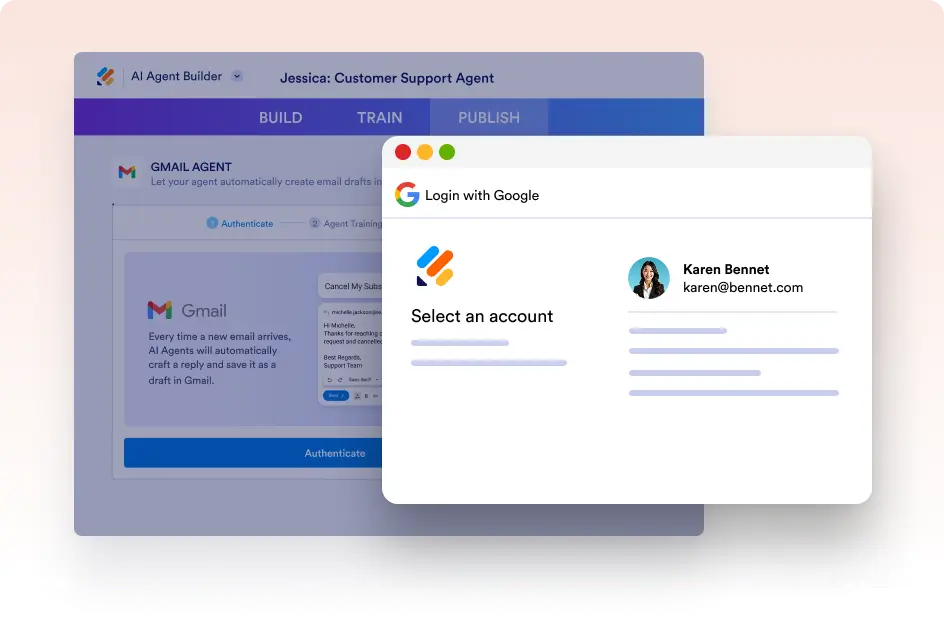
Connect Your Gmail Account
Easily connect your Gmail account to allow your AI Agent to draft emails directly in your inbox. This ensures a smooth and effortless experience without the need for external tools or manual copy-pasting.
Drafted by AI, Perfected by You
Every AI-generated email is saved as a draft, allowing you to review, customize, and approve it before sending it. This ensures accuracy, personalization, and professional messaging that aligns with your brand voice.
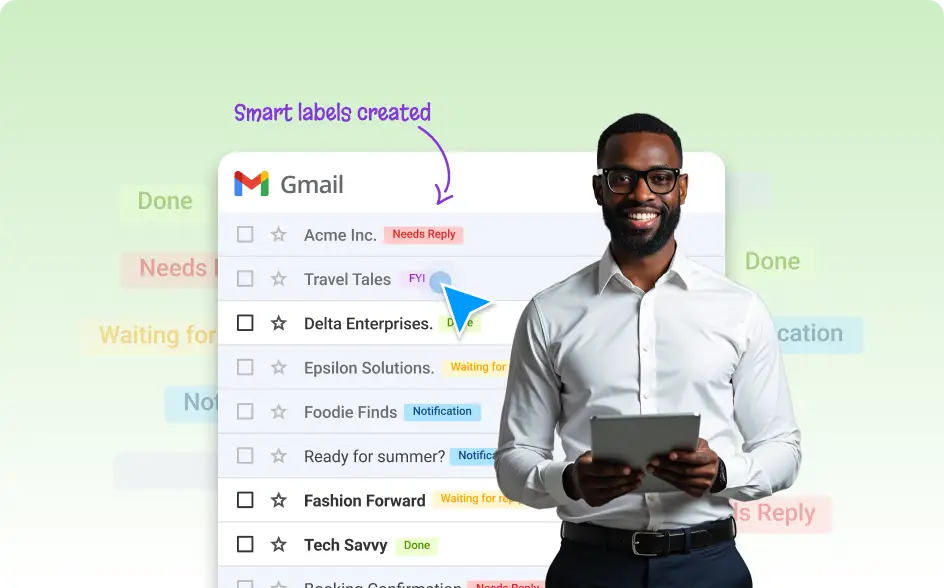
Auto-Label Emails with Gmail Agent
Let your AI Agent keep your Gmail organized with smart labels. Jform’s Gmail Agent automatically categorizes incoming emails and applies relevant labels based on their content.